Everything is more expensive nowadays, including Macs. The higher prices have an effect on our shopping habits, so you might be more inclined to take advantage of a sale price as soon as you see one, instead of waiting for a better deal. After all, there’s a good chance prices will go up again, since the supply shortage isn’t going to ease up anytime soon.
Today is the last day of Amazon’s fall sales event, and that includes Macs. We weren’t expecting much, but you can save a good chunk of change on many Mac models during the event, and there are a few Macs that are actually really good deals. Here are the Amazon Mac deals you should pick up before time runs out.
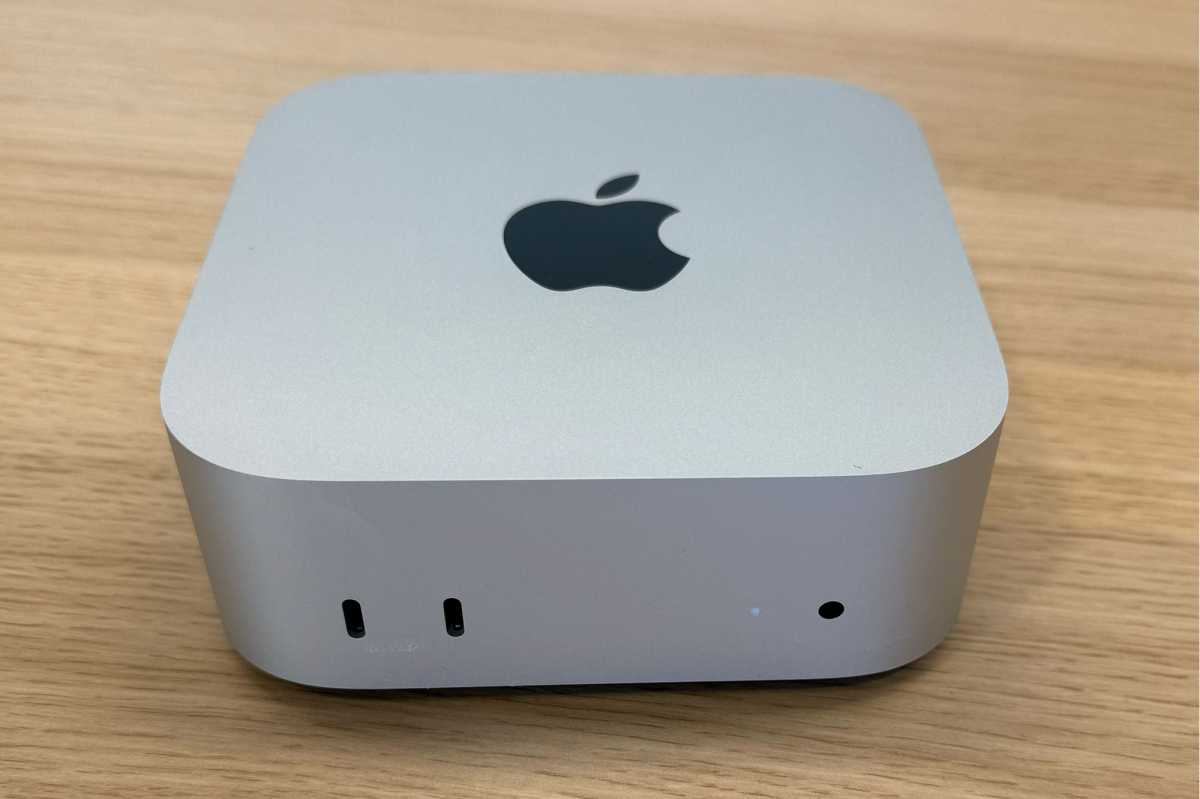
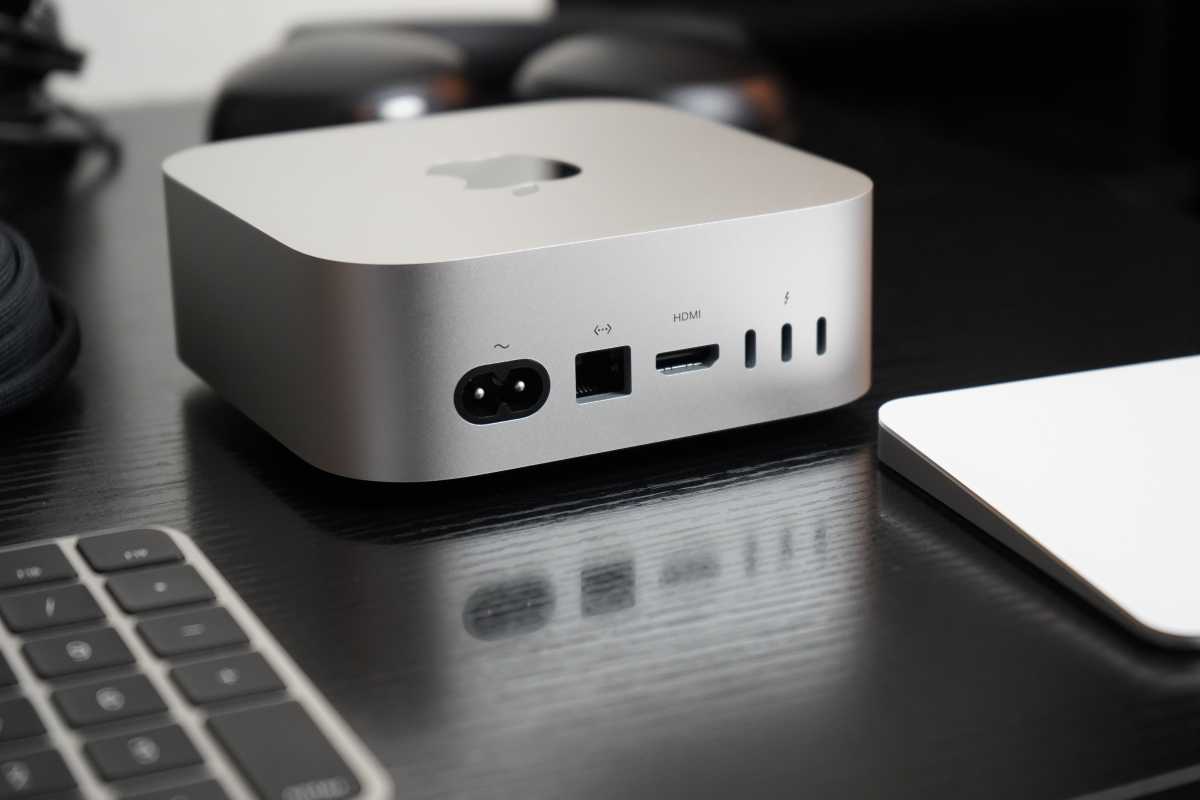
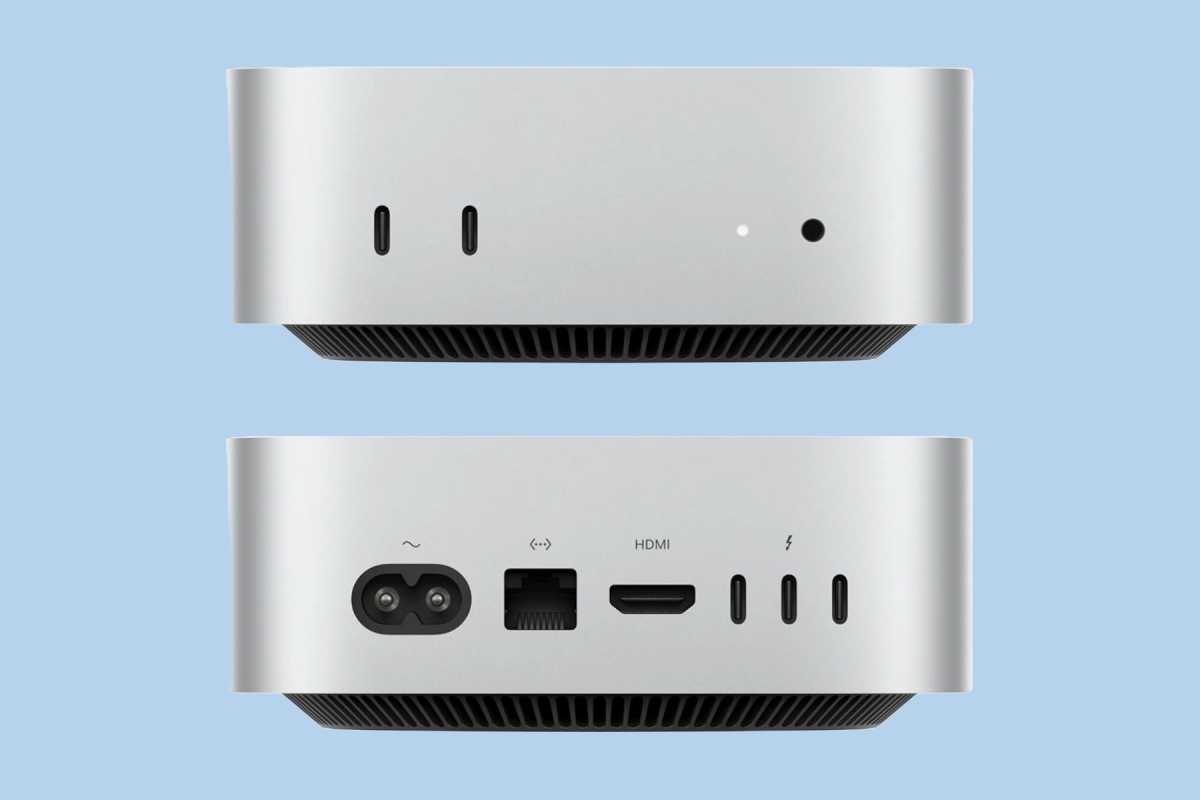
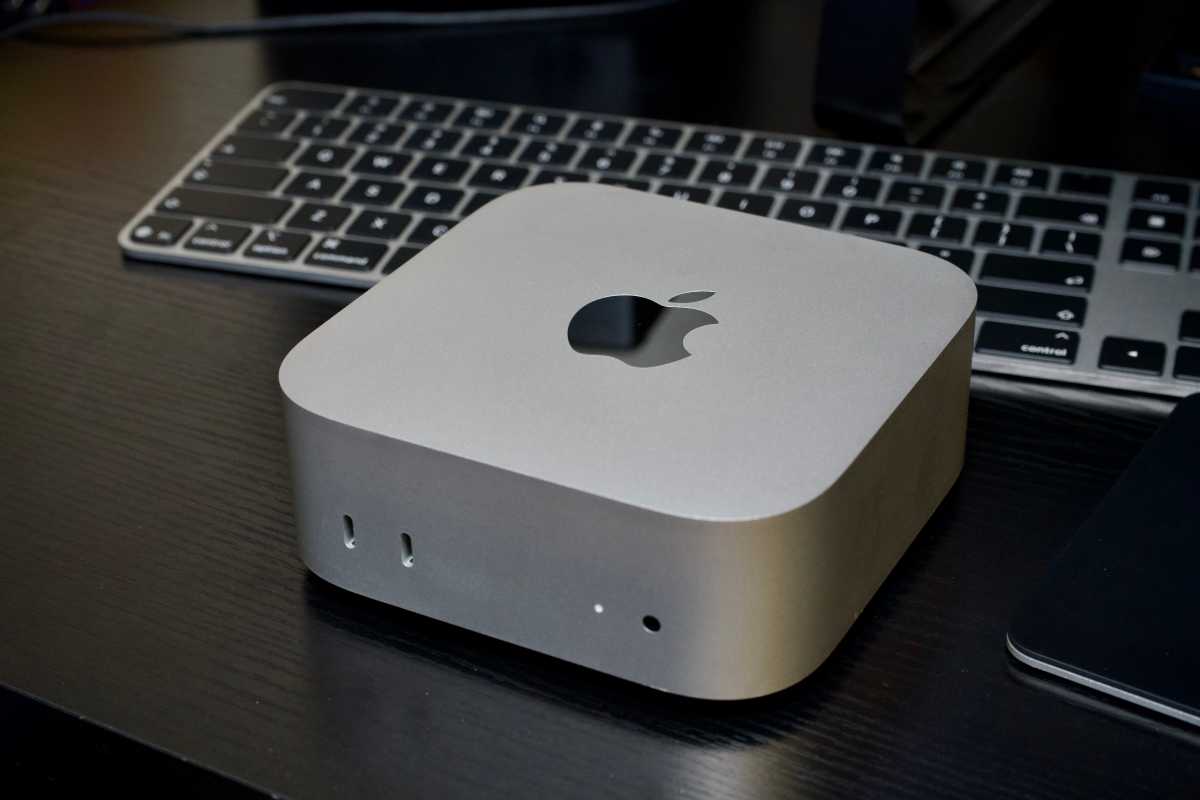
When Apple released the M6 Mac mini, it raised prices on top of the June hikes, bringing the entry-level model to a depressing $899. But today, Amazon is selling the base M6 Mac mini for $780, a savings of $119 (13 percent) off Apple’s price. It only has 16GB of RAM and a 256GB SSD, which probably isn’t enough for AI development, but you can also save up to $150 on models with more storage and memory, so go check it out.
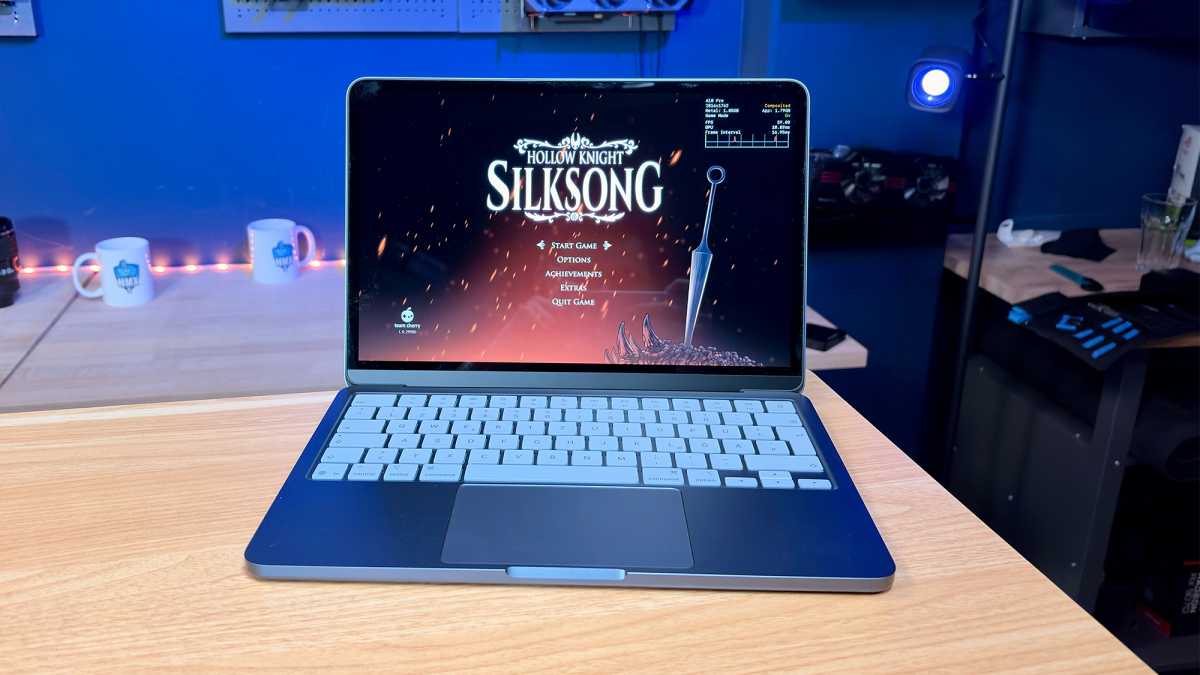
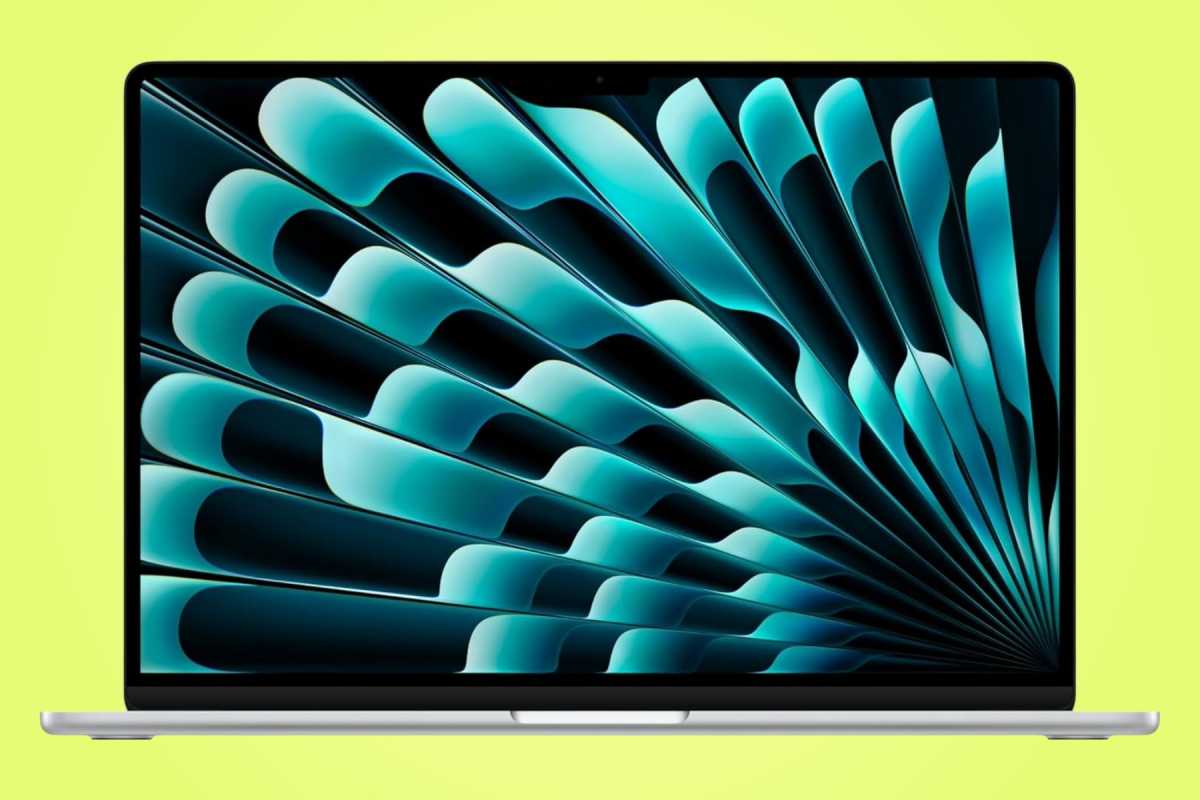
Amazon is offering $200 off the M5 MacBook Air, an excellent deal that brings the price back to what Apple originally charged. We’re expecting an upgrade to the M6 within the next six months, but even if the price stays the same, you’re going to pay regular price for that laptop at least until Amazon’s July Prime Day event. Also, the 20 percent performance boost of M6 over the M5 doesn’t have the same value as it used to, so you’re safe grabbing this Amazon deal before time runs out.
The $200 price cut doesn’t just apply to the base 16GB/512GB SSD model. You can save $200 on the models with 24GB of RAM or a 1TB SSD, too, in any of the Air colors. Nice!
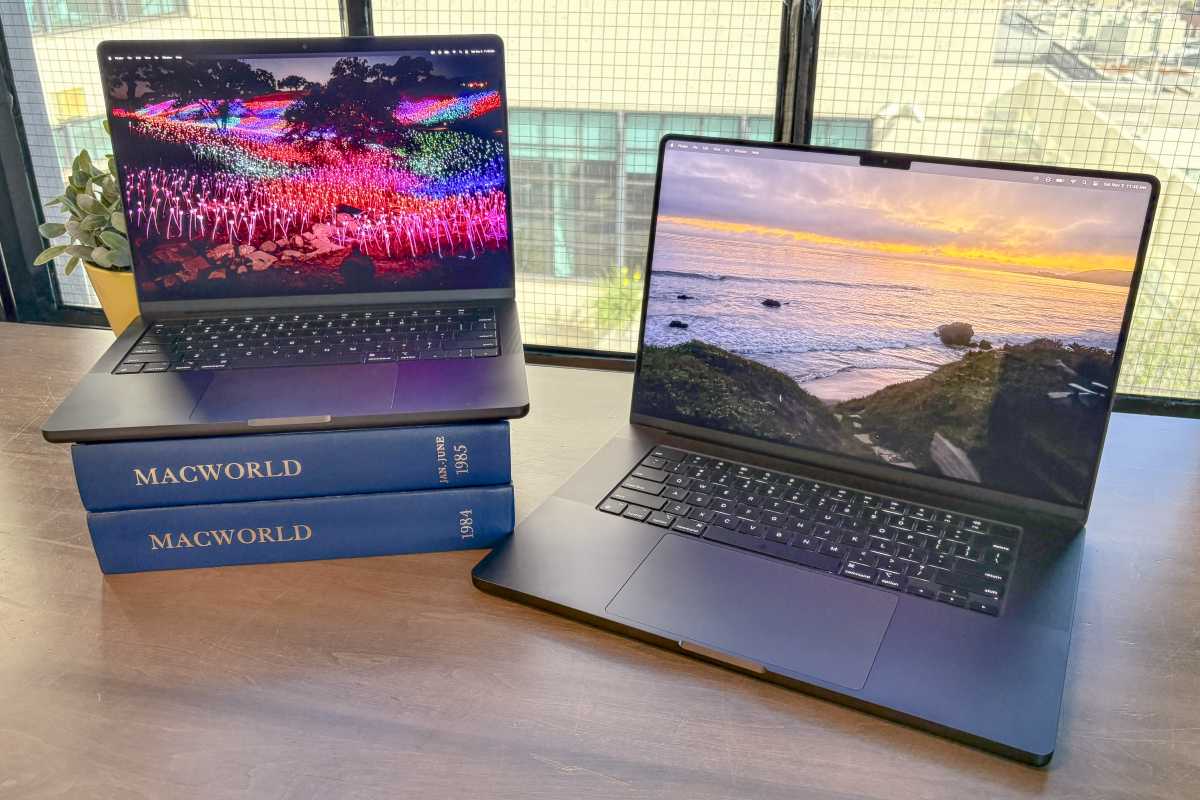
Now, perhaps you’re waiting for the imminent OLED MacBook Pro upgrade, which could happen soon. Even though rumors say it will be lighter and feature Apple’s first touchscreen on a Mac, be prepared to pay a lot for it–it’s going to be pricey. Since it’s an entirely new laptop, we don’t expect it to go on sale for a long while, and in the meantime, you can have a speedy new MacBook Pro and save yourself a lot of time.
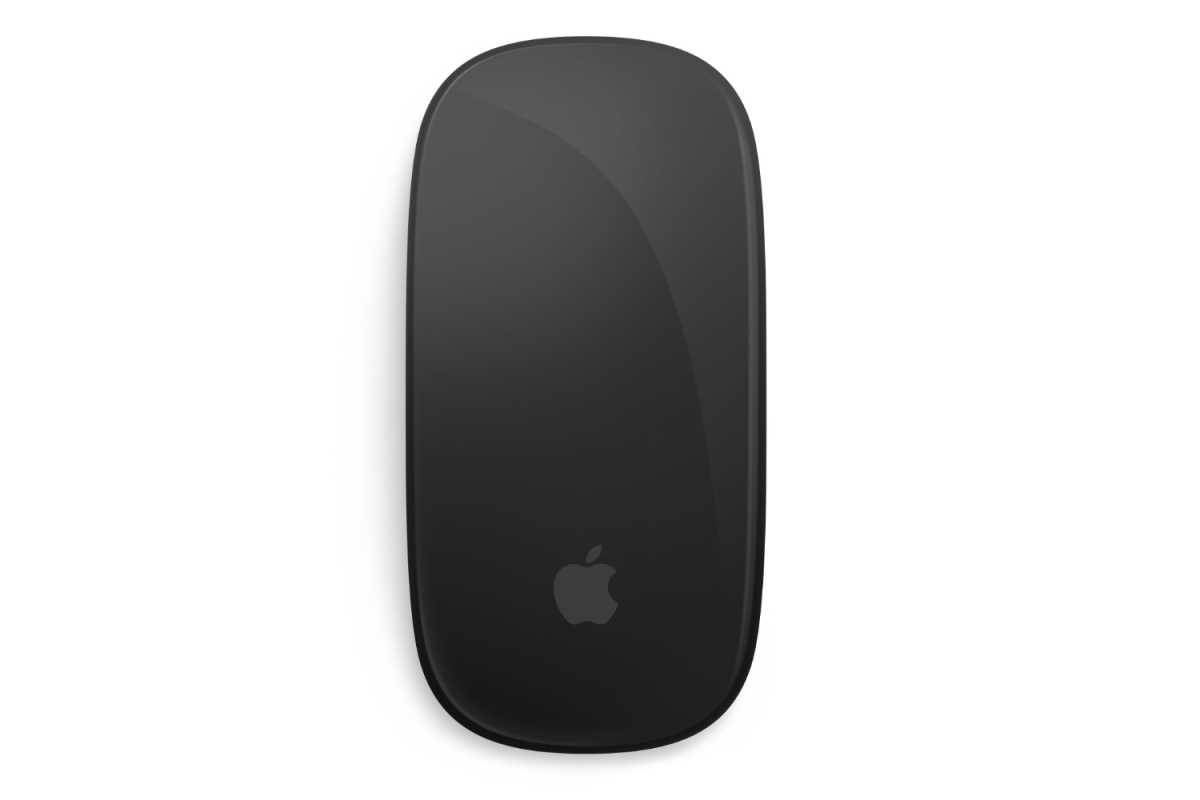
I’m not the biggest fan of the low profile feel of Apple’s Magic Mouse, but I’ll admit, the black Magic Mouse is striking. It’s on sale now for $79 on Amazon, which is $20 off, along with the black Magic Trackpad for $130 (MSRP $149). Unfortunately, the black Magic Keyboard with Touch ID and Numeric Keypad doesn’t get the same sale treatment if you’re looking to complete the set.
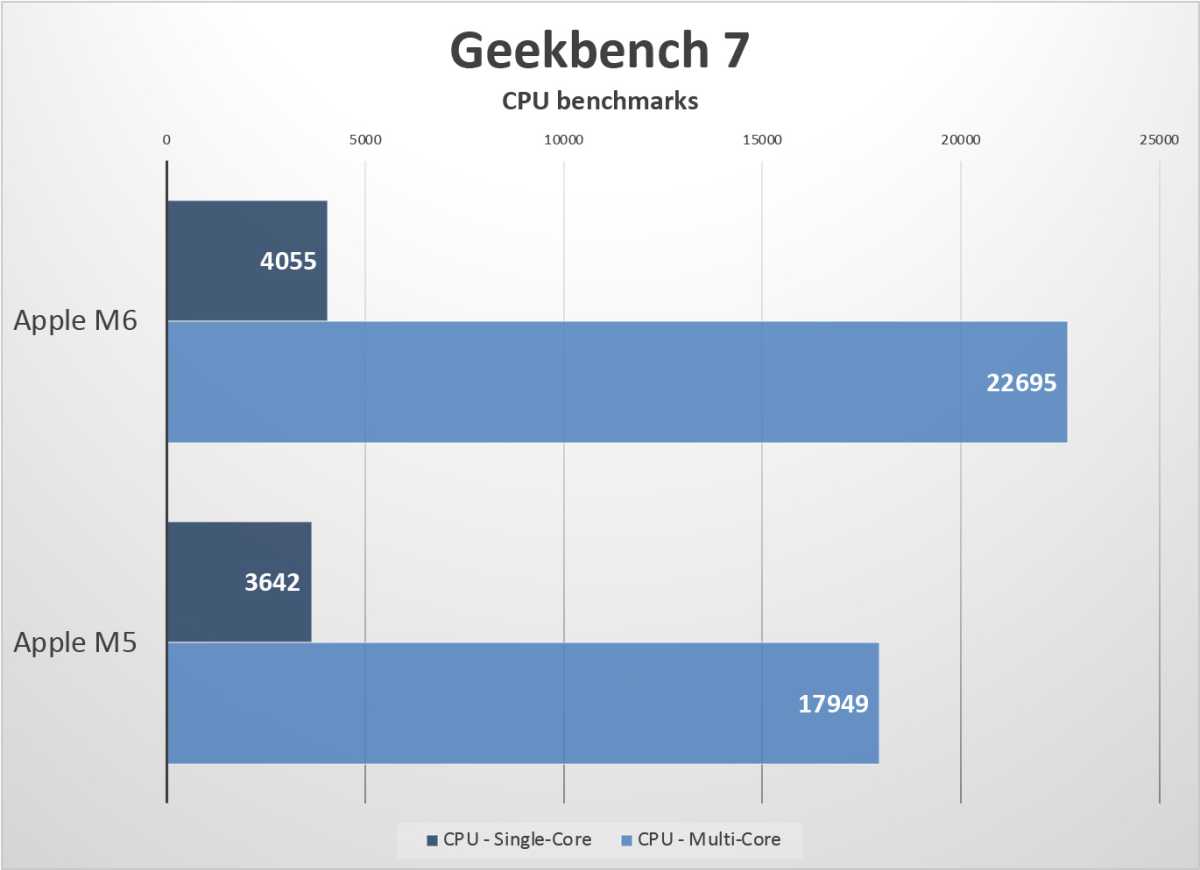
Our own review of the new Mac mini analyzed the performance and value of the M5 Pro version, but that chip has been around since the spring. Far more interesting is the M6, a new-generation processor made on TSMC’s 2nm process and sporting some interesting architectural changes. Our German sister site Macwelt reviewed that model, and found it to be a big jump over the preview Mac mini, which came equipped with an M4.
Now that the chip has been out for a couple of weeks, we’re starting to get some good technical breakdowns that discuss the finer architectural details of the chip. (Two of our favorites are Geekerwan and High Yield / SemiAnalysis.) They paint the picture of a processor with an interesting set of new advancements, primarily the result of TSMC’s new 2nm process and the increased density it enables. Here are some of the things we learned.
What 2nm enables
Along with the A20 Pro in the iPhone 18 Pro and iPhone Duo, the M6 represents the first of Apple’s chips to use the new 2nm manufacturing process from TSMC, and it’s one of the first mass-market 2nm chips in the world.
New manufacturing process technologies can be tricky to understand, but in essence, this new 2nm process has smaller features—gates and transistors and resistors and such—which means the same logic and RAM storage can fit into a smaller area. You can use this to make a smaller chip, or just to fit more chip “stuff” in the same area.
In the case of the M6, it allows Apple to increase core counts and add features while actually making the chip slightly smaller than the M5. The M6 is estimated to be about 142 mm2, compared to the M5’s 157 mm2. In fact, with the exception of the 119 mm2 M1, the M6 is the smallest M-series chip yet.
Despite increasing core counts and cache sizes, the M6 is slightly smaller than the M5, thanks to TSMC’s 2nm process.SemiAnalysis
This new manufacturing process brings more than just smaller, denser chip features. It also gives us a new type of transistor, GAAFET (gate-all-around field-effect transistor), which replaces the older FinFET design. It surrounds the gate material on all four sides, vs. just three sides as in the FinFET technology. It reduces leakage and makes the chips more electrically stable, so they can run at lower power and higher clock speeds.
Big CPU changes
With the M5, Apple rebranded its performance cores as “super cores.” In the M5 Pro and Max, the company used both the new super cores and new mid-range performance cores. Some chips, such as the A18 Pro, included both super and efficiency cores.
The M6 is the first Apple processor to use three different CPU core designs: 2 Super cores, 4 Performance cores, and 6 Efficiency cores. It’s not the first company to do this sort of thing, as Intel’s Panther Lake generation includes a 4-8-4 design with what it calls performance cores, efficiency cores, and low-power efficiency cores.
This new middle-child performance core is about half the size of a super core, and while not as fast, it’s a lot more powerful than the efficiency cores. So in essence, Apple took the four super and six efficiency CPU-core setup of the M5, and traded out two of the super cores for four Performance cores. It’s a good design, as it improves multi-core CPU performance greatly while not having a big impact on CPU die area or single-thread performance.
Foundry
The cache setup is similar to the M5 in many ways. The SLC (system-level cache, shared by all of the SoC’s components) is still 16 megabytes. The L2 cache has gone up to 20MB from 16MB in the M5, and it’s shared by the super cores and performance cores. Since it is now being used by six CPU cores instead of four, an equal increase in size makes sense. As with the M5, the super cores are weird in that they also have their own individual 1.5MB L2 caches in addition to the big shared L2.
The efficiency cores are said to be identical to those in the A20 Pro, and they’re quite capable in their own right, but they have their own separate L2 cache and AMX unit (a CPU complex dedicated to speeding up matrix math operations).
This is one of the biggest fundamental changes in the M6—a new three-tier CPU core setup, with S-cores that are more powerful and clocked higher than those in earlier processors. We’ll probably see this three-tier setup in the M7 as well.
A GPU starved for bandwidth?
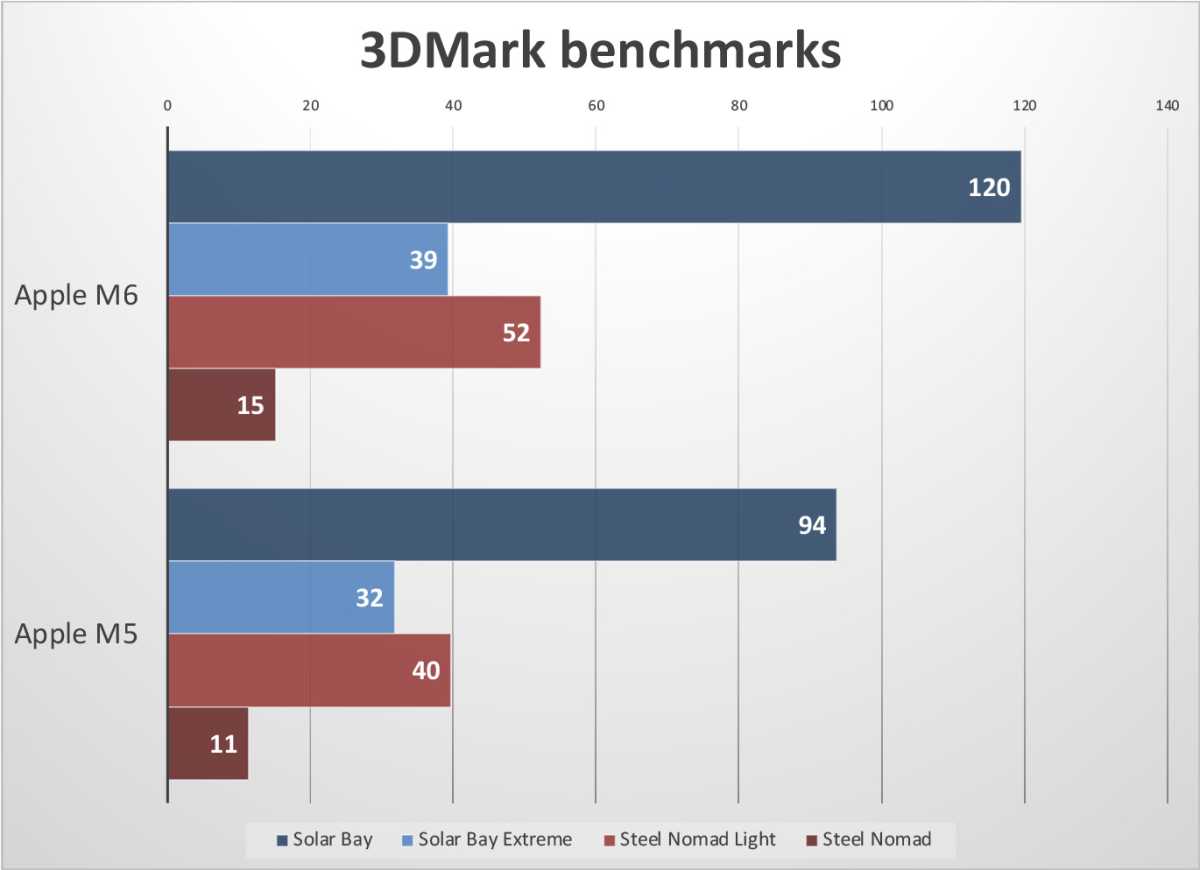
Apple added two more GPU cores in the M6 compared to the M5, taking it from 10 cores to 12. This alone accounts for a 20 percent increase in peak GPU compute performance, but it’s also clocked slightly higher. The new core design does have faster geometry processing rates (important for 3D graphics scenes with complex geometry), but it’s mostly this core count and clock speed boost that is responsible for the better performance.
In real-world applications, we can’t help but think the GPU is limited by memory bandwidth. The M6 has a max memory bandwidth of 170 GB/sec, but only in the 24GB and 32GB models, which have LPDDR 5x RAM at 10,667 MT/sec. The 16GB model has slower memory running at 9,600 MT/sec, giving it the same 153 GB/sec as the M5.
That’s not a very big increase in memory bandwidth, especially when you consider it’s being shared with the CPU cores and Neural Engine.
Foundry
Despite a very modest increase in memory bandwidth, the increase in GPU cores and clock speeds helps the M6 improve 3D graphics performance by 20 percent or more. We’re left wondering: How much faster would it be with more memory bandwidth available?
If you’re going to add CPU cores, double Neural Engine cores, and add 25% more GPU cores while only increasing memory bandwidth by 10%, you would expect to be limited by memory bandwidth at almost every turn. The M6 has plenty of cache, but the A20 Pro just goes to show how much performance you can get from a wider memory bus, and it’s time for Apple to do the same for the base M-series chips as well.
Double Neural Engine
Speaking of memory-hungry operations, the M6 has the same doubled-up Neural Engine as the A20 Pro. It’s technically two separate 16-core Neural Engine units rather than a single 32-core one. Each 16-core cluster has its own separate cache that isn’t shared with the other, but there’s a single control unit for the entire array.
Foundry
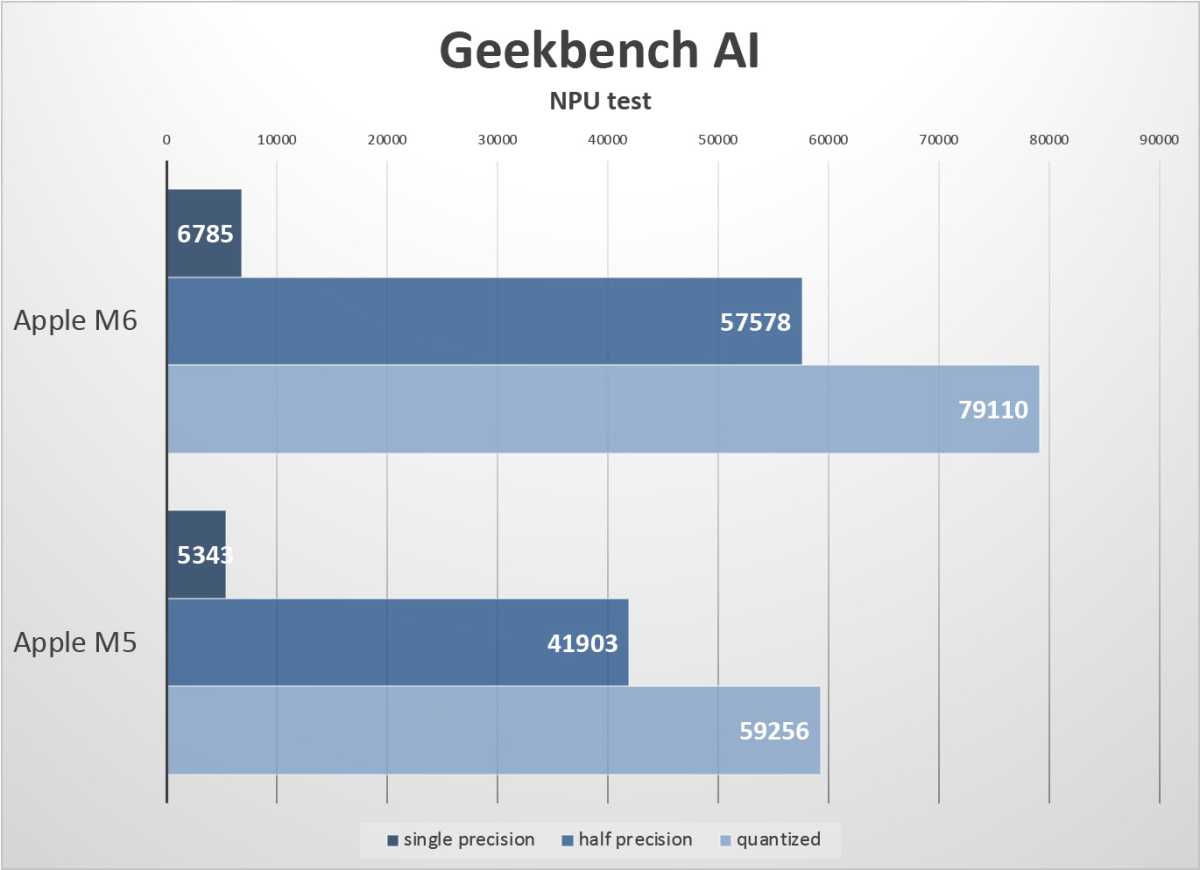
It’s hard to know if this 16/16 split affects real-world performance more than just having a big 32-core Neural Engine with a single cache that’s twice as big, but we do see some nice performance gains, with the M6 running quantized models on the Neural Engine about 50 percent faster than the M4, and even 20 percent faster than the M5 Pro despite having a lot less memory bandwidth.
Still, it’s important to recognize that twice the cores does not equal twice the performance, especially if the system is limited in some other way. Again, we have to wonder if memory bandwidth is holding things back here.
M7 has one job: a wider memory bus
If the most recent rumors are to be believed, the M6 will be the only chip in this generation. We would typically either have an M6 Pro already, or get it in the spring of 2027, along with an M6 Max and even potentially an M6 Ultra. Then, Apple would start the next generation with the M7 in the fall of 2027.
Instead, so the rumors go, the M7 is being pulled in and will ship in the spring, with the M7 Pro/Max variants in the fall. This would leave the M6 as the sole chip in this generation.
Apple is said to be doing this primarily to accelerate the roadmap of its chips’ AI performance, and it’s easy to see why. The M6 has a 128-bit memory interface, the same as every base M-series chip since the M1. The only thing improving memory bandwidth is faster DRAM chips.
AI tasks, whether they are performed by the Neural Engine or the GPU, tend to be very memory intensive. We’ve seen how much the A20 Pro’s performance benefitted from increasing the memory bus by 50 percent from 64-bit to 96-bit, and it’s definitely time for the M series to do the same.
Yes, we expect architectural advancements in the CPU, GPU, and Neural Engine cores of the M7, but no single change would be as significant as increasing the memory bus to 192-bit or 256-bit. This would increase memory bandwidth to 255 GB/sec or 341 GB/sec with the same LPDDR5x memory and make graphics, GPU compute, and intensive AI tasks just fly.
Adds three 15.6-inch HD screens, for four displays in total
Freestanding aluminum frame, with no clips to MacBook
One USB-C cable connection
Rotating screens and several display modes
Cons
Requires driver installation
Not color-accurate for pro creative work
Bulky for a portable display
High list price
Our Verdict
Its unwieldy shape and size might not be for everybody, but the well-built KYY X90G has a place in your life if you need multiple flexibly positioned HD monitors within easy sight that can be speedily collapsed and hidden away when you don’t need them anymore.
Price When Reviewed
This value will show the geolocated pricing text for product undefined
What is it? A connected set of three 15.6-inch HD screens that create a multi-monitor setup for your MacBook.
Who is it for? People on the look out for easily packed-up but greatly expanded screen space, and for whom a single MacBook display means constantly shuffling windows. This is a good solution for hot-desking, moving between rooms, and temporary workspaces.
Who shouldn’t buy it? Travelers looking for a backpack-able portable monitor, cafe-based workers, or one-desk workers happy to keep their displays always set up.
A MacBook encompassing computer, keyboard and trackpad (as well as webcam, microphone and speakers) is a formidable tool but many of us use it more like a desktop most of the time: connected to one or more static external displays, and maybe a docking station to add ports and more.
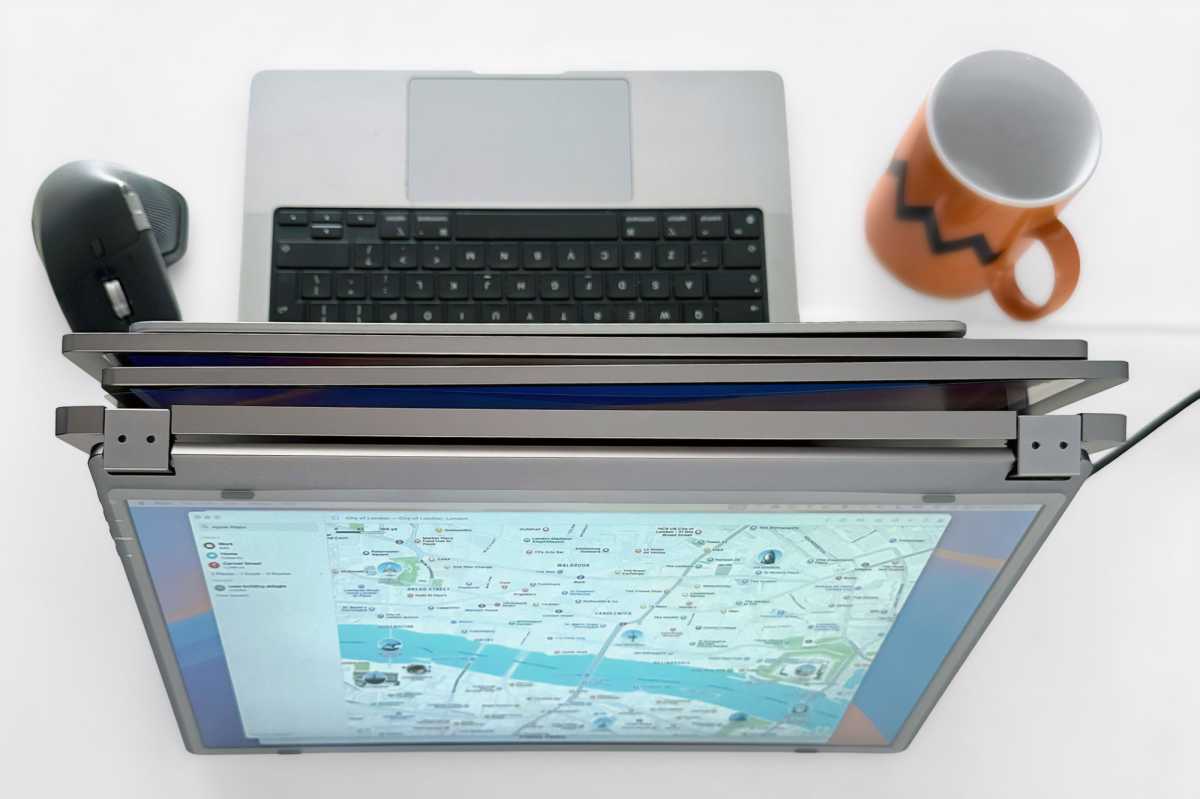
The KYY X90G Quad Portable Monitor sidesteps the standard desktop monitor model to instead create a super-laptop with three extra screens—one on either side and one above your open MacBook.
How many extra screens does the KYY X90G add?
KYY is counting the MacBook’s built-in screen in its quad lineup. The three it adds are larger than most we’ve seen of this type, with 15.6-inch screens larger than most MacBook screens, with the exception of the mighty 16-inch MacBook Pro.
The maximum resolution of each is 1920 x 1080 pixels (aka 1080p or Full HD) so some way off even the MacBook Neo’s 2408 x 1506 pixels, but still offering decent supplementary working spaces.
Simon Jary
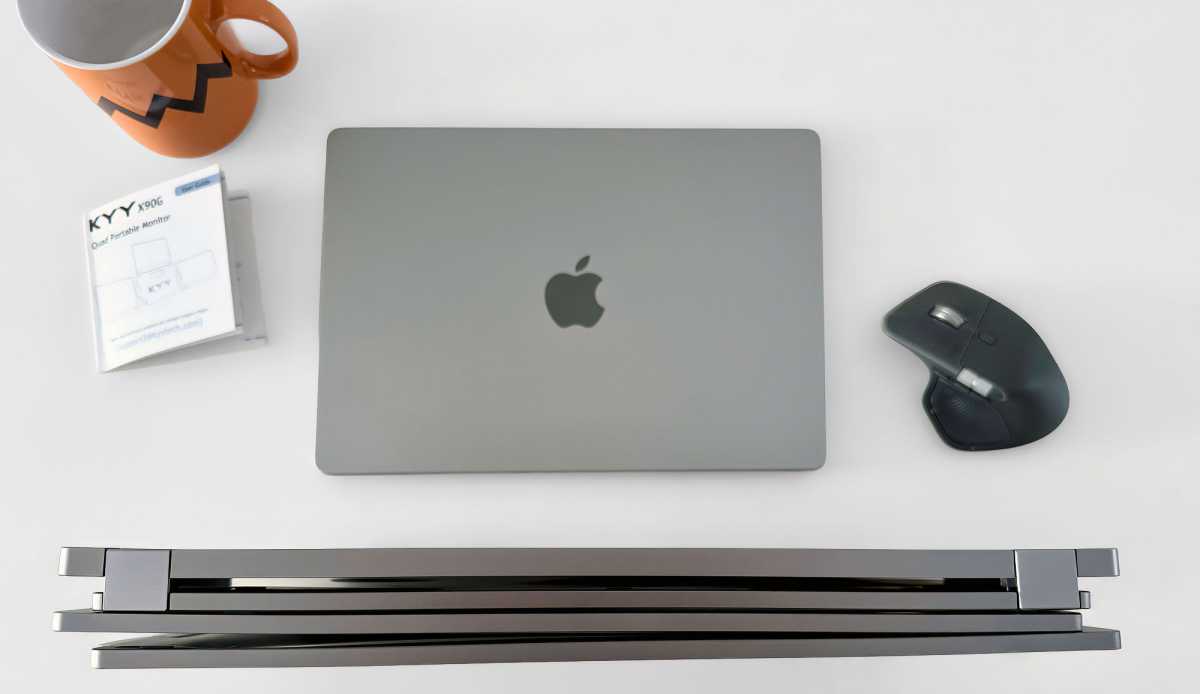
The screens fold up into a tidy but not insubstantial package measuring 15.4 x 8.9 x 1.3 inches (390 x 226 x 34mm) and weighing a hefty 6.4lbs (2.9kg).
In comparison, the two QHD-screen Mobile Pixels Trio 3 Pro measures 13.4 x 8.8 x 0.9 inches (34 x 22.4 x 2.3cm) folded up and weighs a more portable 4.13lbs (1.9kg). That makes it more carriable, but its 14-inch screens are smaller and fewer than what you get with the X90G.
Simon Jary
Due to its collapsible form the X90G is a portable display, but it’s not an easy carry in your backpack. It’s fine for carrying between rooms or transporting by any means not on foot, which will suit you if you want to pack up your working space at the end of a working day or taking it on a long one-destination trip away from the office.
Hot-deskers with lockable cupboard space will find the X90G a handy display solution. If you prefer something more traditional, look to the larger but lower-footprint UPerfect Delta Max or Delta Mega that stack two screens on top of each other and fold away when you want a clear desk. For more options, read our reviews of the best portable displays for Mac.
It’s also something of a dragon when folded out to its full wingspan, measuring nearly 4 feet (1.2m) from one side to the other and a foot and a half (0.46m) vertically. You’ll likely get given a takeaway cup if you casually unfurl the KYY X90G in your local coffee shop.
Simon Jary
Are the KYY X90G’s 1080p screens good enough?
Resolution: 1920 x 1080 pixels
Brightness: 350 nits
Contrast ratio: 1200:1
Aspect ratio: 16:9
Color gamut (NTSC): 85%
The brightness and contrast ratio of the X90G are impressive, but creatives will look askance at the 85% gamut for their color-critical work. It might not be for designers but as a productivity accessory it adds a lot of screen space—although at the expense of your desk space—that might be perfect for programmers, analysts, traders and remote workers, and people for whom a single 14- or 16-inch MacBook display means constantly shuffling windows.
At 15.6 inches, 1080p is fine for text and spreadsheets but not razor-sharp. 350 nits is respectable for a portable screen and fine indoors.
Does the KYY X90G put any weight on your MacBook?
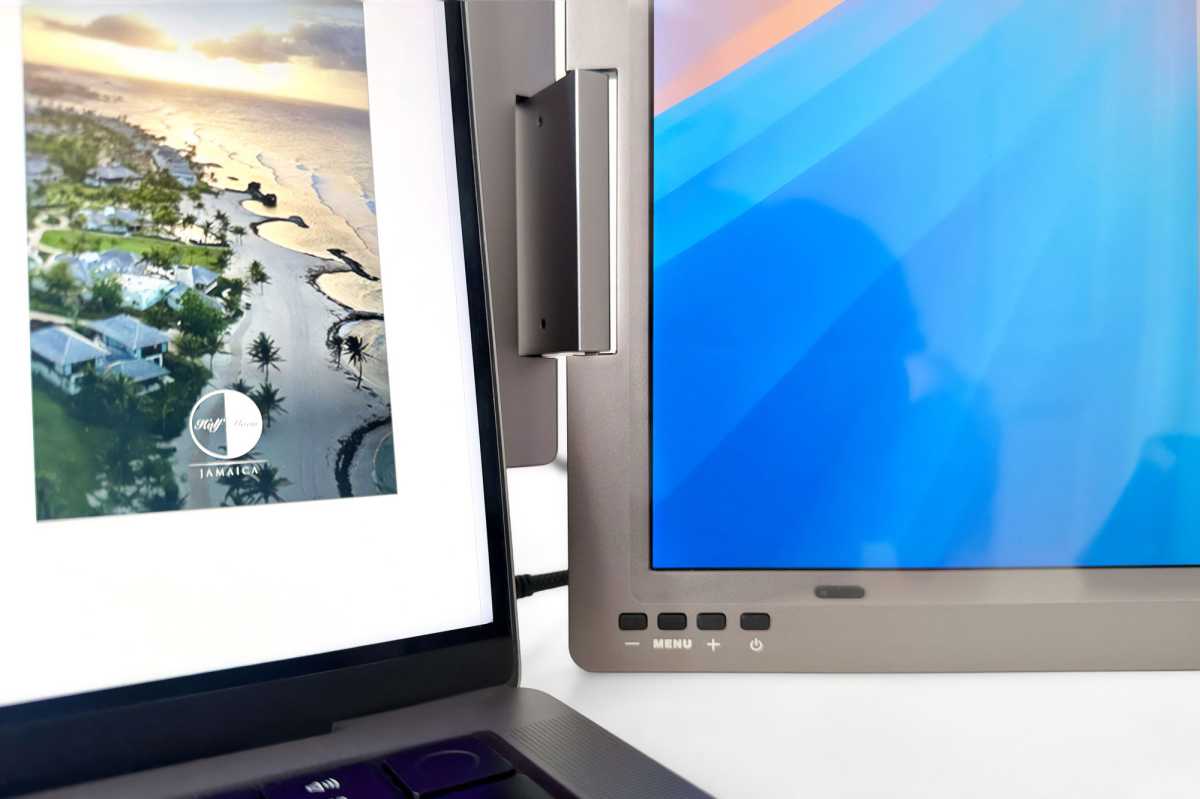
Many portable multi-screen add-ons—usually just adding a screen either side of the MacBook’s own—clip or clamp onto the laptop’s display, which puts load on the hinge. The Mobile Pixels Trio 3 Pro, for example, works best with four heavy-duty magnets you need to place on your MacBook’s lid. The X90G avoids this with an integrated solid but flexible all-aluminum frame that supports the screens independently, so your MacBook lid carries none of the weight. Behind your MacBook the X90G’s backplate hosts a sturdy 90-degree stand.
The top screen auto-rotates when folded back, which allows you to position the X90G in some interesting formations. The build quality is impressive, and the hinges look robust.
X90G’s Portrait mode features automatic orientation.
Simon Jary
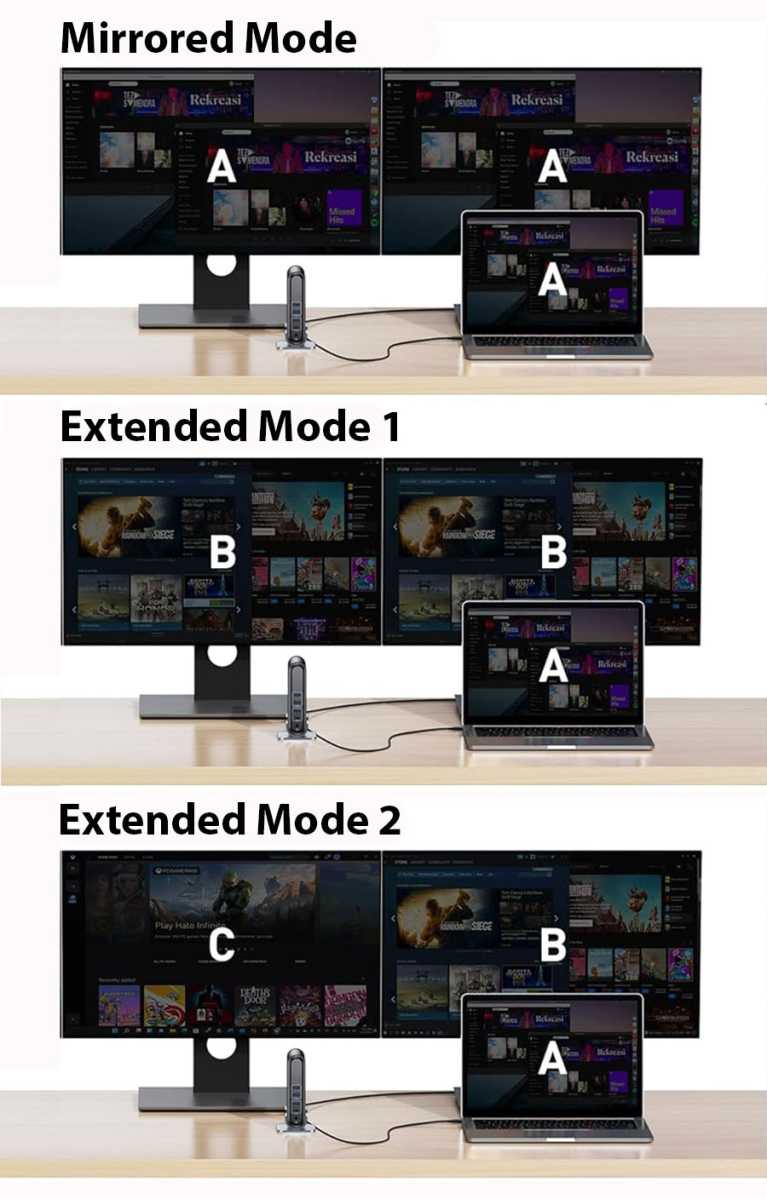
The X90G supports Extended, Mirrored, Portrait, Presentation and Sharing modes. Mirroring and presentation are useful for face-to-face meetings, and portrait suits reading and coding. Extended mode is the main draw for most people, such as placing chat and notes on the left, reference docs on the right, and the browser or IDE on top.
Angle one screen so the person sitting opposite can see your presentation.
Simon Jary
I found the top screen the most useful of the three. It’s closer to your eyeline than the side screens that instead work better for keeping less-used browser tabs and folders.
How easy is the KYY X90G to set up on a Mac?
The X90G uses one full-function USB-C port for video, plus a second power-only USB-C power port. A USB-A to USB-C adapter is included, which Mac users won’t need, and you might want to snip it off as this legacy connector just gets in the way.
As the displays take up to 30W of power itself we found we had to power both the X90G and our 14-inch MacBook Pro for the smoothest operation.
Three extra screens are beyond the functionality of most Macs, so you need to install third-party software, SiliconMotion’s InstantView. Installation is fairly painless and the manual gives you a step-by-step guide. The software comes on an included USB-C/USB-A memory stick.
The X90G folds up into a tidy—if weighty—package.
Simon Jary
Unfolding the X90G’s screens is simple, but I did have to look hard at the installation one-pager to work out some of the folding techniques for portrait, sharing and presentation modes.
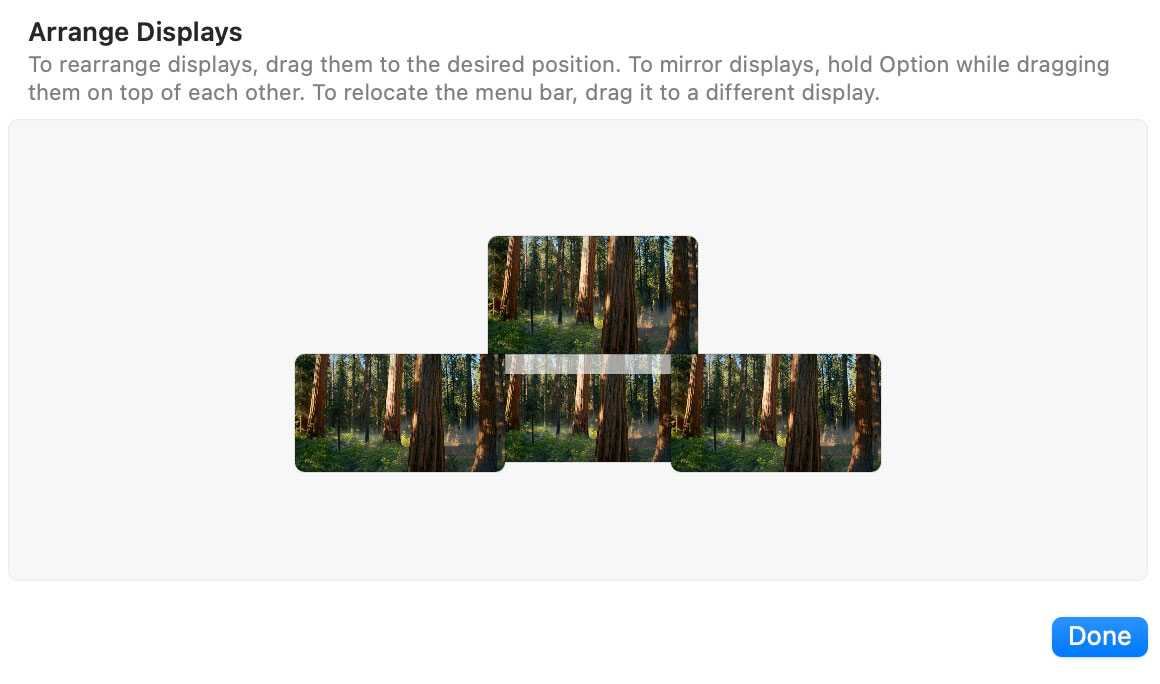
You’ll then need to enter your Mac’s System Settings>Displays to arrange the three screens and set resolutions—each screen can have its own independent resolution and orientation.
And each screen has its own On-Screen Display menu, allowing you to set Brightness, Backlight, Contrast, Sharpness, Color Temperature/Saturation, Language, and so on.
Is the KYY X90G worth $738.99?
The KYY X90G Quad Portable Monitor comes at a high price: $738.99 is an investment as hefty as the display itself, although at the time of writing it was selling on Amazon for around $400, so I’d look there first as that seems reasonable considering you’re getting a well-built collapsible three-screen setup.
U.K. customers can’t buy direct, which isn’t such a shame given the high direct price, and should check Amazon, too.
Should you buy the KYY X90G Quad Portable Monitor?
Look elsewhere if you need professional color accuracy, high refresh rates, or retina sharpness, or if you work from one desk all the time—one or two large external displays will do better there (see best monitors for Mac), and a single portable monitor is simpler to carry and set up (see best portable monitors for Mac).
Its unwieldy shape and size might not be for everybody, but the well-built KYY X90G has a place in your life if you need multiple flexibly positioned HD monitors within easy sight that can be speedily collapsed and hidden away when you don’t need them anymore.
One outlet, four devices — usually, the math doesn’t work out because you don’t have the right charger. Well, with just $60, you can grab this Prime Day deal on this 140W Anker charger. Now down to its best price, this Anker 4-port charger will solve all your problems.
Measuring just 2.72 × 2.72 × 1.42 inches, this Anker brick barely takes up any space. Still, it can handle your MacBook, iPhone, iPad, and your Apple Watch too. The top two USB-C ports can deliver up to 140W of power, which means that it’s more than ready to fast-charge anything you plug into it, from a MacBook Pro to an iPhone 18 Pro, and make sure you have enough juice in no time. Even when all ports are in use, the 140W is split between them all, with the top USB-C delivering the most power, namely 65W. You’ll even be able to see exactly how much power each port delivers on the smart display.
The really cool part is that the box also includes a super-fast 240W 5-foot USB-C cable, so you don’t have to worry about buying another one straight away. This Anker charger is an absolute bargain now that it’s down to $60, so take advantage of this Prime deal.
120Hz OLED, proper HDR, professional color, extensive connectivity and a genuinely adjustable stand make the ASUS ProArt OLED PA279CDV hard to ignore—particularly for creative professionals.
Price When Reviewed
This value will show the geolocated pricing text for product undefined
Best Pricing Today
Best Prices Today: ASUS ProArt Display OLED PA279CDV
What is it? A color-accurate 4K display with a highly adjustable stand that makes the Apple Studio Display look rather expensive.
Who is it for? Professional photo and video creators, plus gamers.
Who shouldn’t buy it? People for whom only the very sharpest text will do.
Buy the Asus if you want OLED, 120Hz, HDR, far more ports, adjustable stand, much lower price.
Buy Apple’s Studio Display if you want: Sharper 5K text, better speakers, built-in webcam, stronger Mac integration.
Apple recently updated its Studio Display, and our reviewer wasn’t overly impressed with the barely new model, especially at such a high price. It’s still one of the best monitors you can buy for a Mac, but ASUS may now have made the better monitor—at a much more realistic price point.
That might sound like heresy when the two 27-inch displays are sitting side by side on the same desk. The 2026 Apple Studio Display is quintessentially Apple: beautifully integrated, razor-sharp, packed with decent speakers and a great camera for video calls. The ASUS ProArt Display OLED PA279CDV is less elegant (its plastic shell and bezels are no match for the Studio Display’s aluminum and full-face front glass panel), with basic speakers and no webcam, but technically more ambitious—and in several crucial ways, it is considerably more capable.
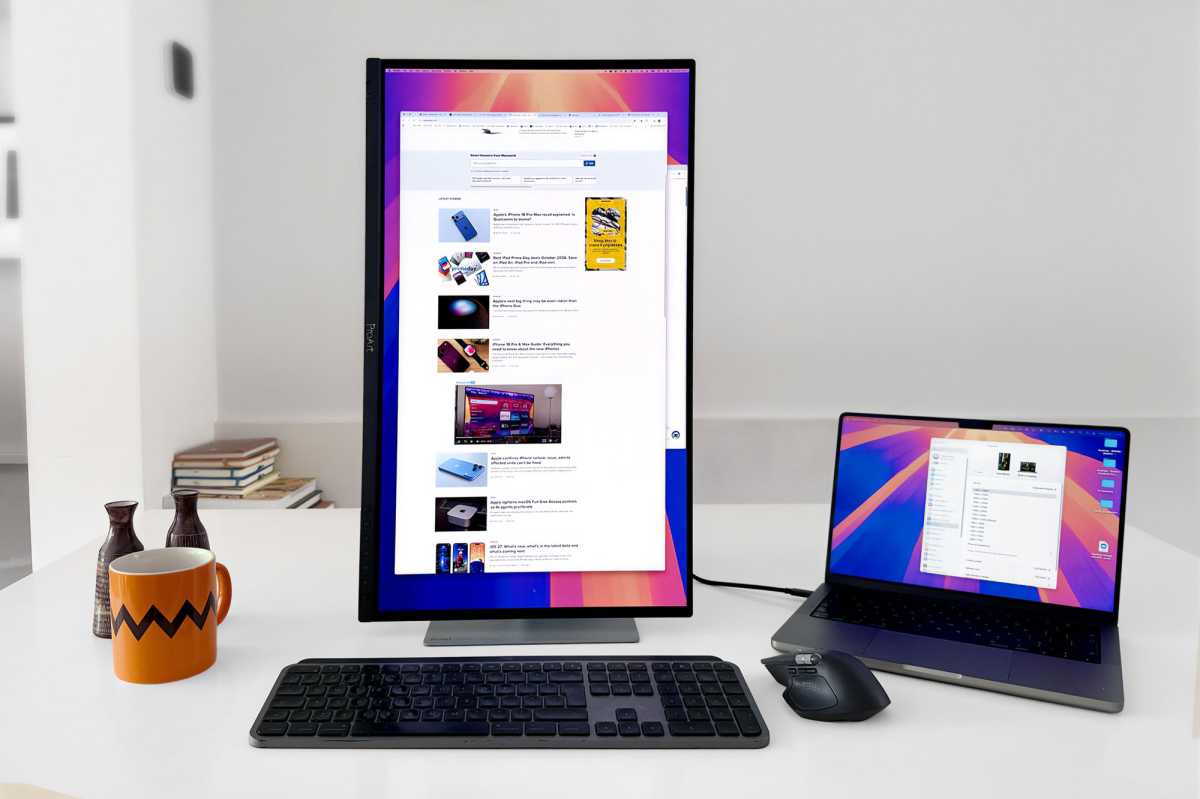
The ASUS ProArt is happy in Portrait as well as Landscape orientation. If you want a more vertical view of the Studio Display Apple will make you swap the stand for a VESA mount adapter.
Simon Jary
Is 4K sharp enough compared with the Studio Display’s 5K?
Apple wins for text sharpness.
ASUS wins for motion, contrast, HDR and creative/video work.
Apple’s biggest weapon in the fight is its 5K Retina advantage. The Studio Display packs 5120 x 2880 pixels, giving it a wonderful 218ppi pixel density, ensuring that text is exceptionally crisp and the interfaces look beautifully rendered.
The ASUS is 4K, at 3840 x 2160, and 166ppi. That’s still sharp, but put the two displays side by side and the difference is clear, particularly with text—important for writers, developers and anyone who spends eight hours staring at browser windows, documents and menus, and those with the extra cash in their pocket.
If your workload is primarily Safari/Mail/Word/Excel/coding/lots of text, the Apple Studio Display has a meaningful advantage, but then we’d recommend you look at more affordable 5K displays such as the $999/£899 BenQ MA270S or BenQ PD2730S or budget $699 KTC 5K2K Monitor. Don’t get me wrong, the text on the PA279CDV is great—just not 5K great.
The ProArt’s secret weapon is sitting behind all those pixels: its QD-OLED panel gives the ASUS a huge advantage in contrast, with deep blacks, virtually instantaneous response times and much more convincing HDR. Its 120Hz refresh rate also makes scrolling, animations and timeline scrubbing noticeably smoother than the Apple’s 60Hz panel. If you’ve become accustomed to the 120Hz ProMotion display on a MacBook Pro, the Studio Display’s 60Hz refresh rate can feel like a step backwards. The ASUS doesn’t make that compromise. For photography and especially HDR video work, the PA279CDV is the display I’d want in front of me.
Color performance is strong on both. ASUS targets professional creators with factory calibration, a Delta E (ΔE) below 1.5 and broad DCI-P3 coverage, while Apple offers a range of color and reference modes. For HDR video and visually demanding creative work, though, the ASUS’s OLED panel is the more compelling choice.
The ProArt’s studio-grade 99% DCI-P3 gamut ensures rich, vivid colors, making it ideal for color-intensive projects. The peak brightness of 1000 nits allows for outstanding contrast between its deeper blacks and brighter whites.
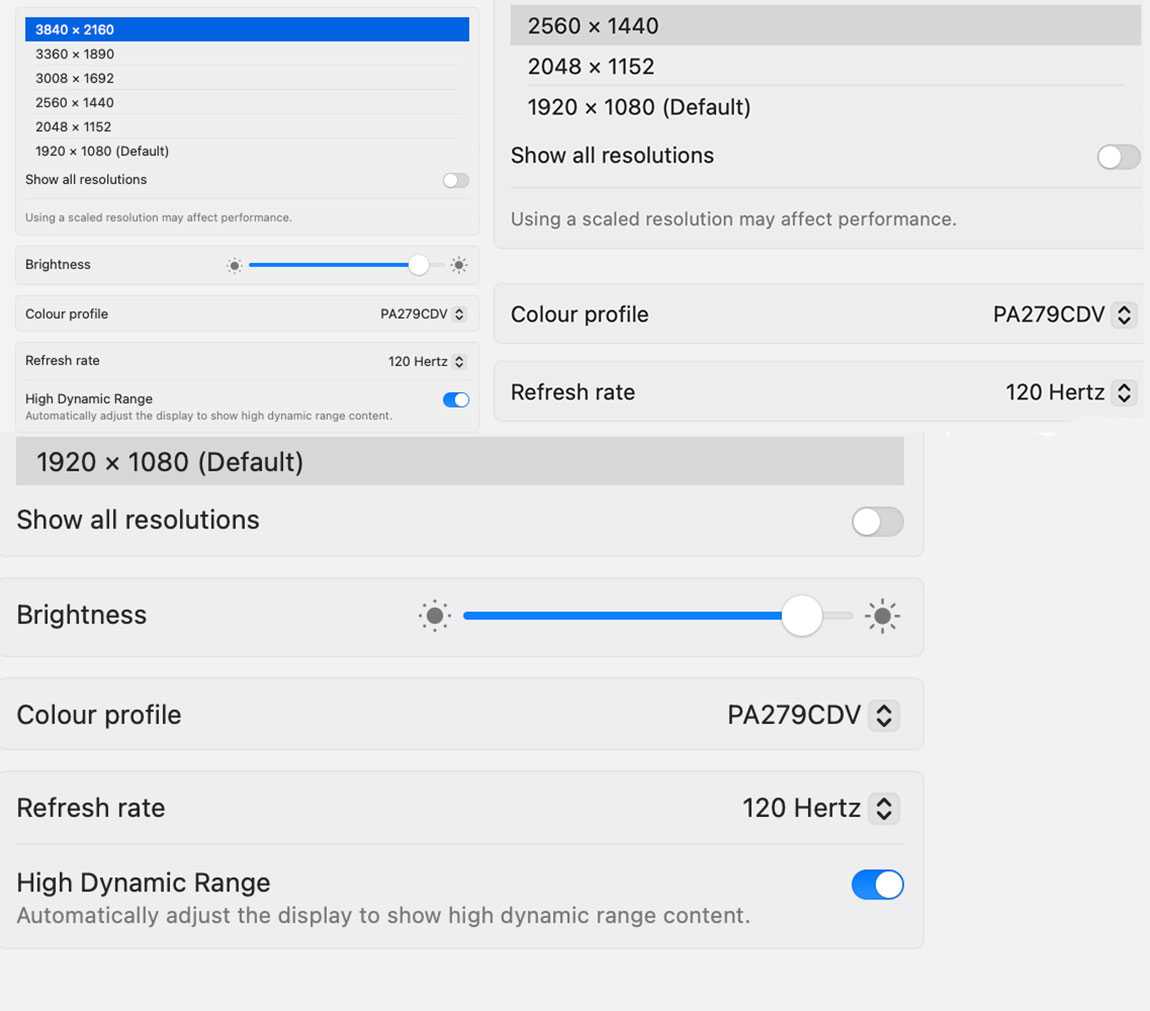
HDR and 120Hz refresh rate don’t go together on every resolution option, for example 2560 x 1440 pixels.
Simon Jary
Is the ASUS better for color, HDR and creative work?
Screen: 27-inch OLED
Finish: Gloss (anti-scratch)
Max resolution: 3840 x 2160 pixels
Refresh rate: 120Hz
DCI-P3 color coverage: 99%
sRGB color coverage: 100%
Contrast Ratio: True Black
Delta E (dE): <1.5
Brightness: 1,000 nits (peak)
OLED is the display technology for anyone who values image quality above all else. Its self-lit pixels deliver perfect blacks, exceptional contrast and near-instant response times, making HDR content, photos, video and games look spectacular. For creators and entertainment fans, OLED offers a richer, more immersive visual experience than IPS. If you spend most of your time on general productivity work, spend hours reading text, or work in brightly lit rooms, an IPS panel (and 5K if you can afford it) might make more sense.
ASUS employs OLED Care features to safeguard the display against image burn-in which can be a problem with OLED screens. This dynamically detects and identifies the task bar, logos, and video edges, reducing the brightness around them to minimise the risk of burn-in.
The peak brightness isn’t as stunning as on the Apple Studio Display XDR, but that costs around $3,000 compared to $699 for the ASUS.
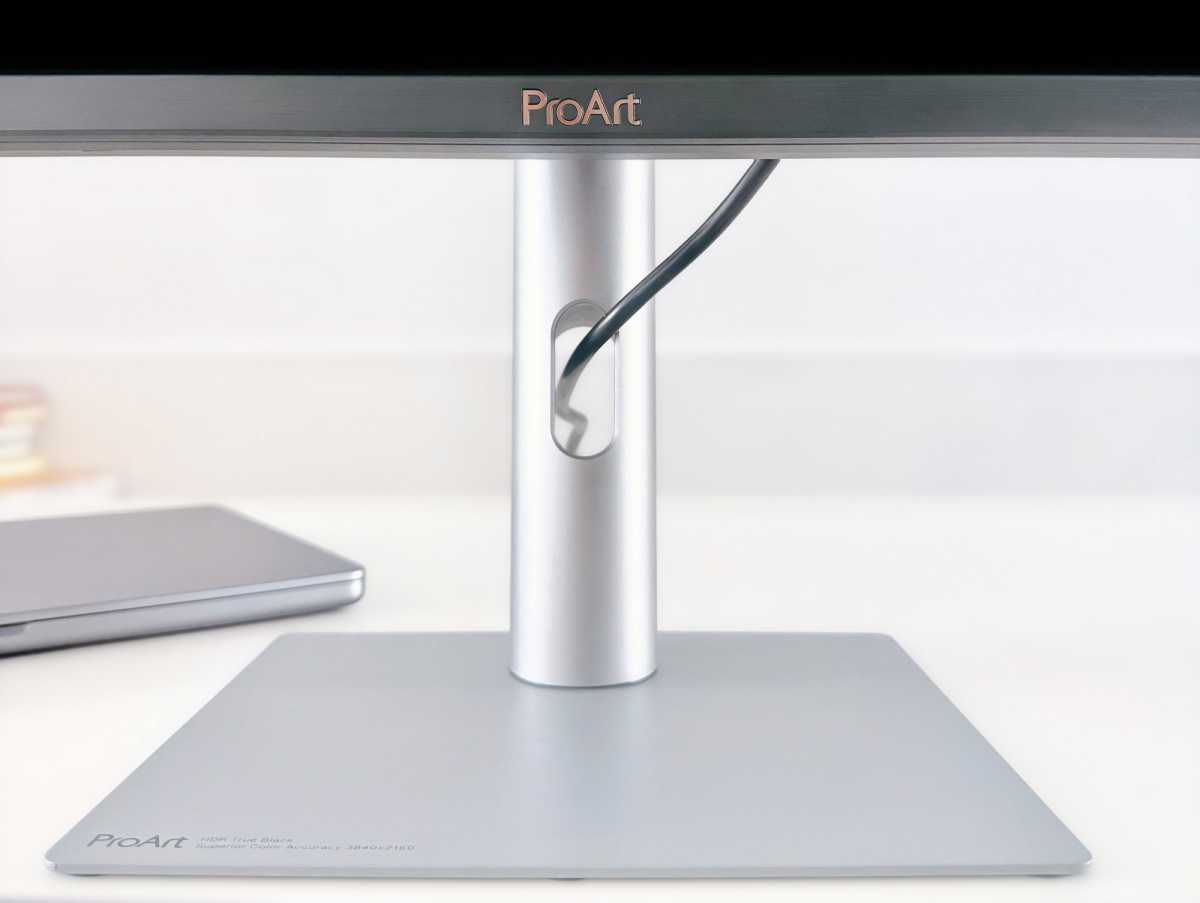
Cable management on the multi-adjustable stand is basic but appreciated.
Simon Jary
How adjustable is the ASUS ProArt stand?
Where Apple charges you an extra $400/£400 for its tilt and height-adjustable stand, this comes as standard with the ASUS ProArt, which offers tilt, swivel, 90° pivot, and 5-inch height adjustments for a more comfortable viewing experience. The small-footprint stand (shown above) also features basic built-in cable management, where cables can be passed neatly through an opening that should lead to a more organised workspace. To be fair to Apple, the Studio Display’s stand features the same, but some monitor stands don’t bother with this cable-clutter remover.
The monitor also tackles clutter by having a built-in power supply, so there’s no power brick sitting under your desk.
Does the ASUS have better connectivity than the Studio Display?
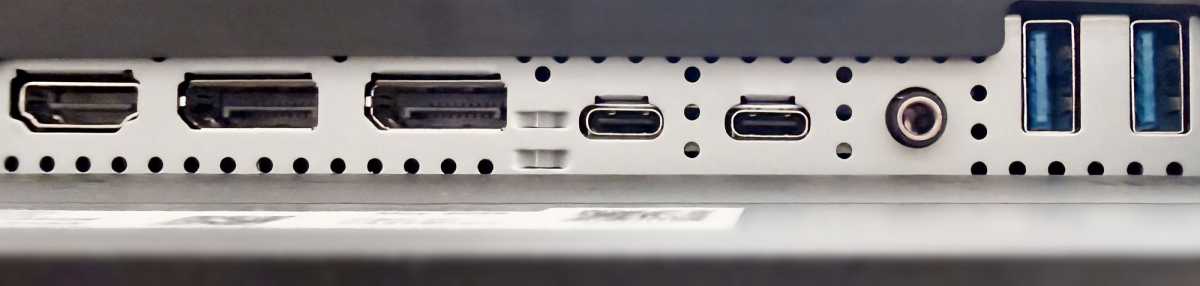
Where Apple sticks rigidly to its Thunderbolt/USB-C connectors—with the Studio Display offering two 80Gbps Thunderbolt 5 and two 10Gbps USB-C ports—the ASUS ProArt gives you HDMI 2.1, 2x DisplayPort (daisy-chainable in and out), 3x USB-C (max. 5Gbps), 3x USB-A ports, a headphone jack, and 96W MacBook passthrough charging. With a built-in KVM, it can happily sit between a MacBook and a Windows PC, sharing your keyboard and mouse between them.
Data transfer is weak compared to Apple’s Thunderbolt 5, but plenty for the video connection.
Simon Jary
Apple’s approach is more prescriptive—it looks fantastic, but the ProArt behaves like a professional monitor rather than a beautifully packaged Mac peripheral.
Is the ASUS ProArt PA279CDV good value?
Comparing like for like with a decent tilt and height-adjustable stand included, the Apple Studio Display’s $1,899/£1,899 price tag looks painful next to the ASUS ProArt’s much more affordable $699 / £649—also available at Amazon and Amazon UK. That extra is a lot to pay for the Studio Display’s 5K resolution plus webcam and superior speakers.
The ProArt’s speakers are pretty tinny, so you might want to invest $100-200 in better audio if using the screen for streaming or gaming. You’ll have change over to pick one of the best webcams for Mac we’ve reviewed to match the Apple Studio Display for video-call quality.
The more expensive ($899) Dell 32 Plus QD-OLED is similar except for its 31.6-inch size that gives you more screen space but a drop in sharpness.
Should you buy the ASUS ProArt Display OLED PA279CDV?
ASUS has put a lot of effort into optimizing the ProArt for Mac users, including intuitive controls such as MacBook Keyboard Sync and matching up color temperature with your MacBook, with the ASUS DisplayWidget Center for macOS.
The Apple Studio Display remains the better choice if your priorities are razor-sharp text, great speakers, an excellent webcam, and effortless Mac integration. But the ASUS ProArt Display OLED PA279CDV is the more exciting display. 120Hz OLED, proper HDR, professional color, extensive connectivity and a genuinely adjustable stand make it hard to ignore—particularly for creative professionals.
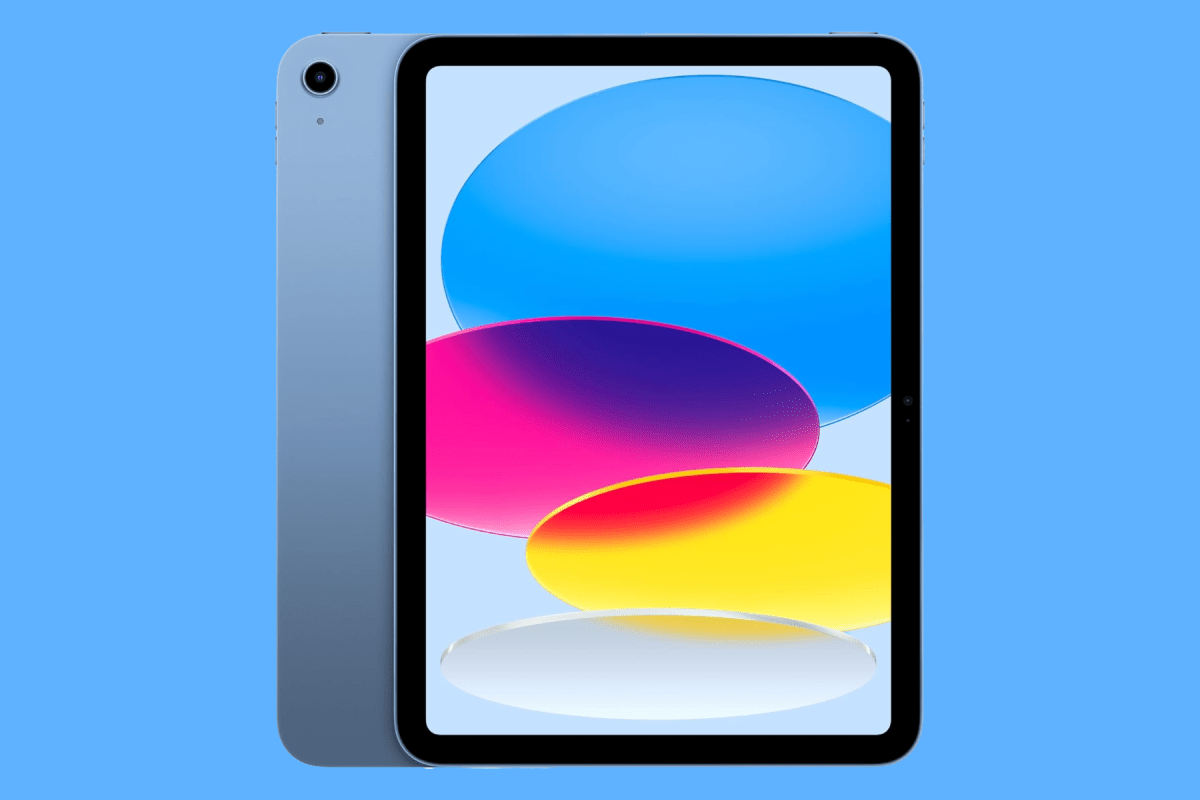
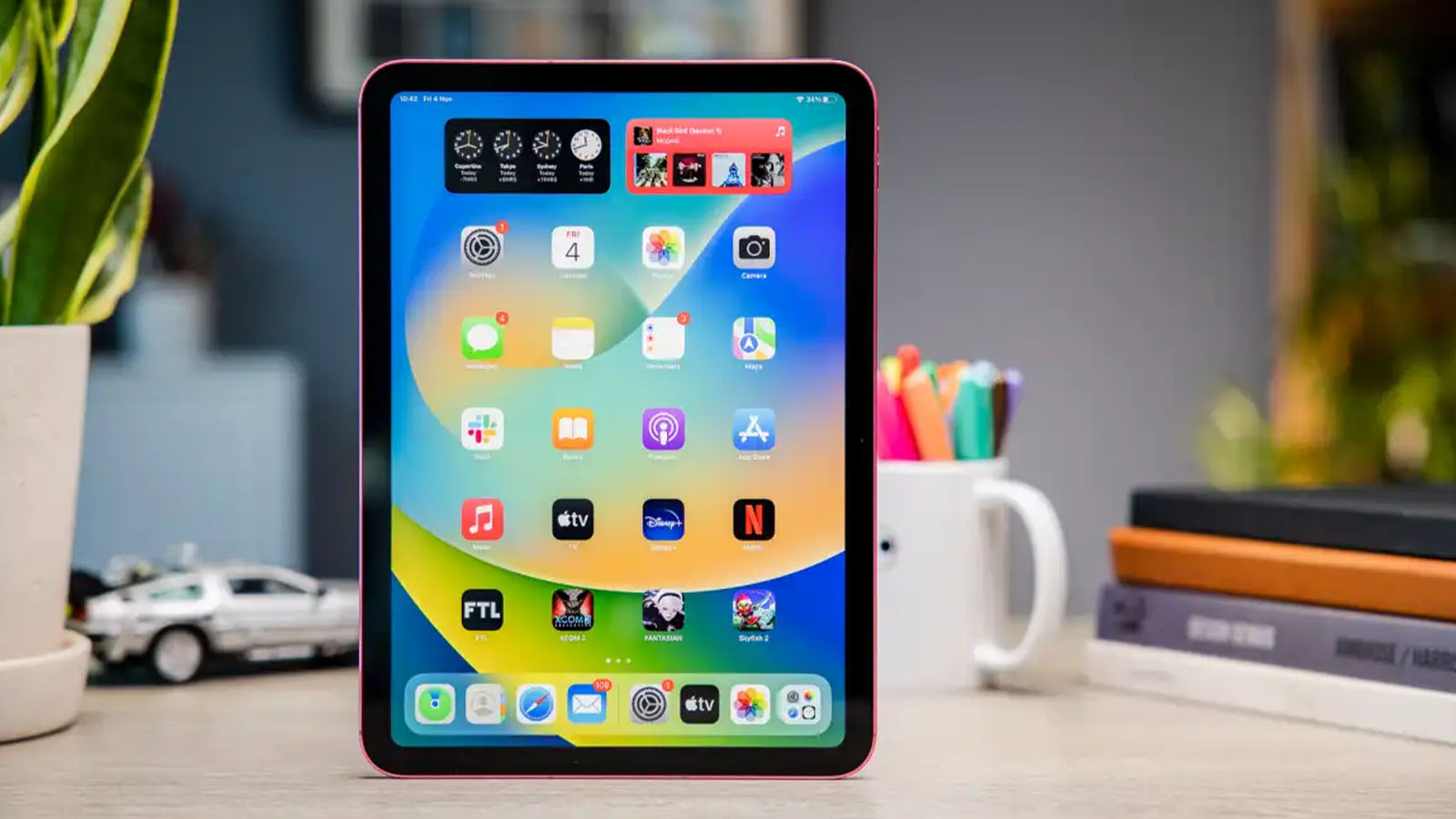
If you’ve been delaying getting a new tablet because of Apple’s recent price hikes, Prime Day is the best time to take the leap. Apple’s iPad mini with an A17 Pro chip is on sale for $499 right now, a savings of $100 off its MSRP and bringing it back to its original price before the RAM surge.
The iPad mini brings you everything you want from an iPad just in a smaller size that actually fits in one hand, your purse, or a jacket pocket. It’s light enough to use for reading, comfortable enough to carry with you on a trip, and perfectly capable of handling a wide range of tasks. Do you need to send an email, stream a movie, or take on an unexpected work call — done. The 8.3-inch Liquid Retina display looks sharp and vibrant, and the A17 Pro chip keeps everything running fast and smooth. The iPad supports iOS 27 with the new Siri AI, all-day battery, a 12MP front camera with Center Stage, and Wi-Fi 6E as well.
You may have read rumors that a new model is on the way with a bunch of upgrades, including an OLED ProMotion display, new design, and an A20 Pro processor. That’s true, but we also think it’ll come with a price hike of at least $50, if not $100. Apple raised the prices of its latest iPhones and Macs without any major upgrades, so we think the new iPad mini could start at $699.
So go shell out $499 and grab this tablet with 128GB of storage space while it’s still on sale. Because it might be the lowest price you’ll ever be able to spend on a new iPad mini.
One of the things I enjoy doing most with my family is traveling. Annually, we go on two or three domestic trips (at least one of them to Hawaii to visit relatives). We try to go on a big international trip every 18 months or so—I went to South Africa in 2024, and I just got back from a trip to Iceland in August to see the eclipse. And I always take a lot of gear with me.
Every great trip requires planning, whether it’s an overnight stay an hour away from home or a grand vacation in a country I’ve never visited before. Besides all the travel logistics (that my wife handles), there’s the tech you need to bring, which is my responsibility in my household.
Over the years, I’ve figured out what tech I absolutely need to take with me. There’s an art to figuring out what to bring. You don’t want to overdo it, because you’ll end up lugging around stuff you aren’t using. But you don’t want to be left without that thing you absolutely need and don’t really have a means of obtaining that item where you are.
While I now rely on my iPhone for all the photos and videos I shoot, I need other items to ensure a successful and enjoyable trip. Here’s a list of the gear I bring with me on my trips. This is the stuff I almost always bring no matter where I’m going. Hopefully, you can use this list to help you figure out what you need to bring on your next trip. If you have suggestions, drop me a line at rloyola@macworld.com. (Note: Prices stated here are MSRPs, but Amazon often runs sales and discounts on many of them.)
iPhone 18 Pro Max
Foundry
There was a time when I would bring separate video and still cameras on every trip, but the iPhone has gotten so good, I don’t need any other camera. With some practice and knowledge of iOS’s features and settings, or with third-party camera apps, you can replicate the capabilities of cameras that cost hundreds more. I just took a trip this past weekend and relied on the iPhone 18 Pro Max to document everything, but prior to this trip, I was using a iPhone 17 Pro Max, And before that, I used an iPhone 16 Plus, but I really prefer to the Pro’s telephoto lens.
On longer trips where I’ll shoot a lot of photos and video, I bring a MacBook so I can browse and manage my shots after each day is done. I used to bring an extremely old MacBook Pro instead of the MacBook Pro that I use daily, so if it was lost, stolen, or damaged on the trip, I wouldn’t sweat it that much. But it’s also extremely slow and heavy. Even with a recent $100 price hike, the MacBook Neo is such a delight–lightweight, fast, and durable. And as I point out in my review, it doesn’t need to be a secondary machine—the Neo is extremely capable of being a daily-use Mac.
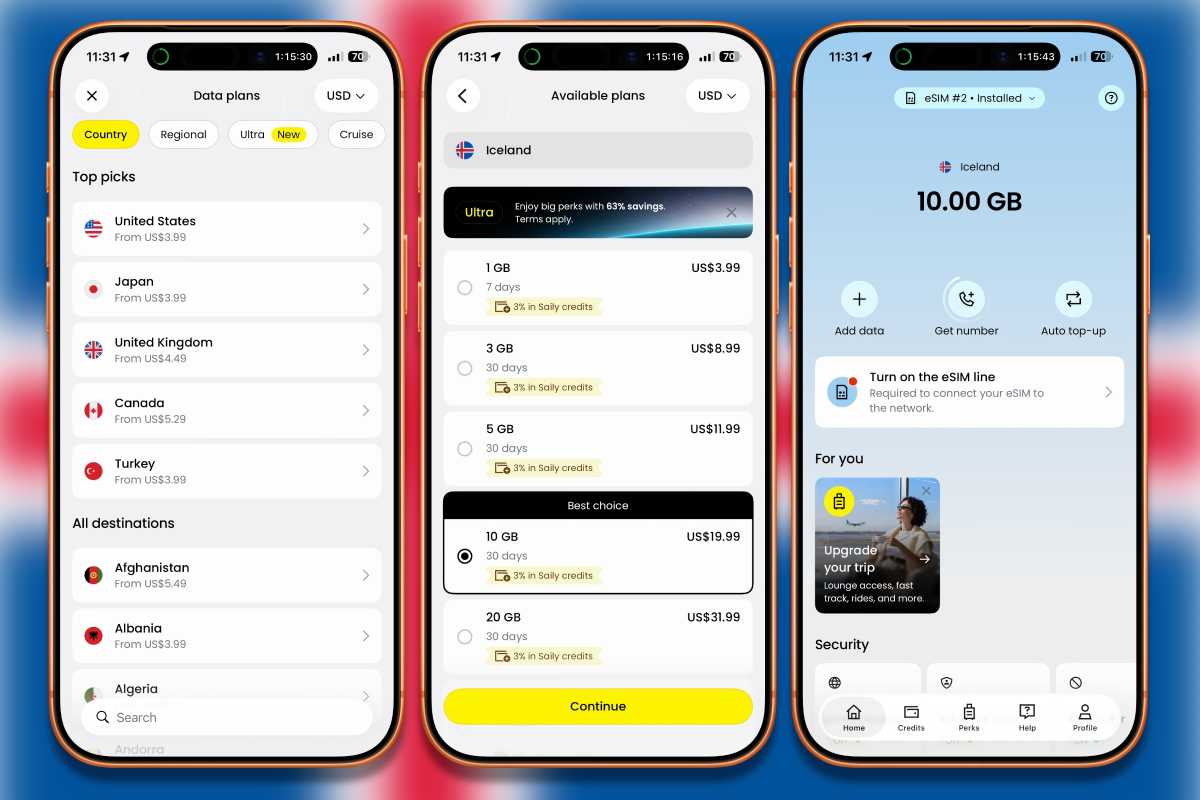
My carrier offers international connectivity by partnering with carriers in other countries. I’ve mostly had success with it, but sometimes there are gaps in coverage or the speeds are slow. On my last trip abroad, I tried a different approach: I took advantage of the iPhone’s dual eSIM and used Saily to get a second eSIM for the country I was visiting. With a second eSIM, I switched between it and my carrier’s offering to get the best possible connection. Overseas eSIMs are affordable–sometimes they’re really cheap, making it worth a try. Learn more about using an eSIM when traveling and about using two eSIMs in an iPhone.
More and more hotels, especially those that cater to international clientele, are starting to install wall outlets that can be used with different types of power plugs. Hotels are also starting to have USB charging ports next to those wall outlets. But they’re not everywhere, so when you travel outside of the country, it’s good to have a power outlet adapter. The Anker Nano Travel Adapter ($20 during Amazon Prime Day) works in over 200 countries (it is not a voltage converter), and it can charge five devices at once.
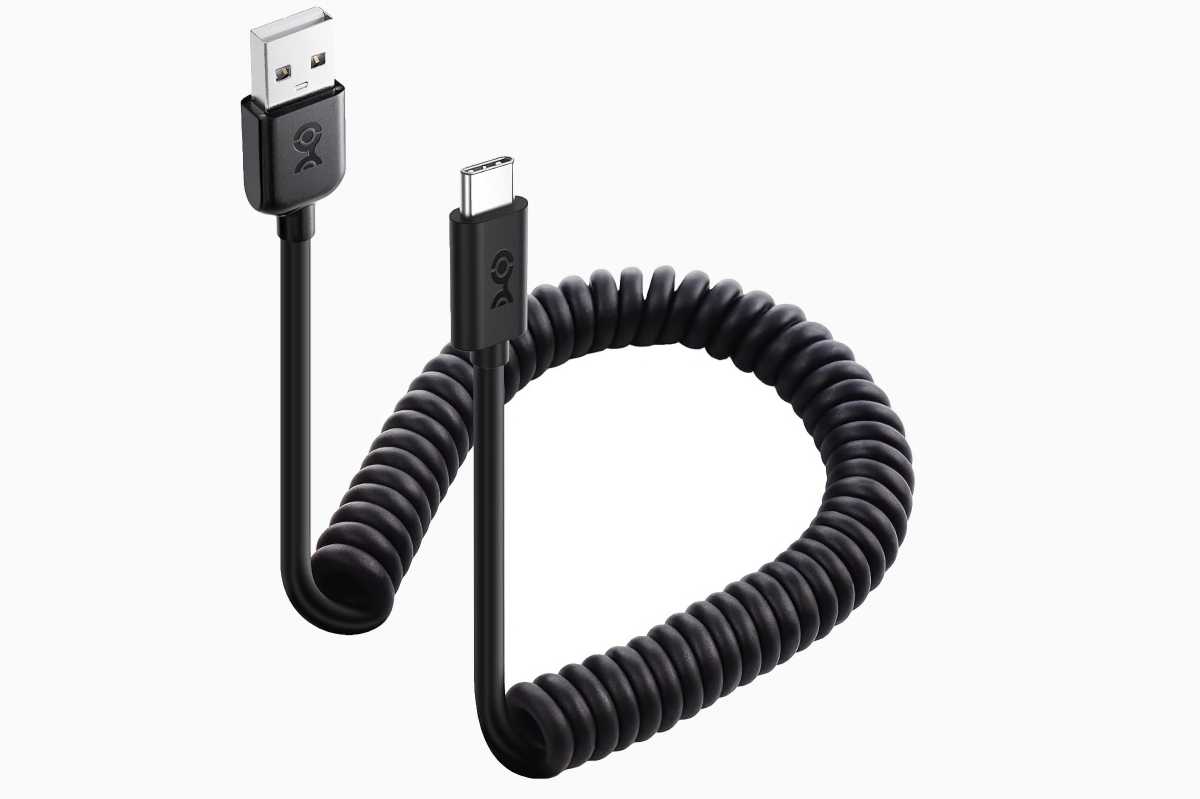
I try to rely on wireless connectivity/charging when I travel, but at some point, a cable is needed. I like bringing coiled cables because I find them easier to manage, especially when I have to connect a few phones for several people in my travel party who need to charge. I have a USB-C cable ($16.49 two-pack), but I also pack a USB-A to USB-C cable ($14.99 two-pack) because often planes don’t have USB-C ports. And I pack a USB-A to Lightning cable ($16 two-pack), because people I travel with have older iPhones.
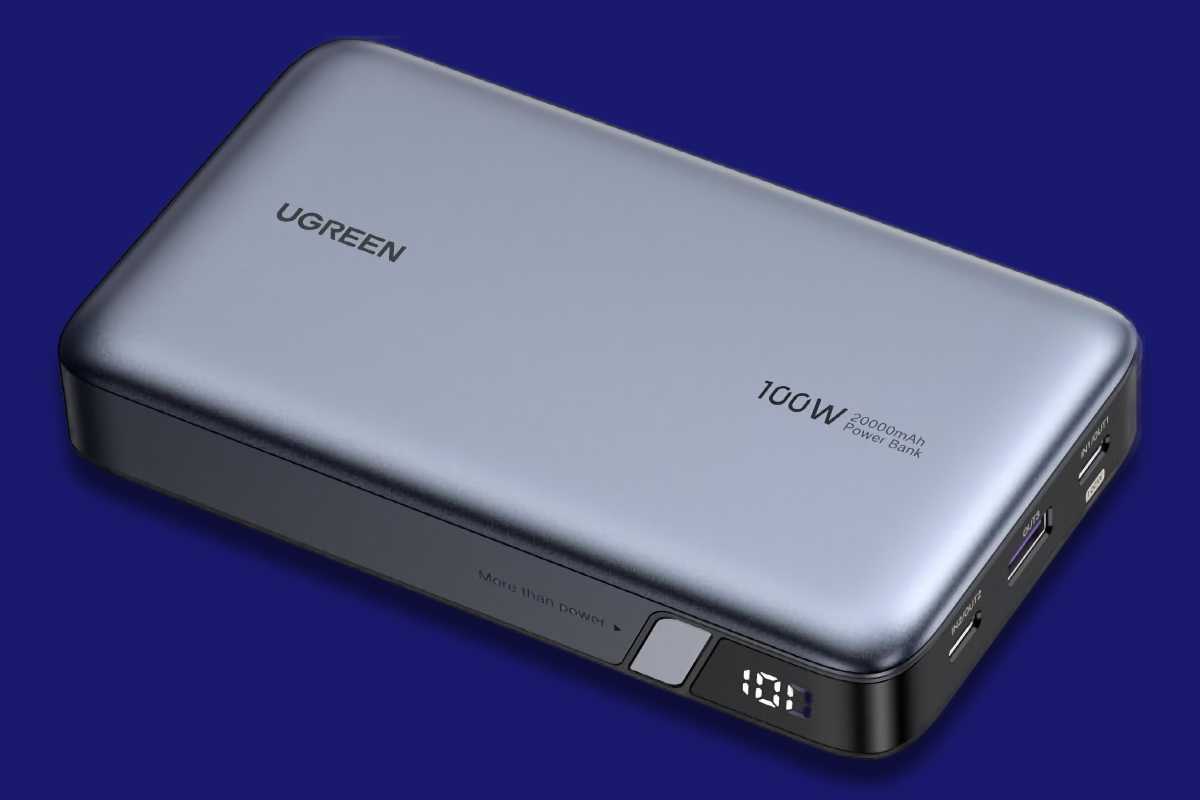
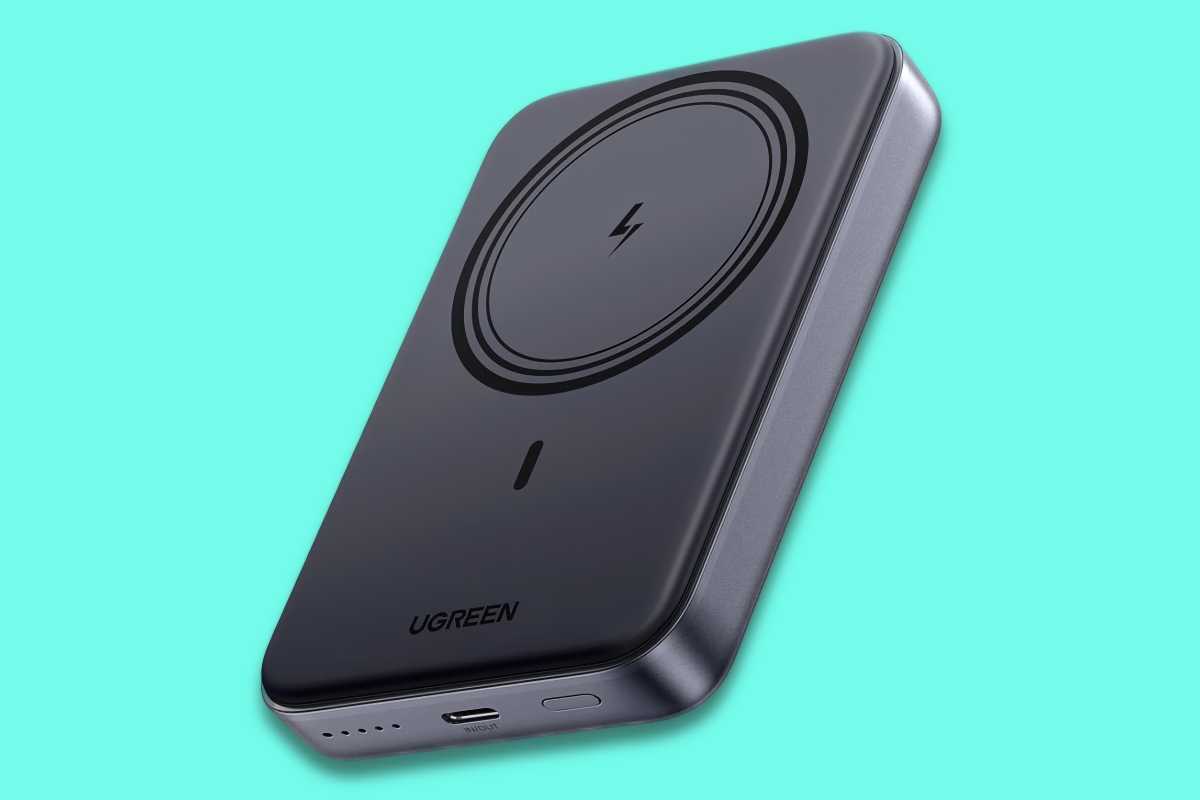
You know what sucks? When you’re on a transcontinental flight and the outlets near your seat don’t work. That’s one of the reasons why I got the UGreen Nexode Power Bank 20000mAh 100W power bank ($52 during Amazon Prime Day). I’ve used it countless times when I couldn’t find a working outlet. It has enough juice to charge a laptop, and its 72-watt-hour capacity falls under the airline limits, so you can take it on a plane. Check out Macworld’s best laptop power banks for MacBooks for more options.
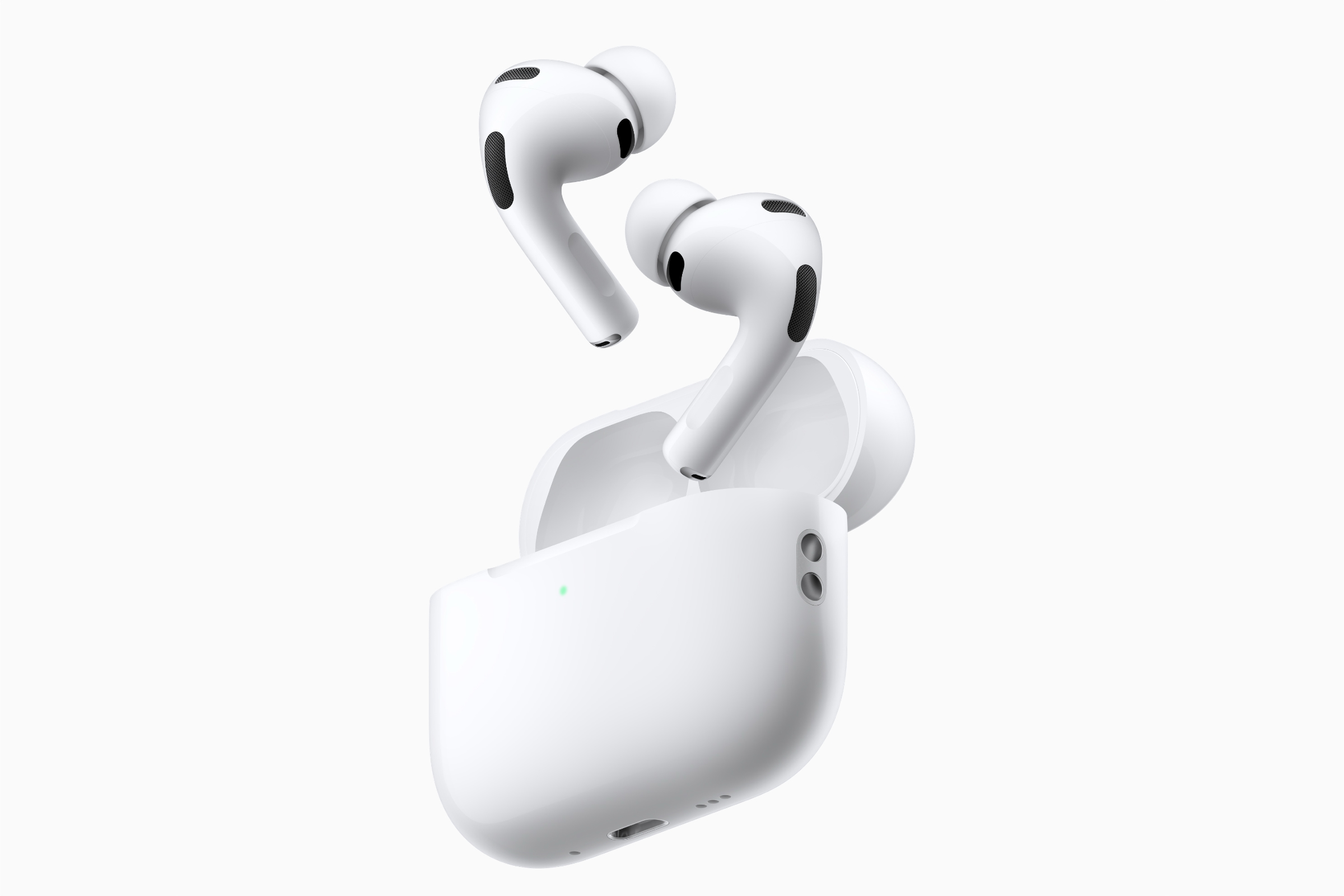
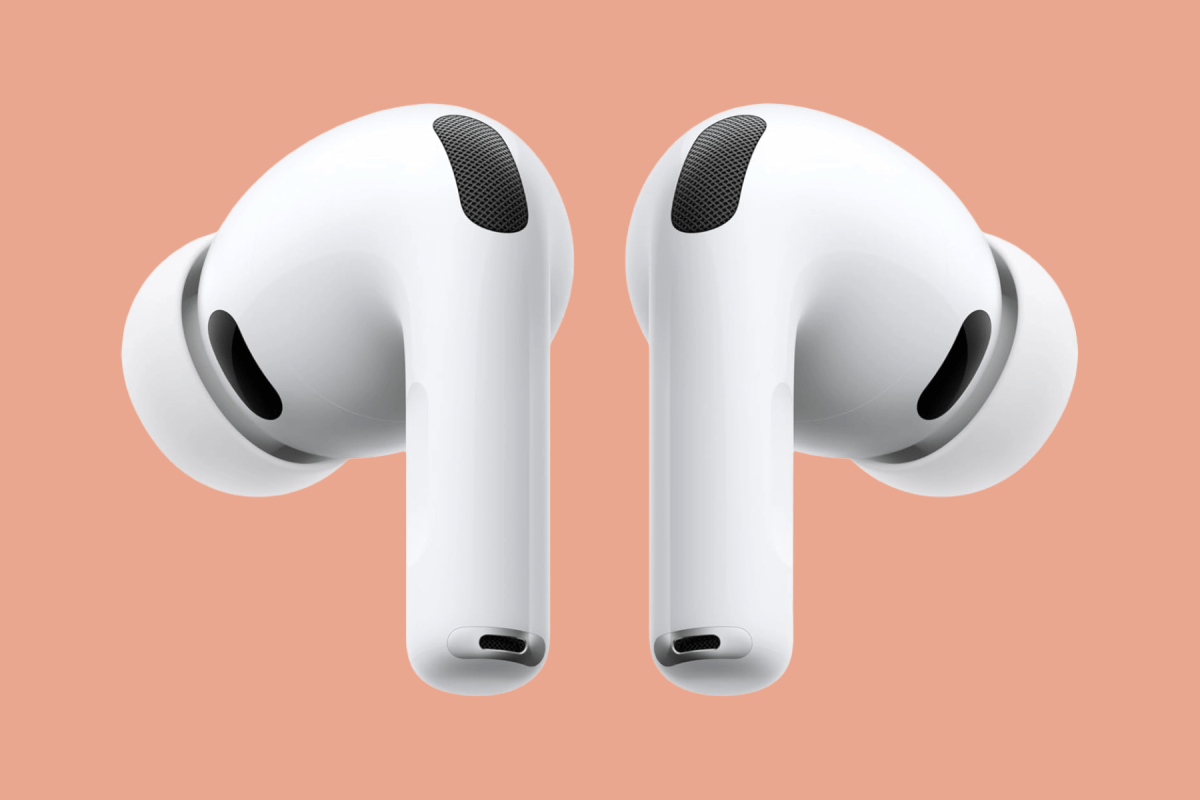
I prefer the AirPods Pro 3 ($179 during Amazon Prime Day) over the $149 AirPods 5 because the Pro’s in-ear fit seals out more noise and makes for a more comfortable trip on an airplane. AirPods go on sale often on Amazon, so look out for discounted prices. You can check out our AirPods Pro 3 review for in-depth testing, but you already know how great they are.
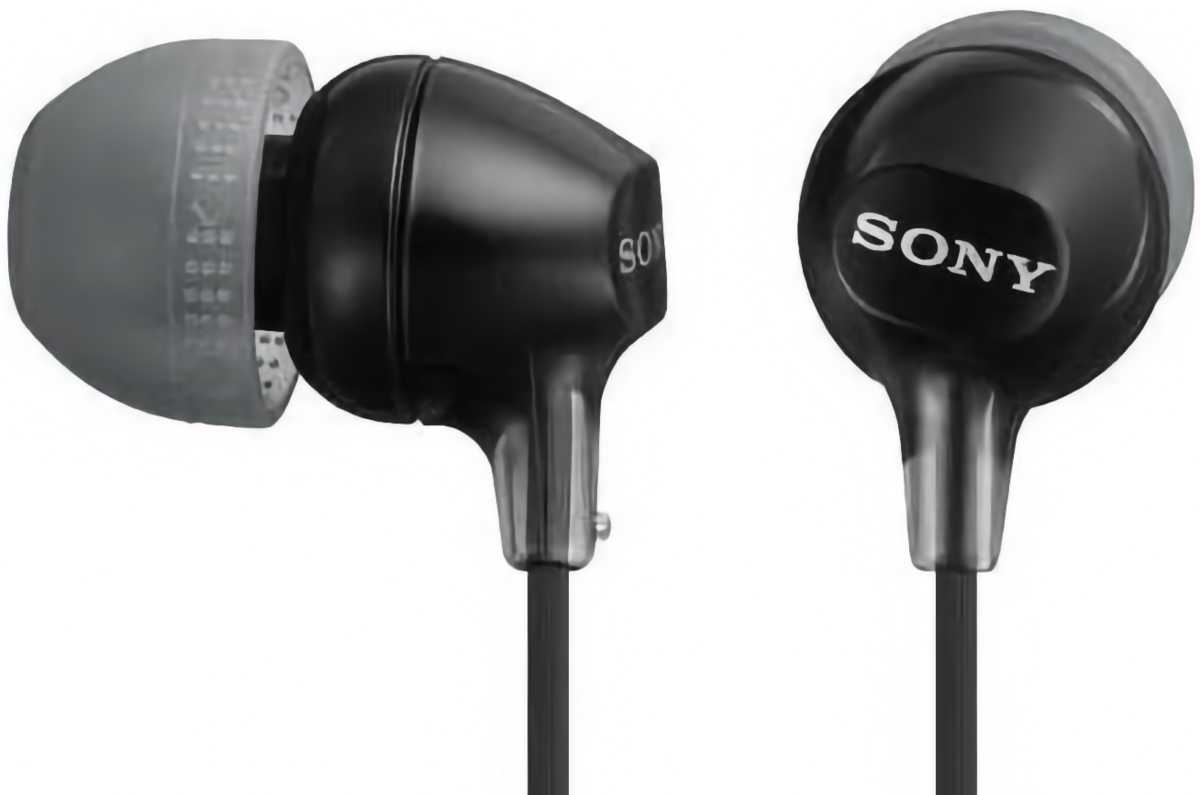
I usually watch something on my iPhone during long flights, but sometimes the in-flight entertainment has something good. When I can, I plug in my own wired earphones to the airplane’s jack–I only use the ones the airline provides if the plane uses a two-prong audio jack. These Sony earphones with a 3.5mm connector are decent for the price ($10 on Amazon), and if I lose them, it’s not a big deal.
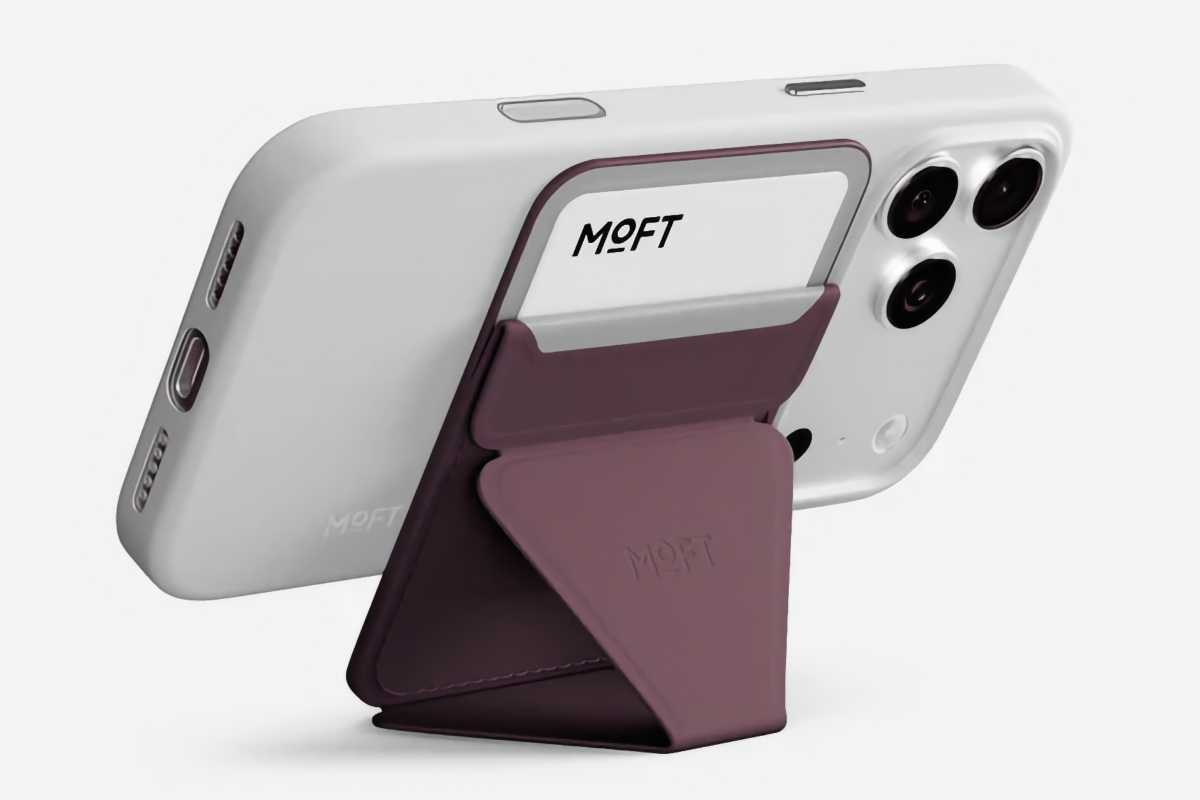
Moft Trackable Snap-on Phone Stand & Wallet
Moft
This $50 wallet doubles as a stand–one item to carry instead of two? Say less. It is also trackable with the Find My app, which I haven’t had to resort to, thankfully, but is very nice to have and props up the iPhone at a perfect angle for watching videos. Plus, this wallet holds two cards, just enough for an ID and a hotel room key.
I’m not good about remembering to wear my Apple Watch every day, but I always take it when I travel, mostly because I use its remote trigger for the iPhone camera. I like this Apple Watch charger ($29 during Amazon Prime Day) because it’s small, even though the built-in USB-C port makes connecting it to a charger kind of tricky. But you can easily connect it to an iPhone or MacBook for a quick fill-up. See our other best Apple Watch Charger recommendations.
I actually use an older Pelican backpack–it’s been with me for over 10 years now, and it’s the most durable backpack I’ve ever owned. But Pelican no longer makes it, and I’m eyeing the $200 Aegis to eventually replace it (if it ever wears out). It’s also available in a bigger 25-liter model. See Macworld’s best picks for MacBook backpacks, bags, cases and sleeves.
Before you write to me that Macworld isn’t in a position to give fashion advice, let me be clear: These pants are practical, not fashionable. Cargo pants are ideal for carrying the things I need while seeing the sites. No, I’m not wearing them to a formal dinner. I’m not that gauche. These $42 Lee cargo pants are comfortable, and they don’t have the cargo pocket flaps that I find get in the way.
Pretty much the entire industry expects Apple to announce a HomePad speaker/screen hub next week, but a new report sheds light on the other products which will form part of the company’s imminent smart-home push.
Writing for Bloomberg, Mark Gurman says Apple’s October 13 announcements will also include a doorbell, a lock, a thermostat, and a range of security cameras, all developed in partnership with LG. He cites insider sources “who asked not to be identified because the undertaking is private” as well as regulatory filings which reveal “product names, specifications, features and drawings” of the devices. (These filings don’t mention Apple, however.)
While these products will reportedly be revealed next week, Gurman is pessimistic about the launch timeline. “Development of the LG accessories has lagged behind Apple’s own devices,” he warns, “and the products aren’t expected to reach consumers for at least a few more months.”
It isn’t just Gurman who expects these accessories to be unveiled soon. X leaker itspdfu has posted a thread of animated images of the devices, along with the following info:
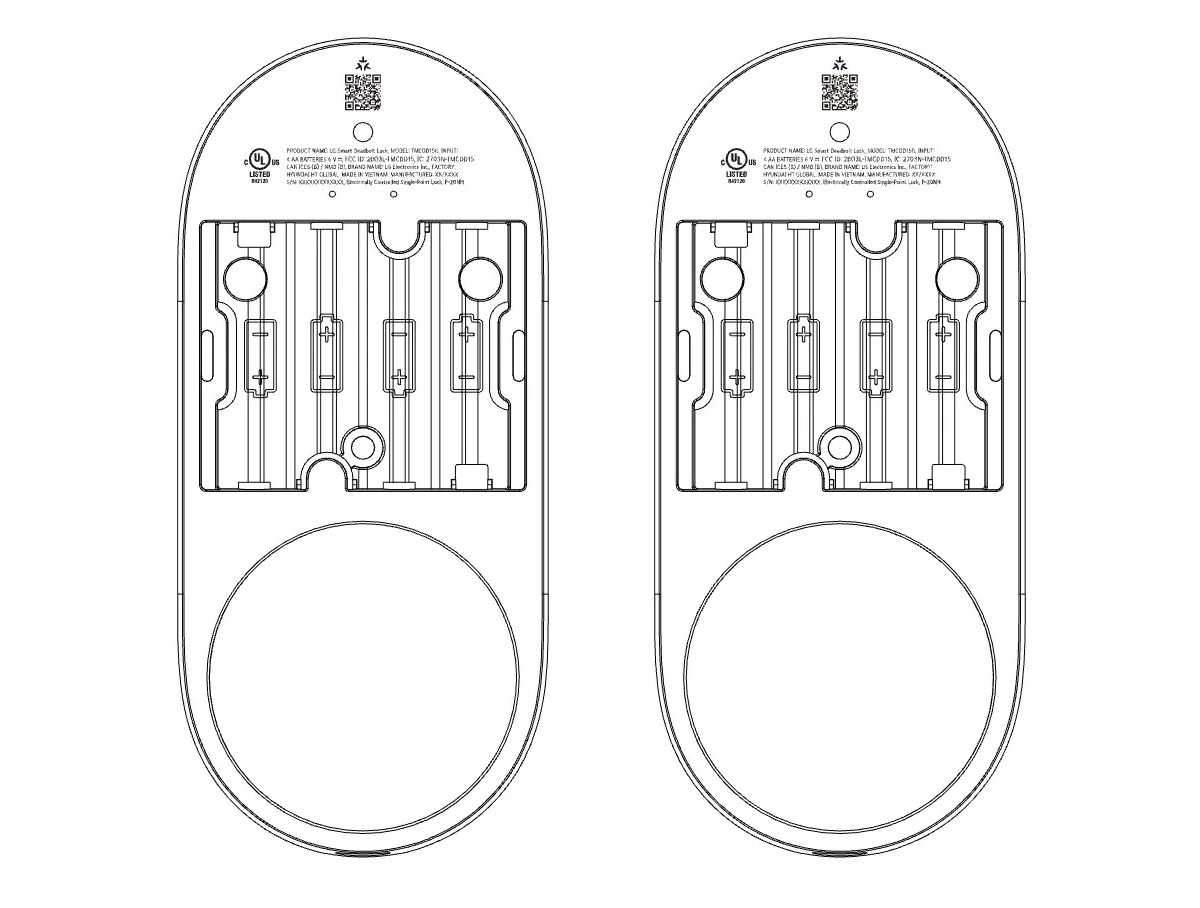
LG Smart Deadbolt Lock: Keypad rotates to open. Features settings for Touchpad Light Ring, Door Left Audio Alarm, and Lock Sound Volume. Supports automatic unlocking, tap to unlock, emergency power, and master codes.
LG Smart Thermostat: Settings for Far Sight Display, Humidity Display, Brightness, Language.
LG Temperature Sensor: Temperature and humidity sensing. The sensor has a magnetic back to attach to metal surfaces. Comes with a metal plate with adhesive for attaching to other surfaces.
Combined with the hub, these products would form an entire ecosystem of quasi-first-party smart-home devices for Apple fans, with the only obvious gap in the mooted range being some form of smart bulb. Since the days of iOS 8 in 2014, the company has promoted its HomeKit framework, which enables a wide range of third-party products (many of which are sold on the Apple website) to operate with the Apple Home system and be easily controlled via an iPhone or iPad. But the quality and intuitiveness of these products have varied, and Apple may feel that having closer control over the hardware may help the devices win broader acceptance among the faithful.
It’s worth noting, however, that Apple is not expected to brand these products with its logo and name. They will, according to Gurman’s sources, carry the LG brand. (That company is also handling manufacturing and support for the products.) Gurman refers to this as a “second-party” supplier arrangement, and insists that the rumored Apple-branded accessories are still in the works.
Aside from the smart hub and the LG accessories, the company is expected to unveil a new Apple TV and HomePod mini on or about October 13. Then additional new products, likely focusing on the Mac and potentially including the iPad, are rumoured to arrive later this month.
The LG Smart Deadbolt Lock is one of the “second-party” products expected to be announced next week.
Updated October 7: We’ve checked prices across Amazon’s U.K. stores and updated our recommended deals. Unfortunately the same sort of Amazon discounts on the iPhone aren’t seen in the U.S. because of how the iPhone is sold in the U.S.
If you’re planning to buy a new iPhone, timing your purchase can save you hundreds of dollars or pounds. There are certain times of year when buying is a bad idea, and others when discounts, trade-in deals and retailer promotions make it much easier to get a bargain.
Apple rarely discounts its newest iPhones directly, but prices often fall after new models launch in September and during major sales events such as Black Friday. In 2026, however, the usual pattern changed: Apple raised prices across the range, with even 2025’s iPhone 17 increasing by £100 and the older iPhone 16 returning to its original price. So if your priority is getting the lowest possible price on the newest handset, right now may not be the best time to buy.
That doesn’t mean you should automatically wait. Whether it makes sense to buy now depends on which iPhone you’re considering. Some models, including the iPhone 17, 17e and Air, are still months away from replacement, while discontinued models such as the iPhone 17 Pro and Pro Max can see attractive prices as retailers clear remaining stock.
In this guide, we explain the best and worst times to buy an iPhone, whether now is a good time to buy each current model, when the best deals are likely to appear, and where to look for them. We’ll also cover whether it’s worth waiting for the next generation and when Apple typically cuts prices on older iPhones.
Best and worst times buy an iPhone in 2026-2027: At a glance
When
iPhone 18 Pro/Max
iPhone Duo
iPhone 17/17e
iPhone Air
2026
September
On-sale from September 18
On-sale from October 23
Buy
Buy
October
Buy
Buy
Buy: Best for deals
Buy: Best for deals
November
Buy: Best for deals
Buy: Best for deals
Buy: Best for deals
Buy: Best for deals
December
Buy: Best for deals
Buy: Best for deals
Buy: Best for deals
Buy: Best for deals
2027
January
Buy
Buy
Wait for next generation
Wait for next generation
February
Buy
Buy
Wait for next generation
Wait for next generation
March
Buy: Best for deals
Buy: Best for deals
Wait for next generation
Wait for next generation
April
Buy
Buy
Wait for next generation
Wait for next generation
May
Buy
Buy
June
Buy: Best for deals
Buy: Best for deals
July
Buy: Best for deals
Buy: Best for deals
August
Wait for next generation
Wait for next generation
Best times to buy the iPhones in 2026 and 2027.
Best iPhone deals right now
If you are based in the U.K. it is possible to buy unlocked iPhones on Amazon – and certain models are frequently discounted. If you can get a good discount it’s always a good time to buy.
During the Prime Day sale in October we saw some fantastic savings on the iPhone 17 Pro and Pro Max – savings of £200 to £400 off the price of the equivalent iPhone 18 Pro or Pro Max, making it a fantastic time to buy one.
This is generally in the weeks leading up to Apple’s September launch event, or in the early spring, when new models are expected to be announced. Buying just before a refresh means you could miss out on new features or pay full price for a model that’s about to be superseded.
The best time to buy an iPhone
This depends on where you live:
In the U.K., where most iPhones are sold unlocked and off contract, the biggest savings are typically available during major sales events such as Amazon Prime Day (usually in July and October, and occasionally in March) and Black Friday in late November. However, worthwhile iPhone discounts can be found throughout the year if you know where to look.
In the U.S., where people tend to buy iPhones through a carrier, the best time to upgrade is often during Black Friday when networks enhance their offers with larger trade-in values, bill credits, gift cards, or discounted service plans.
Should you buy a new iPhone now or wait?
Ida Blix
September and the months that follow are a much better time to buy an iPhone than earlier in the summer. July and August are usually poor months to buy a Pro iPhone because Apple’s September launch is so close. The iPhone 18 Pro, iPhone 18 Pro Max and iPhone Duo have now been unveiled, removing that uncertainty.
If you need a phone now, there’s little reason to wait for another annual refresh, and the iPhone 17, 17e and Air are also relatively safe purchases because their successors aren’t expected until spring 2027. See: iPhone 18 and 18e rumors and iPhone Air 2 rumors.
The iPhone 17 remains the strongest value, with a 120Hz ProMotion display, A19 chip, dual 48MP cameras and 256GB of storage for $899/£899 (although it was previously $799/£799). The 18 Pro and Pro Max make more sense if you want the best cameras, performance or battery life, while the Duo is for buyers specifically interested in Apple’s new folding design.
There is, however, one important reason to wait: 2027 could bring a much bigger iPhone redesign. Apple is rumored to be preparing a 20th-anniversary iPhone with a near-all-screen curved design, under-display Face ID, possible solid-state buttons, a thinner and more efficient OLED display, larger battery and major camera improvements. That could make 2027 a more significant upgrade year than 2026.
So if your current iPhone is still serving you well, waiting could be worthwhile. Otherwise, buy now if you need a phone, or wait until Black Friday if price is your main concern.
Wondering which iPhone to buy? Read: Best iPhone for our ranked recommendations and our iPhone buying guide for more in-depth information about cameras, displays, performance, storage, battery life and other key specifications across Apple’s current lineup.
Current guidance about whether it’s a good time to buy an iPhone.
When does Apple release new iPhones?
Apple has a well-established pattern of releasing new iPhones every year, typically in September. This annual cycle has been remarkably consistent for over a decade, with only rare exceptions.
While September remains the anchor for high-end models, Apple has begun to stagger its iPhone launches. Starting with the iPhone 16e in early 2025 and continuing with the iPhone 17e in spring 2026, Apple now releases more affordable models at separate events earlier in the year – often in March.
The iPhone 18 lineup is expected to take this strategy a step further. In September 2026 Apple launched the iPhone 18 Pro, iPhone 18 Pro Max, alongside the foldable iPhone Duo. The standard iPhone 18, iPhone 18e, and iPhone Air 2 are expected to follow in spring 2027.
September launches are usually accompanied by a dedicated Apple keynote, while spring releases are more likely to be announced via a press release although Apple has held spring events. Following the announcement, Apple typically opens pre-orders within a few days, with devices going on sale one to two weeks later. Initial availability can be limited, particularly for the most popular models and storage configurations.
Should you wait for the iPhone 18?
For most people, there isn’t a strong reason to wait for the iPhone 18. Apple isn’t expected to launch the standard model until spring 2027, so buying an iPhone 17 before the end of 2026 would still give you several months with Apple’s current mainstream model before its replacement arrives.
The iPhone 18 is expected to bring a 2nm A20 chip, potentially 9GB or 12GB of RAM, Apple’s C2 modem and possibly a new 24MP front camera. Extra RAM could prove particularly useful for future Apple Intelligence and Siri features. However, the rear camera system is still expected to consist of two 48MP cameras, while the display may remain broadly similar to the iPhone 17’s 6.3-inch ProMotion panel.
There is also some uncertainty over exactly what the iPhone 18 lineup will look like. A September 2026 rumour suggested Apple could effectively merge the standard iPhone and iPhone Air into a single model, rather than continuing them as two separate devices. If that happens, the iPhone 18 could adopt some of the Air’s thinner, lighter design while retaining the broader appeal of the standard iPhone. For now, though, that remains speculative.
Price is another consideration. With the arrival of the iPhone 18 Pro and iPhone Duo, Apple increased iPhone prices across the range, so the iPhone 17 now costs $899, $100 more than at launch. When the iPhone 18 arrives, it is likely to inherit that $899 price point, while the iPhone 17 could drop back to around $799 at which you may regret buying it at the higher price.
Wait if you want the newer A20 chip, potentially more RAM, an improved front camera, or are intrigued by the possibility of a thinner redesigned standard model.
Don’t wait if you simply want ProMotion, dual 48MP cameras, excellent battery life and 256GB of storage as standard – the iPhone 17 already delivers all of that.
Should you buy a current or older iPhone?
Thinking of buying the current iPhone rather than waiting for a new model? Read on for expert guidance.
The iPhone 17 is a good buy now, especially because it isn’t expected to be replaced until spring 2027. It went on sale in September 2025, but remains Apple’s current mainstream model.
Its biggest strengths are the 6.3-inch 120Hz ProMotion display, dual 48MP cameras, and 256GB of storage as standard. Battery life is also strong, making it an excellent all-round choice for most buyers.
If you don’t need a new phone immediately, though, it may be worth waiting for a deal. The best discounts are likely during Amazon’s October sales and Black Friday on November 27, when retailers and mobile networks often offer lower prices, trade-in bonuses or contract incentives.
Waiting until spring 2027 only makes sense if you specifically want the expected iPhone 18 upgrades, such as the A20 chip, more RAM or an improved front camera. Otherwise, the iPhone 17 remains a very strong buy today.
The iPhone Air is a good buy if its thin-and-light design is the reason you want it. It went on sale on September 19, 2025, alongside the iPhone 17 lineup.
Its exceptionally thin titanium design, 6.5-inch ProMotion display and A19 Pro chip make it particularly attractive to buyers who want a large screen without the bulk of a Pro Max. It prioritizes portability and design over camera versatility and maximum battery life.
Apple is expected to update the iPhone Air in spring 2027, potentially alongside the iPhone 18 and 18e, so it has around six months left as the current model. The Air also tends to attract stronger discounts than Apple’s Pro phones, particularly from third-party retailers. That makes Black Friday one of the best times to buy. Buy now if you find a substantial discount; otherwise buy during Prime Day or Black Friday.
The iPhone 17e went on sale on March 11, 2026, so it is still relatively new and isn’t expected to be replaced by the iPhone 18e until spring 2027.
Its biggest advantages are the A19 chip, 256GB of storage as standard, and strong battery life, all at Apple’s lowest current-generation starting price. It’s particularly compelling for kids, older users and anyone who doesn’t need ProMotion or multiple rear cameras.
There’s therefore little reason to wait for the next generation unless you specifically want whatever upgrades arrive with the iPhone 18e. The more immediate reason to wait is price. As we head toward the holiday shopping season, Black Friday is likely to bring some of the best 17e deals, whether through outright discounts, carrier promotions or trade-ins. Buy now if you need a phone; wait if saving another $50-$100 matters more.
The iPhone 18 Pro and Pro Max are excellent buys now if you want Apple’s best conventional iPhones. Announced on September 9, 2026 and on sale from September 18. If you need a new phone and want Apple’s most capable cameras and performance, this is a good point in their release cycle to buy.
Their biggest attractions are the A20 Pro chip, the triple-48MP camera system with variable aperture, and much better battery life, particularly on the Pro Max. The 18 Pro is the better choice for most buyers, while the Pro Max is worth paying extra for if you want its 6.9-inch display and class-leading endurance.
Buying a new phone and replacing a working iPhone 17 Pro are different decisions, however. Our iPhone 18 Pro review found substantial performance gains, while our battery test showed 12 percent longer runtime for the Pro and 25 percent longer for the Pro Max compared with their respective predecessors. Those improvements strengthen the case for buyers moving from an older phone. If your 17 Pro still meets your needs, though, there is less reason to upgrade: the design and most capabilities remain familiar, with the main new features concentrated in photography.
There’s little reason to wait for their immediate replacements, which aren’t expected until fall 2027, although Apple’s 20th-anniversary iPhone could bring a more substantial redesign.
If price matters, waiting a few weeks may be worthwhile: the best early deals are likely around Black Friday, particularly through carriers and trade-in promotions. Large outright discounts are unlikely so soon after launch.
Is now a good time to buy? Pre-order from October 16.
The iPhone Duo is worth buying if you specifically want Apple’s first foldable, but it isn’t the sensible choice for most people. Apple unveiled it on September 9, with pre-orders opening October 16 and sales beginning October 23, 2026.
Its most attractive features are the 7.6-inch folding display, Split View multitasking, and A20 Pro performance. The 5.4-inch outer display also means it can function like a compact iPhone when folded.
At $1,999/£1,999, however, this is a very expensive first-generation product, and the iPhone 18 Pro offers better cameras for substantially less. The Duo probably won’t be replaced until late 2027 at the earliest, so there’s no obvious reason to wait for a second generation if the folding design appeals to you.
Black Friday arrives only five weeks after release, but major discounts are unlikely; carrier incentives and trade-ins are more realistic than large cash savings.
Is now a good time to buy? If you find a good deal, yes
The iPhone 17 Pro and Pro Max could now be among the best-value high-end iPhones – if you can find them discounted. They went on sale on September 19, 2025, but Apple has discontinued them following the arrival of the iPhone 18 Pro range.
Their biggest strengths are the A19 Pro chip, advanced triple-camera system, and ProMotion displays, while the Pro Max also offers excellent battery life.
They have already been replaced, so the question isn’t whether to wait for something newer: the iPhone 18 Pro and Pro Max are here now. Instead, compare the saving with what you give up. The newer models add the A20 Pro chip, improved cooling, variable-aperture Main camera and better endurance. If a 17 Pro is only modestly cheaper, buy the 18 Pro instead.
But clearance sales and Black Friday could make last year’s models extremely attractive, particularly if retailers cut several hundred dollars from the original price.
Is now a good time to buy? No, unless you get a good discount
The iPhone 16 can still be worth buying, but only at the right price. It went on sale on September 20, 2024, and its days in Apple’s lineup are probably numbered: once the iPhone 18 launches in spring 2027, Apple is likely to discontinue it.
Its main advantages are the A18 chip with Apple Intelligence support, versatile dual-camera system, and Camera Control and Action buttons. It remains fast and capable, but its 128GB of base storage and older 60Hz display make it much less appealing at anything close to the price of newer models.
That means the decision comes down largely to discounts. Black Friday and clearance sales are likely to offer the best opportunities. If the iPhone 16 is only slightly cheaper than an iPhone 17e or iPhone 17, skip it. If you can find it heavily discounted, however, it can still represent excellent value.
Apple typically announces new iPhone models in September. Carriers often roll out their most aggressive trade-in offers and promotional deals around this time to entice customers to upgrade.
New releases: Waiting for the September (or spring) launch window is generally a good strategy if you want the latest model at a potentially better subsidized price.
Check your contract cycle: Many carrier contracts today last 24 to 36 months. If you’re nearing the end of your contract, you’re in a strong position to negotiate or take advantage of upgrade offers. However, upgrading mid-contract may involve paying off the remaining balance, so it’s worth checking your specific terms.
Consider Apple’s upgrade plans: Apple has replaced its old iPhone Upgrade Program with newer financing and leasing options. In the U.S., Apple Upgrade lets you lease an iPhone through Klarna and upgrade, buy or return it at the end of the term. In the U.K., Apple’s Flexible Finance Account offers eligible iPhones on monthly payment plans with the option to upgrade after a set number of payments. Terms and monthly costs vary by model.
2.
When does Apple update the iPhone?
Apple follows a well-established annual rhythm for its iPhone updates, with the primary event taking place in September each year.
Apple typically unveils its new iPhone lineup at a dedicated Apple Event in September. Pre-orders usually open on the Friday following the announcement, with devices shipping and arriving in stores a week later.
Apple also occasionally introduces new iPhones outside the September window and in the past it has held a Spring Apple Event at which more affordable iPhones have launched. The iPhone 17e, for example, arrived in March 2026, and the iPhone 16e launched in February 2025.
Compatible iPhone models also get a yearly operating system software update with new features that can make your old iPhone feel new again. The major iOS updates follow the September schedule.
Read our guide to the next Apple event to find out if an Apple event is imminent.
3.
When do iPhone prices drop and by how much?
Based on past experience, Apple is very unlikely to reduce the price of a new iPhone during its first year on sale.
However, when Apple introduces a new generation of iPhones, it usually cuts the price of the previous year’s models. That means September has traditionally been the point when older iPhones become cheaper.
Apple also tends to keep launch prices broadly similar from one generation to the next, at least in the U.S., although exchange rates and other regional factors can affect pricing elsewhere.
In 2024, for example, Apple reduced the price of the iPhone 15 and iPhone 15 Plus by $100/£100 when the iPhone 16 and 16 Plus arrived. The iPhone 16 also fell in price following the launch of the iPhone 17 in 2025. However, because the iPhone 17 doubled the base storage to 256GB, the older iPhone 16 looked less attractive even at $100/£100 less.
In 2026, the pattern changed. Apple actually raised iPhone prices, blaming higher memory costs. Even the year-old iPhone 17 and two-year-old iPhone 16 increased by $100, showing that older iPhones don’t always become cheaper when a new generation arrives.
4.
Is it better to buy from Apple or a carrier?
In the U.S., buying from Apple is usually the better option if you value flexibility. If you pay in full or use Apple’s own financing, the iPhone is unlocked, so you can switch carriers or use another eSIM when traveling. Apple also accepts trade-ins and, importantly, many AT&T, T-Mobile and Verizon promotions are available when buying through Apple.
However, an iPhone bought from Apple but financed through an AT&T, T-Mobile or Verizon device-payment plan is locked to that carrier until it has been paid off. An iPhone bought outright from Apple isn’t.
The main reason to buy directly from AT&T, T-Mobile or Verizon is to take advantage of a particularly good promotion. U.S. carriers frequently advertise large trade-in credits or “free” iPhones, especially when you add a line or switch networks. The catch is that the discount is usually provided as monthly bill credits over 24 or 36 months, so if you leave early you can lose the remaining credits.
In the U.K., Apple sells iPhones unlocked and SIM-free, allowing you to shop separately for a SIM-only plan from EE, Vodafone, O2, Three or an MVNO. This makes it easier to switch networks and can work out cheaper over the life of the phone than bundling the handset and airtime into a single contract.
Apple isn’t necessarily the cheapest place to buy, however. Amazon U.K. and other retailers frequently discount SIM-free iPhones, and there can be substantial savings during sales events such as Black Friday.
Networks can also offer compelling promotions, including enhanced trade-in values, discounted airtime, generous data allowances or lower monthly payments. But make sure you compare the total cost of the contract, rather than focusing on the headline monthly price.
5.
When are the best iPhone deals?
The earliest you could expect to get a discount on the newest iPhones is around Black Friday at the end of November, so you might be planning to hold out until then. However, the deals we tend to see, if any, are usually for older handsets. See our round-up of Best Black Friday iPhone deals for more.
Nor should you expect to get a discount in an Apple Black Friday sale. Apple’s Black Friday sale usually only takes the form of vouchers with select product purchases, rather than a discount, and it is unlikely that the newest iPhone would qualify as in previous year’s new iPhones haven’t been included.
Note that while shopping events like Black Friday get all the attention, that’s not the only time you can get discounts on Apple products: we see discounts all the time. Another event where we see good iPhone deals is Prime Day, which happens in June or July and October every year. So take a look at the iPhone deals for Amazon Prime Day sale to see what you might be able to save.
In our experience, we don’t tend to see discounts on the newest handset until the spring – and these are always from third-party resellers, never from Apple. In fact, we don’t tend to see the iPhone discounted in the U.S. very often, most of the discounts we see are in the U.K. where unlocked iPhones are often sold off-contract at a good discount.
6.
Is it worth buying a refurbished iPhone?
Yes, buying a refurbished iPhone is absolutely worth it for most people, especially if you want to save money without sacrificing quality.
Buying refurbished is a great way to “pick up a bargain” while still getting a premium device. You can typically save 15% to 30% compared to buying new, and sometimes much more on older models.
A common misconception is that refurbished is the same as buying a used phone from a stranger, though. It’s not. A used phone is sold “as-is,” with no guarantee it will work properly. A refurbished phone has been professionally inspected, tested, and repaired if needed, and it comes with a warranty.
If you want the highest quality, Apple’s own refurbished store is the gold standard.
Conclusion: When is the best time to buy a new iPhone?
The worst time to buy is usually between July or August, mainly because with new iPhones on the horizon the price of the older handsets are likely to drop very soon.
If you want the newest iPhones then the best deals don’t tend to come before the spring and summer months. If you are happy to buy an older iPhone then you will probably see decent deals around Prime Day and Black Friday – but deals happen all year round.
We hope this article has proved helpful in reaching an informed buying decision. Remember that good prices can be found all year round, if a retailer is feeling generous and you know where to look: read our guide to the best iPhone deals for more on that.
Updated October 7: We’ve checked prices across Amazon’s U.S. and U.K. stores and updated our recommended deals this Prime Day in the U.S. and U.K.
Prime Day is usually a great time to save on Apple products, but this year comes with an important caveat: Macs and iPads are more expensive than they were during the previous sale.
Apple raised prices across its Mac and iPad lineups in June, with further increases arriving alongside the latest Macs, reflecting wider rises in memory and storage costs across the industry. So while Amazon should still offer some of the best prices available on current models, don’t expect every deal to beat June’s Prime Day lows. We monitor the deals against the historic lows for context, but Apple’s June price increases mean a current deal can still be good value even if it doesn’t match an older record low.
The good news is that Apple Watch pricing has remained largely unchanged, while the AirPods 5 launched at a lower price. And across the board, Prime Day should still be one of the best opportunities to buy Apple products for less than Apple charges.
Browse the best Prime Day Apple deals below, and see our dedicated Prime Day coverage and Best Picks guides for more buying advice.
Amazon Prime Day MacBook Air, MacBook Neo & MacBook Pro deals
Eugen Wegmann
Apple updated the MacBook Pro in March with M5 Pro and M5 Max processors with double the storage across the board. At the same time, Apple upgraded the MacBook Air with an M5 chip as well, also with double the storage. Those models all came with a price increase to match the new starting storage amounts, but a few months later, Apple raised prices on all Macs from $100-$500, depending on the model.
These are greatmachines, but you’re not going to get them nearly as cheap as you could last year, when the MacBook Air regularly dipped under $800. These days, a really good price on the Air is something closer to $1,150, while the Pro has yet to dip below $1,800.
Apple’s price hikes even extended to Apple’s excellent entry-level Neo, which got a $100 price hike. Deals on the MacBook Neo have generally been modest, although we’re now starting to see more meaningful savings on some configurations.
Like the Macs, Apple hiked the price of the iPad by $100-$200 back in June. Most of them are older models due for an update soon, including the iPad mini (released October 2024), A16 iPad (released March 2025), and iPad Pro (released October 2025). The lone exception is the iPad Air, which received an update in March. Therefore, we recommend waiting unless there’s a really good deal.
Unfortunately, we haven’t seen a really good iPad deal in a while. For example, during the first Prime Day, the A16 iPad was down to $279, but the best price we’ve seen since the price hike is $399. Similarly, the iPad Air’s lowest price was $649, about $130 higher than the previous all-time low.
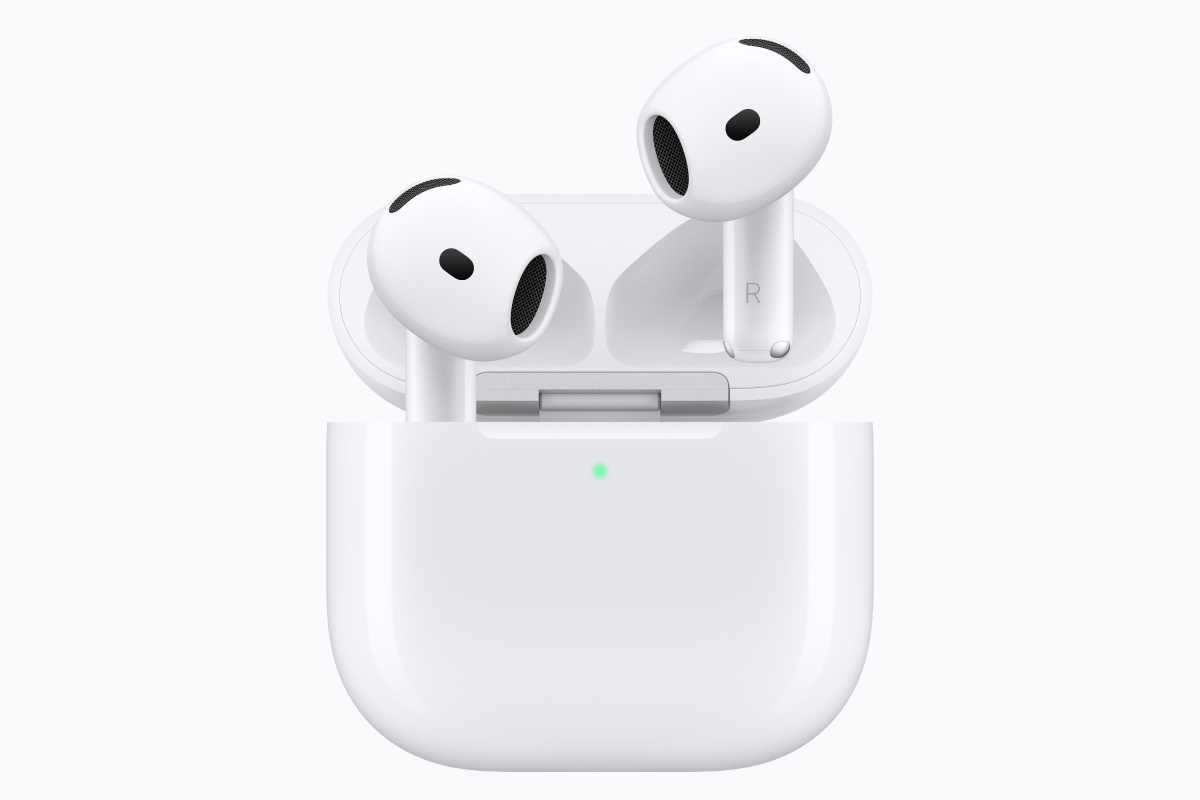
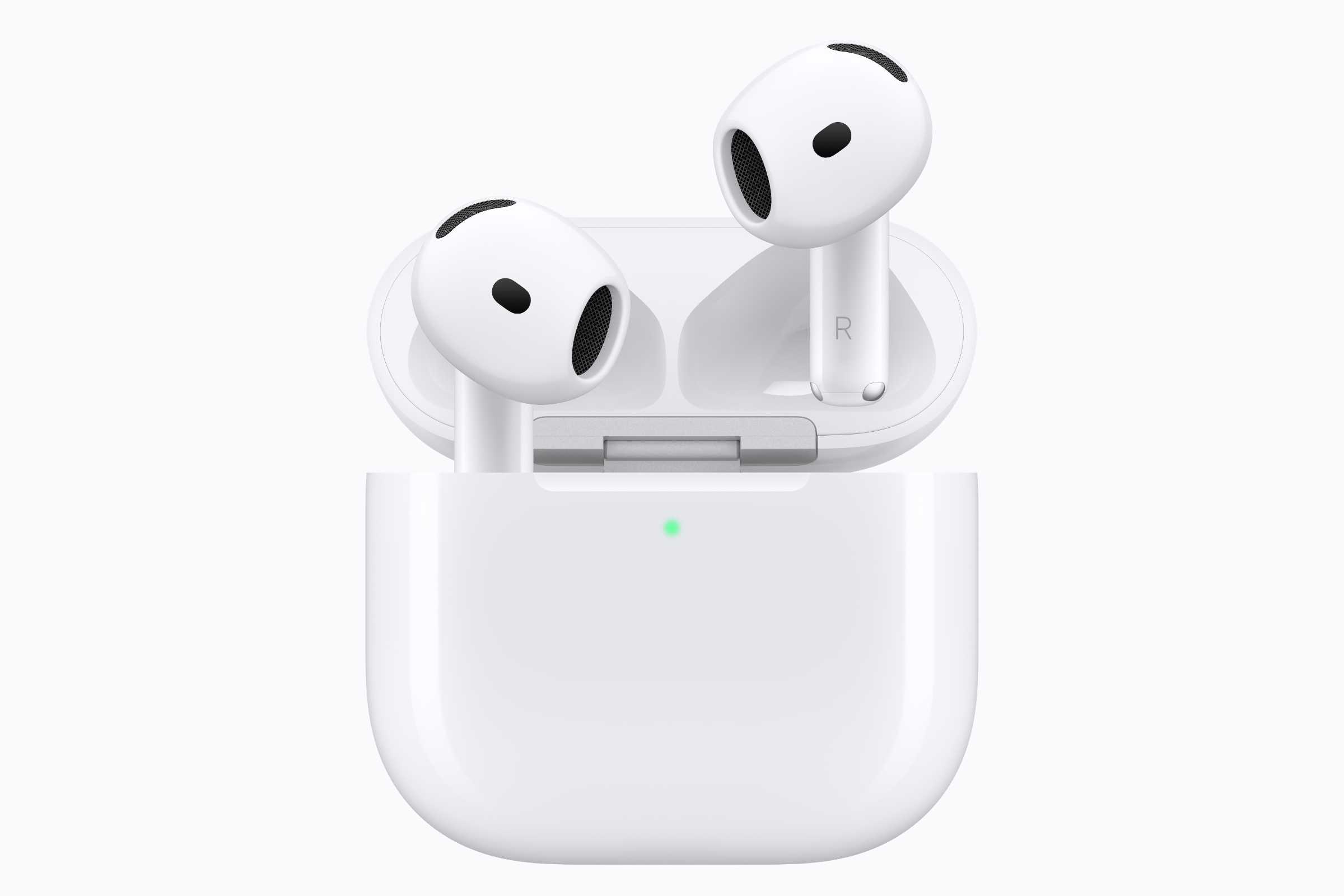
Apple’s newest AirPods are AirPods 5, which already got a pretty significant price cut over the 4th-gen model. The $129 model now has ANC, which is an effective $50 price cut over the previous model, which cost $179. We’ve seen that model go as low as $99 and regularly drop to $119, so we could see the price drop under $100 before long. This October Prime Day might be a little too soon, however.
AirPods Pro 3 were released last September, but they’re still Apple’s latest high-end earbuds, with foam-infused eartips, an H2 chip, and a heart-rate sensor. We gave them a near-perfect score in our review, and they keep getting better as Apple adds new features, including a custom equalizer in iOS 27. We’ve seen AirPods Pro 3 as low as $179 in the past, so we’re hoping they drop back there again.
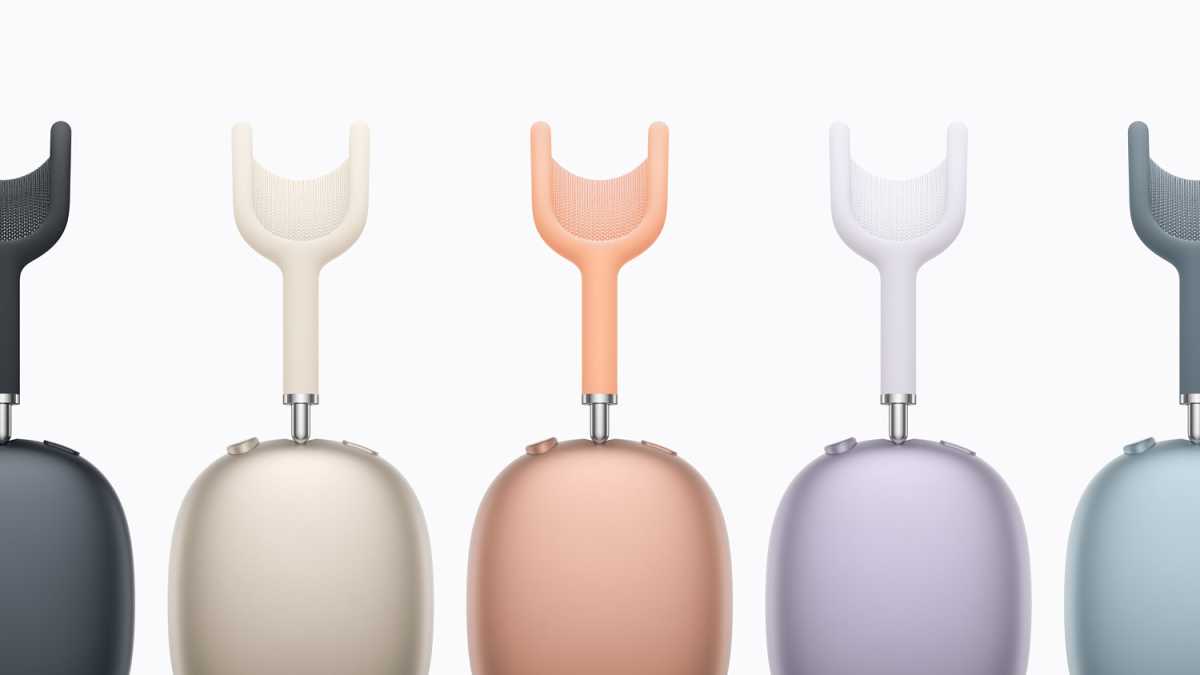
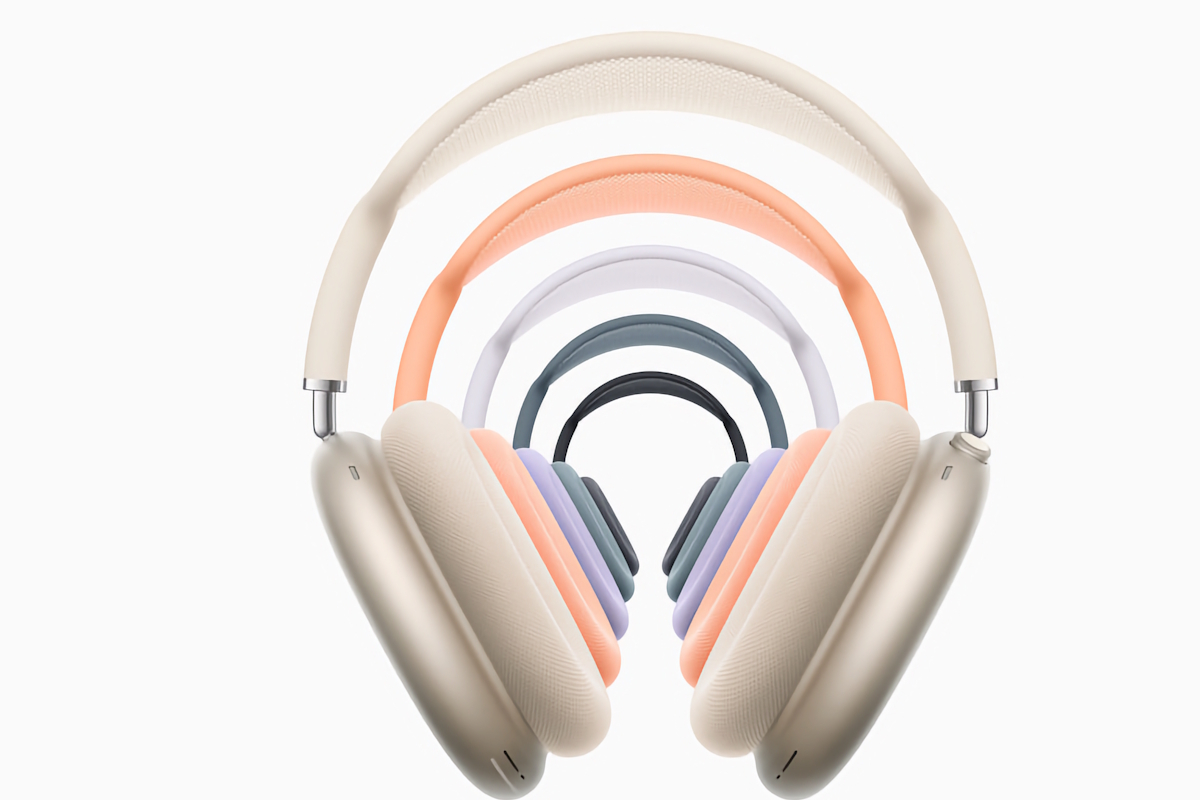
Earlier this year, Apple updated its AirPods Max with an H2 chip, bringing better noise cancellation and missing features such as Live Translation and Adaptive Audio for the same $549 price. AirPods Max 2 recently dropped to $399 for the last Prime Day, so be on the lookout for a similar sale this time around.
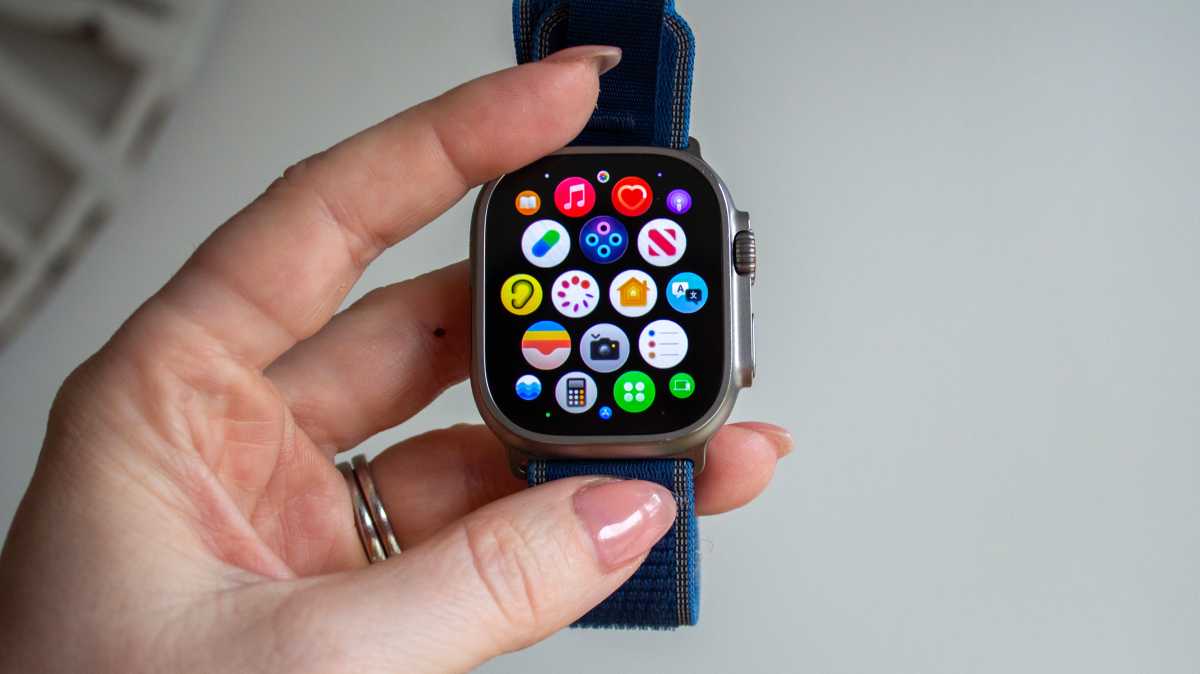
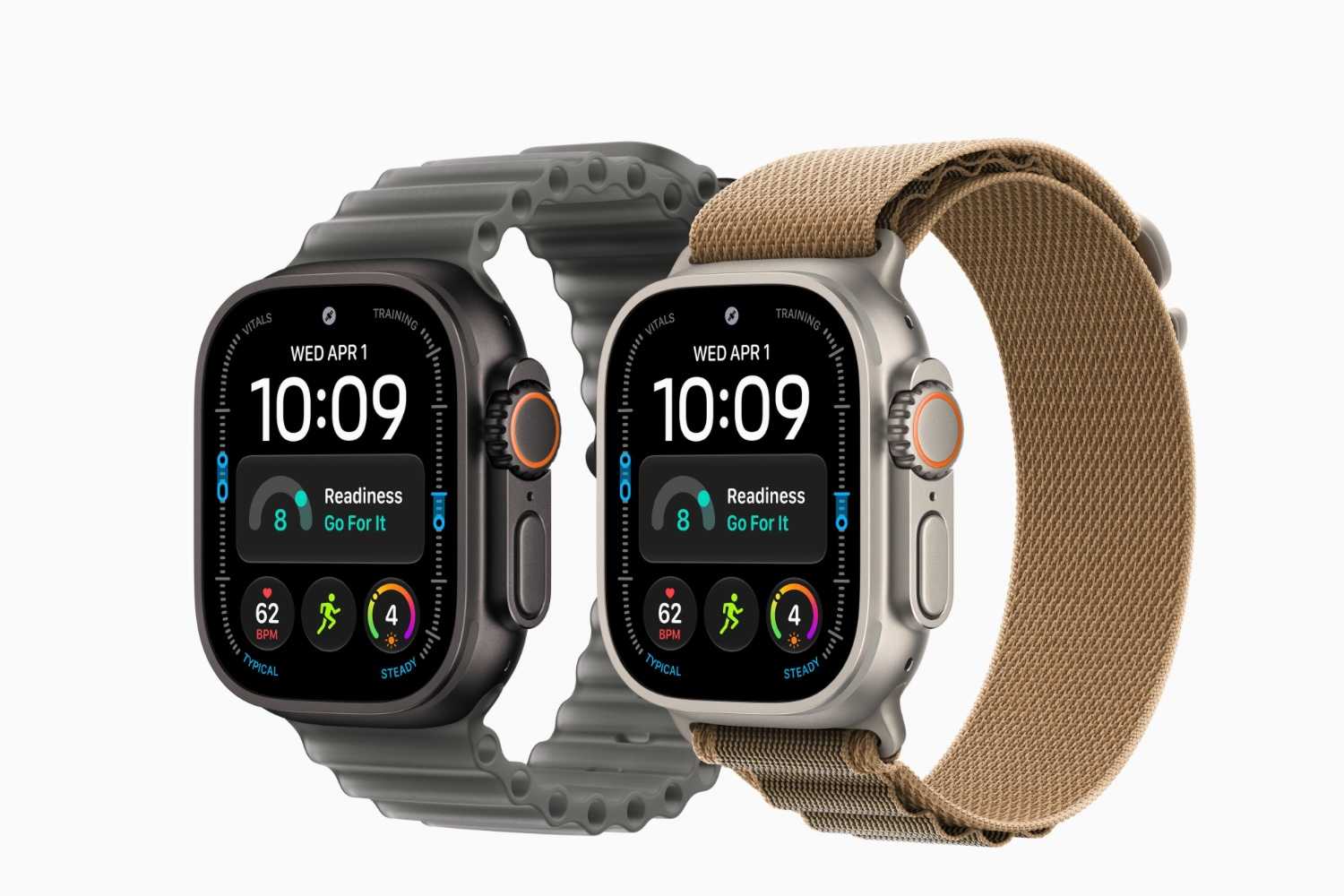
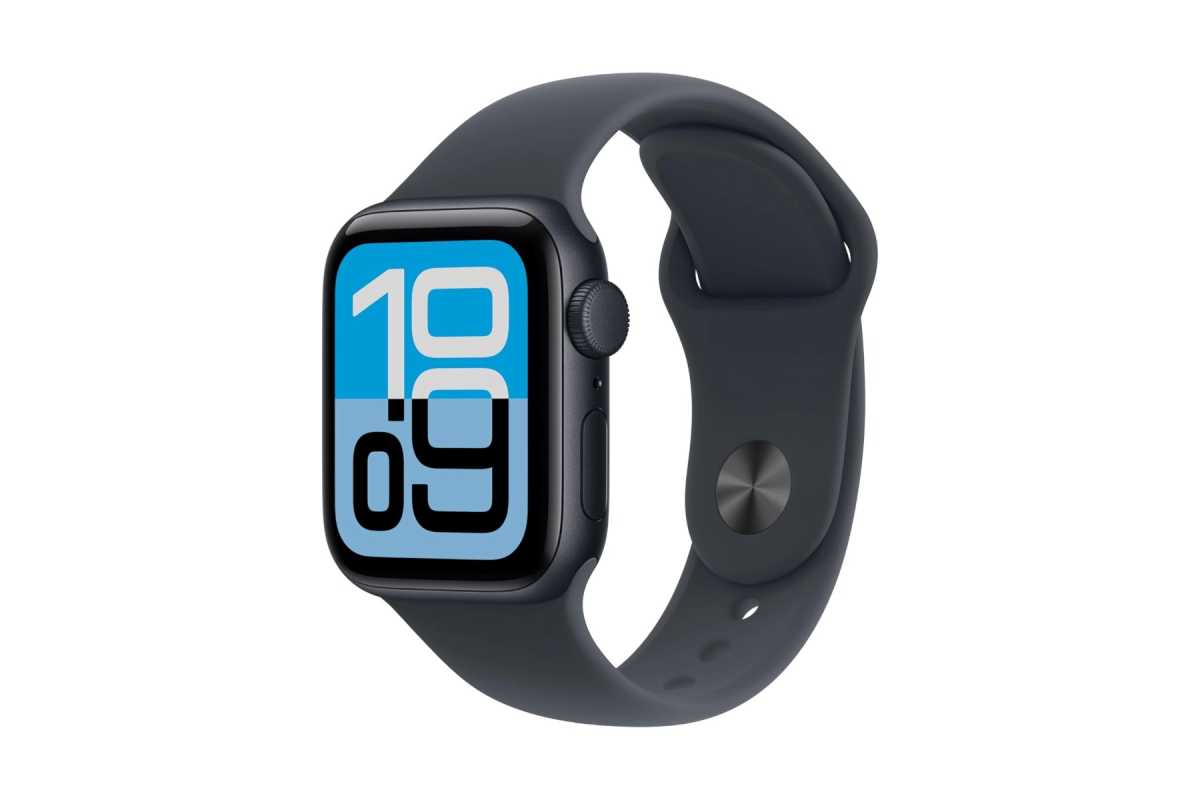
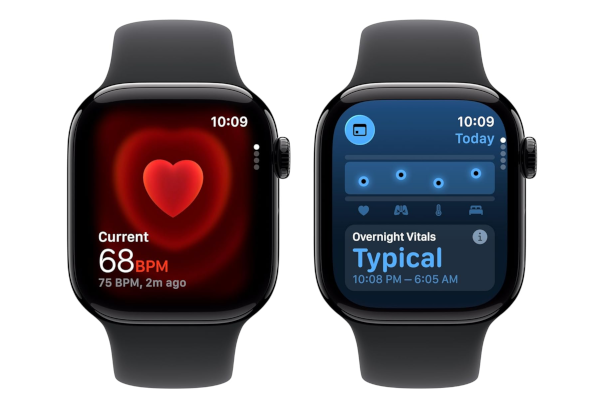
Apple just released the Apple Watch Series 12 and Ultra 4, which offer several exclusive features that aren’t available on last year’s watches, including continuous all-day heart-rate tracking and Audio Intelligence with Live Rewind that lets you see a transcript of the last 15 seconds of a conversation. The new features are well worth the upgrade, especially since Apple mostly kept prices the same. (The 42mm model still starts at $399 and the 46mm is only $20 higher.)
Prime Day is already bringing some worthwhile discounts on Apple’s newest watches. The 42mm Apple Watch Series 12 is $50 off, while both sizes of the Apple Watch SE 3 are also $50 off. The Ultra 4 has a smaller $20 discount, but that’s still notable for a model that only launched a few weeks ago.
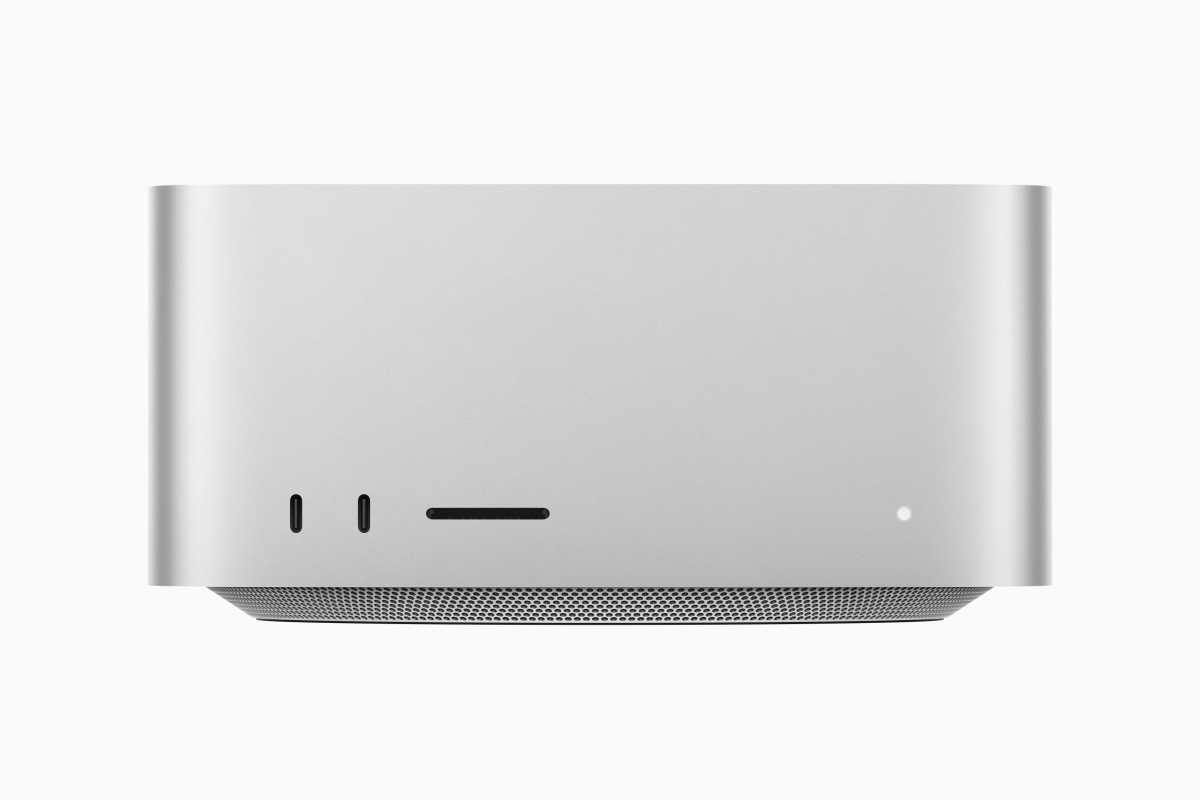
Apple updated the Mac mini and Mac Studio with new chips in September, and both arrived with significant price increases. The cheapest Mac mini now costs $899, while the Mac Studio starts at $2,499. Prime Day is already bringing better discounts than we expected, however: the M6 Mac mini is around $120 off in the U.S., while the M5 Max Mac Studio is also seeing worthwhile savings. These are strong discounts for Macs that only went on sale last month, even if prices remain higher than they were during the previous Prime Day.
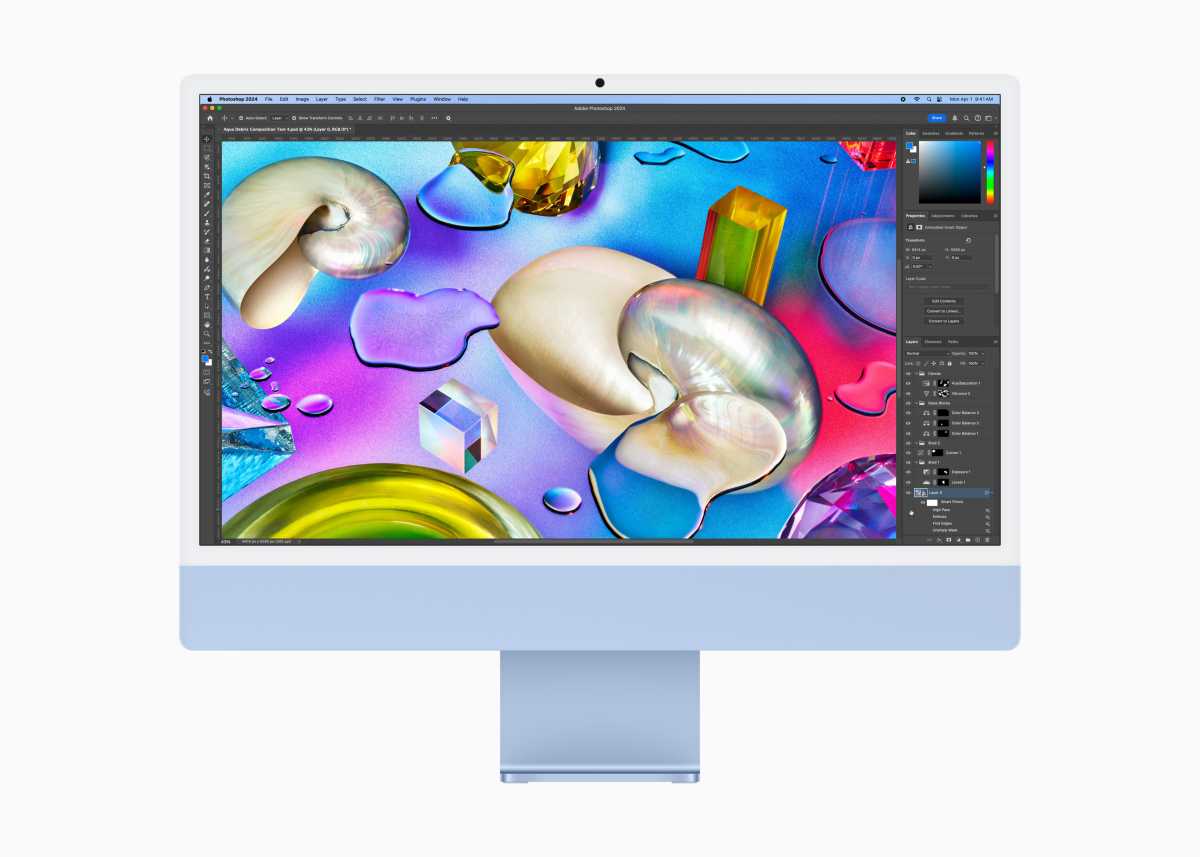
The iMac is a different story. It still uses the older M4 processor, so we’d want to see a much larger discount before recommending it over the newer Macs.
If you’re looking for an iPhone deal in the U.S., Prime Day sales are not the ones you want. While there are plenty of cases, cables, and other accessories Amazon doesn’t sell new iPhones, so the best you’re going to find is a refurbished iPhone 17 Pro.
You might have better luck shopping at Amazon UK, especially with the iPhone 17 Pro for which the discounts are outstanding compared to the price of the iPhone 18 Pro models. Since the iPhone 18 Pro only just arrived, it’s no surprise that we aren’t seeing huge savings there.
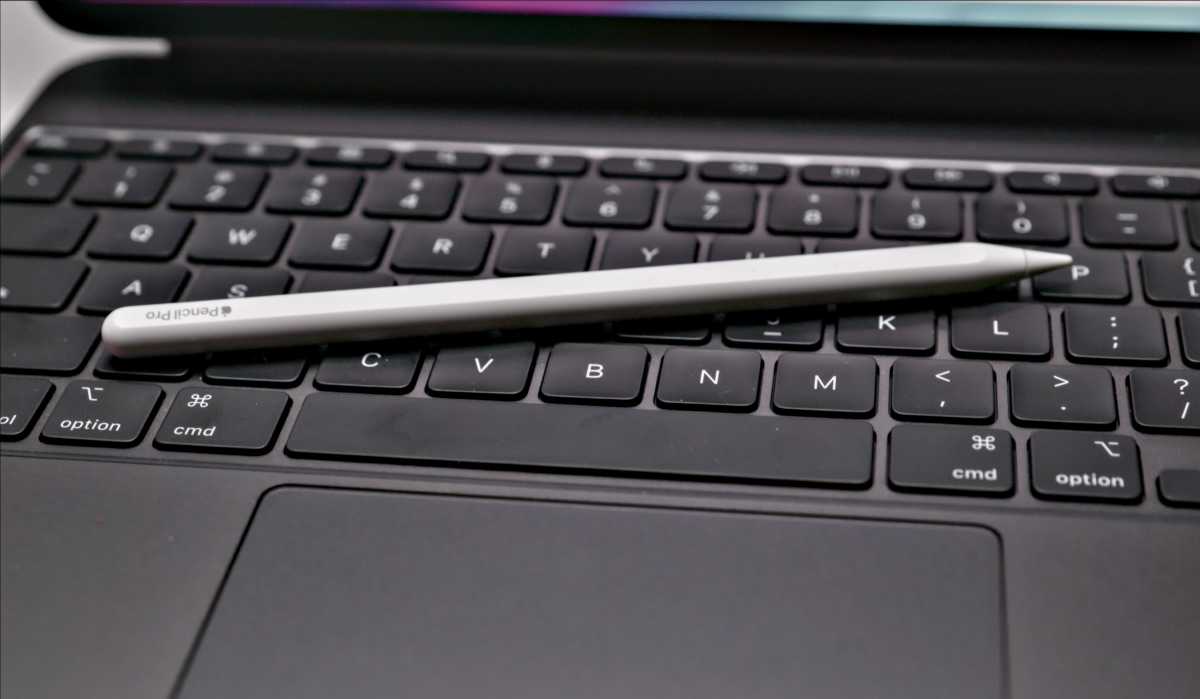
If you’re not in the market for a big-ticket Apple device, Prime Day is always a great time to pick up a mouse or keyboard for your Mac, Apple Pencil or Magic Keyboard for your iPad, a set of AirTags, or a new case for your iPhone.
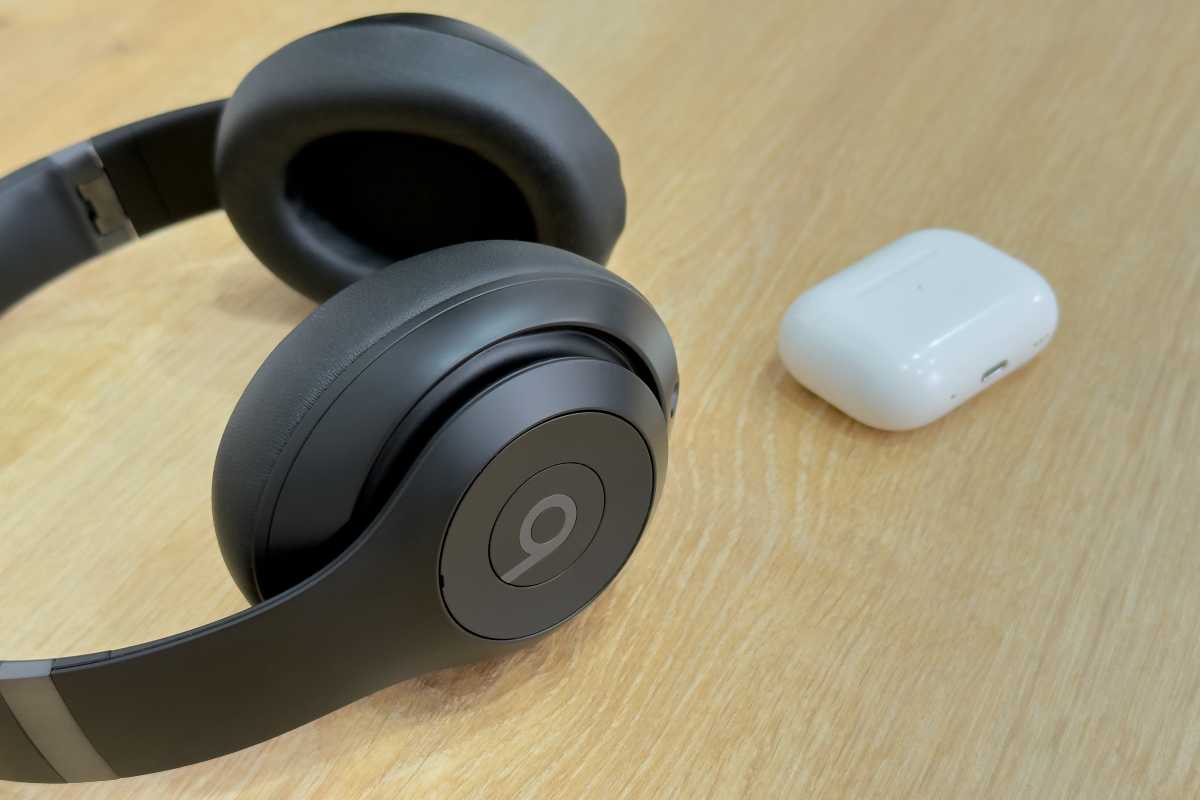
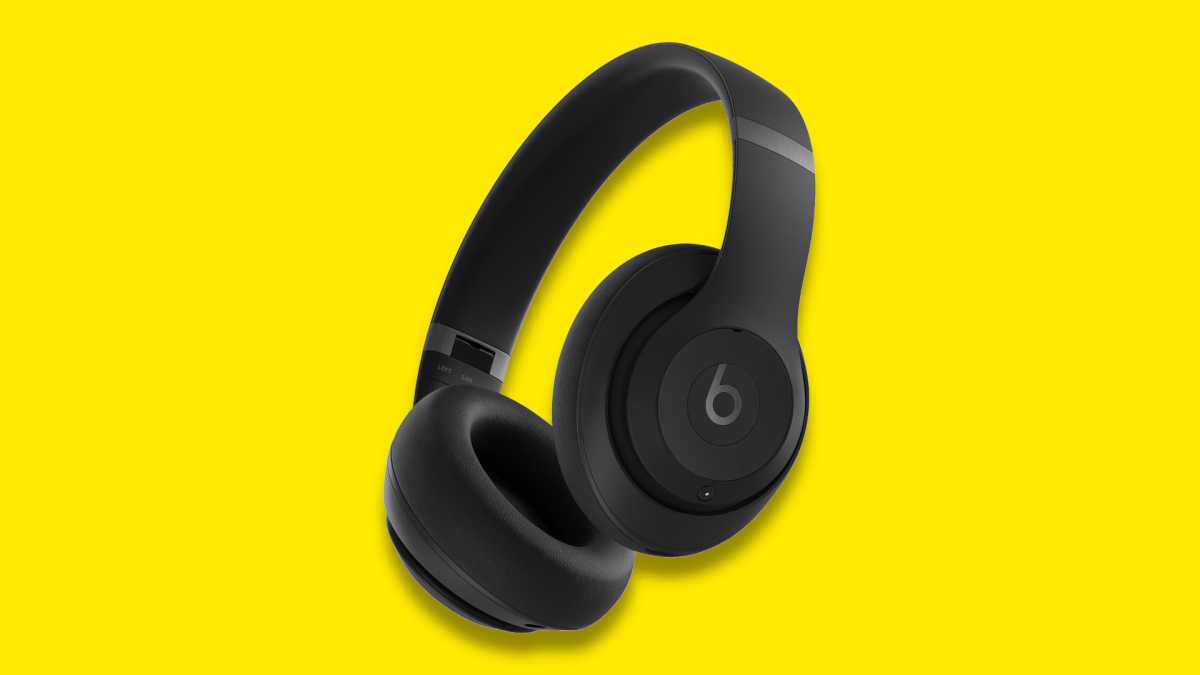
If AirPods aren’t your speed, Apple’s other line of headphones, Beats, is certain to be on sale for extremely low prices during Prime Day. Beats are regularly cheaper than AirPods, and are always among the best deals during Amazon sale events.
Amazon Prime Day started as a sale for subscribers to Amazon’s Prime membership, but many deals are available for anyone to purchase. However, Prime members will get free 2-day shipping on most items, while non-members will need to pay variable shipping rates. Prime memberships cost $139/£95/AUD$59 annually, or $14.99/ £8.99/AUD$6.99 every month. New users can sign up for a 30-day free trial that can be canceled at any time.
How we pick the best Apple deals
At Macworld, we’ve been covering and reviewing Apple and Apple devices for more than four decades, from the original Macintosh to the latest Macs, iPhones, iPads, AirPods and Apple Watches. We use Apple products every day and purchase them with our own money, so we know a good deal when we see one.
More importantly, we also know how to spot a bad deal. With a working knowledge of everything Apple sells and decades of experience, we know when Amazon is promoting older products as “limited” deals or pushing regular discounts as Prime Day bargains, so the listings you see here will only be for discounts that are at or near all-time low prices.
Amazon’s October Prime Day sale is one of the best opportunities this year to buy an iPad for less, and it ends today, October 7.
That matters more than usual in 2026 because Apple raised iPad prices substantially in June. The standard iPad now starts at $449/£429, the iPad mini at $599/£599, the 11-inch iPad Air at $749/£749, and the 11-inch iPad Pro at $1,199/£1,199. Retailer discounts can therefore save hundreds compared with buying directly from Apple.
But not every iPad deal will be worth grabbing. The M4 iPad Air and M5 iPad Pro are both relatively recent models and aren’t expected to be replaced until 2027, making a strong Prime Day discount easy to recommend.
The situation is different for the iPad mini. Apple is widely expected to introduce a new model soon, potentially before the end of October, with an OLED display among the biggest rumored upgrades. And while the current A16 iPad probably won’t be replaced until early 2027, it remains the only iPad Apple sells that doesn’t support Apple Intelligence.
Below, we’re tracking the best October Prime Day iPad deals and explaining which discounts are genuinely worth taking and which models you may be better off waiting for. Of course, Prime Day isn’t just for iPads. If you’re looking for a new Mac, Apple Watch, or set of AirPods, check out our big roundup of the Best Apple Prime Day Deals.
Best Amazon Prime Day iPad deals
M4 iPad Air – Best Prime Day buy
Apple Inc
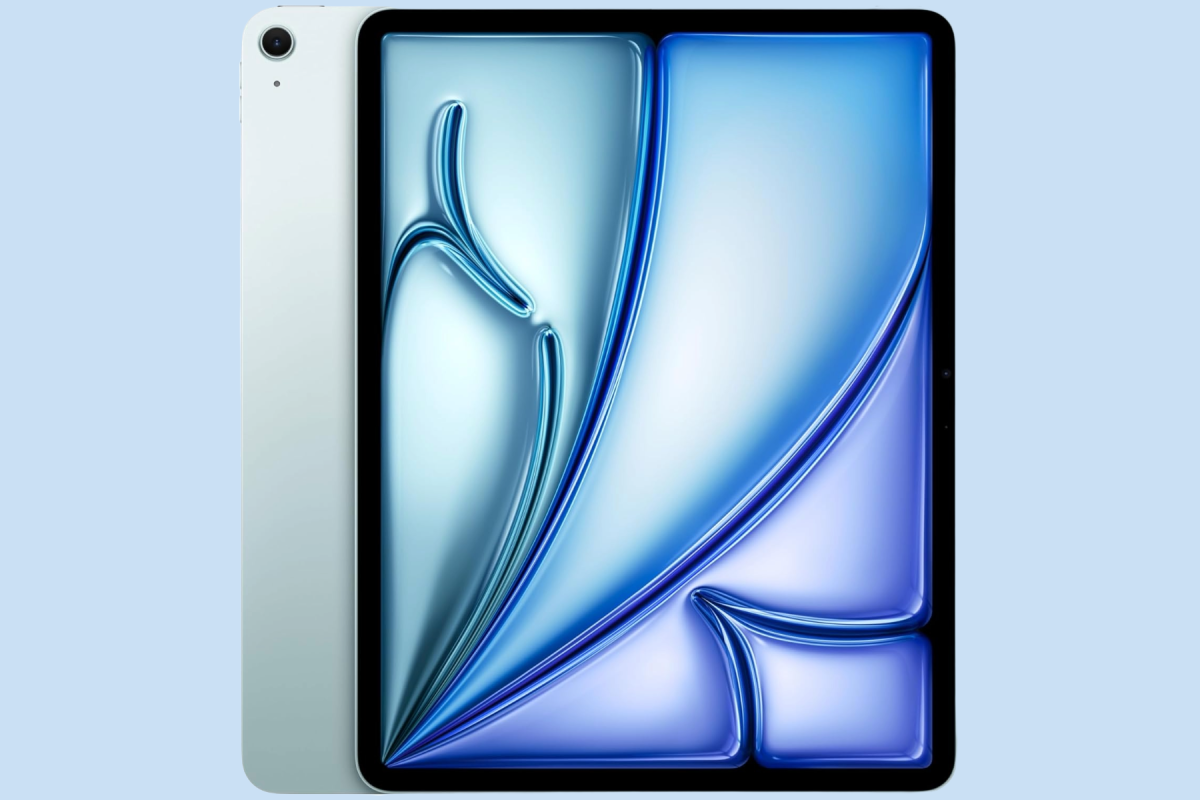
The iPad Air is Apple’s only tablet to get an update in 2026 so far, and Prime Day is now bringing the kind of discounts we were waiting for. In the U.S., most configurations are $100 off, while U.K. savings reach £144 on some models. If you want a full-sized tablet, the Air represents the sweet spot for screen size, performance and price. With Apple driving up iPad Air prices by $150/£150 grab a bargain while you can.
U.S. Prime Day price: There’s $100 off nearly every iPad Air on Amazon’s U.S. store.
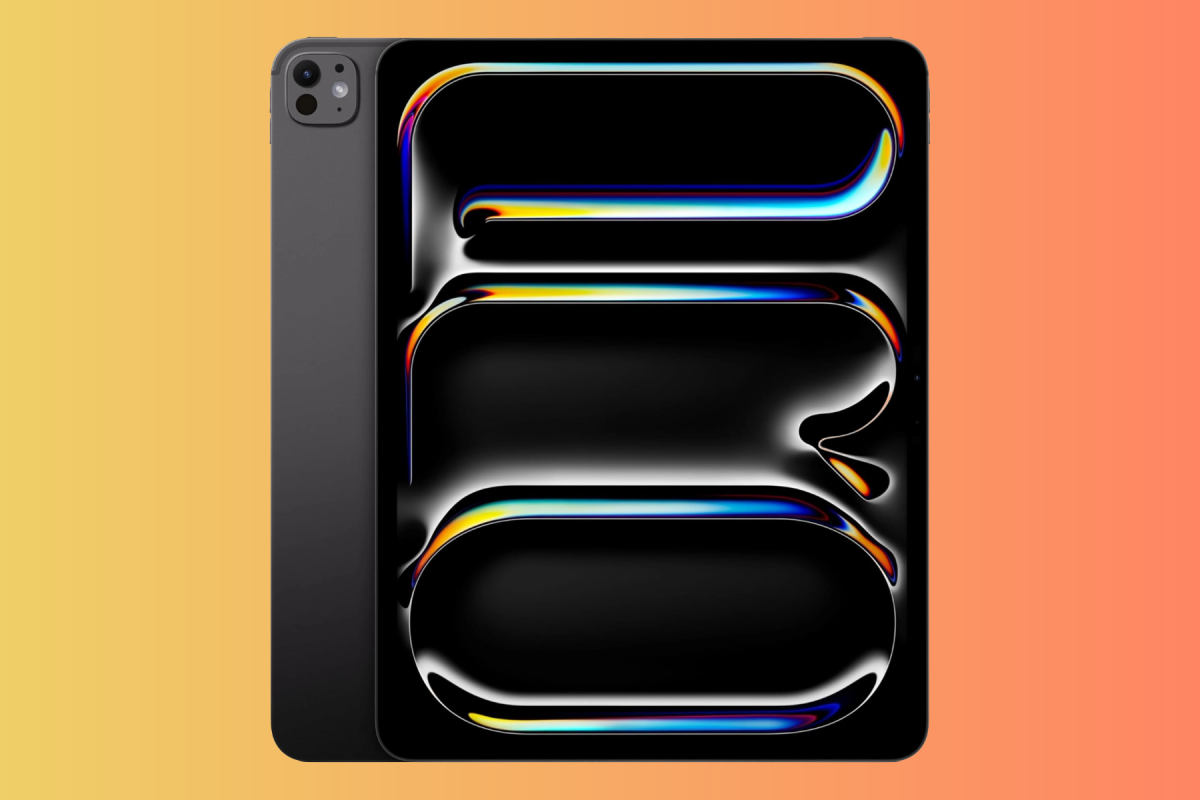
The iPad Pro is Apple’s best tablet, with the fastest chip, most RAM, and best display. It’s probably more tablet than you need, but if you don’t mind paying a premium, which is even higher now than it was before the price hikes in June, you’ll be getting an incredible tablet.
U.S. Prime Day price: Amazon is currently slashing the price of the iPad Pro by $100. We also spotted a M4 iPad Pro with a deal that puts it $400 below the equivalent model.
U.K. Prime Day price: Amazon has not yet cut U.K. iPad Pro prices by more than £12, so we’d hold out for better deals. We have previously seen considerably lower prices, including £929 for the 11-inch model.
The A16 iPad remains Apple’s cheapest tablet, but Apple raised its price by $100/£100 in June, and it is the only current iPad without Apple Intelligence.
A new iPad is expected later in 2026 or in early 2027, likely with a newer processor, more RAM and Apple Intelligence support, so we wouldn’t recommend paying close to the current $449/£429 price.
If Prime Day brings the 128GB model below its pre-price hike price of $349 we might consider it, but we’d prefer to see it drop more than that. It remains a very good budget iPad for browsing, streaming, schoolwork and everyday use.
U.S. Prime Day price: At $399, we’d pass. A price around $349 would restore its old Apple price and make it more appealing, while anything significantly below that would qualify as a genuinely strong Prime Day deal.
iPad mini – Buy cautiously: replacement expected very soon
Apple
Be particularly careful with iPad mini deals this Prime Day. The current A17 Pro model is an excellent compact tablet with Apple Intelligence support, but it launched in October 2024 and could be replaced within weeks.
October is now the leading launch window for the next iPad mini, with reports pointing to an OLED display and newer processor.
We wouldn’t pay close to Apple’s $599/£599 price. A substantial Prime Day discount could still make sense if you need one now and don’t care about OLED, but otherwise this is the iPad we’d be most inclined to wait for.
U.S. Prime Day price: There’s $100 off the iPad mini at Amazon U.S.
Based on recent reviews and pricing trends for Apple’s iPads, these are our buying recommendations:
Model
Lowest Ever U.S. Price
Lowest Ever U.K. Price
Buying Advice
iPad (A16)
$271.29
£299
The standard iPad is the best value option, especially if it falls to, or below, $299/£299. There are trade-offs to consider, including lack of support for Apple Intelligence, though, and a new model is expected in the next few months.
iPad mini (A17 Pro)
$349
£399
The iPad mini is an excellent compact tablet, but a new model with an OLED display could arrive soon. At $399/£399 or less it may still be worth buying if you don’t care about OLED; otherwise, we’d wait.
11-inch iPad Air (M4)
$520
£578.99
The iPad Air offers high-end performance and portability without the premium price of the iPad Pro – if you can find it for less than $560/£570, all the better.
13-inch iPad Air (M4)
$700
£768.99
The 13-inch iPad Air is ideal for users who need a large screen for multitasking or creative projects, but do not require the features of the Pro model. An easy recommendation at $699/£749, if it drops to that level.
11-inch iPad Pro (M5)
$800
£929
We think this is the best tablet on the market for power users and creative professionals. If the price dips below $800/£929 we recommend buying.
13-inch iPad Pro (M5)
$1,149
£1,169.10
If you want the ultimate iPad laptop and find the 13-inch iPad Pro for around $1,149/£1,149 we recommend it.
Historic lows are useful context, but Apple’s June price increases mean a current deal can still be good value even if it doesn’t match an older record low.
Best iPad Deals Right Now
Check below to find the best price we are seeing right now for each configuration compared to the best price we have ever seen and the full price.
We’ll start with U.S. prices. U.K. readers can find the best prices in the section below. We indicate in bold where the current price matches the lowest.
The standard iPad is the best choice if price is your priority. It’s powerful enough for everyday tasks, streaming, schoolwork and casual gaming, but it’s the only current iPad that doesn’t support Apple Intelligence. With a replacement expected in early 2027, we’d look for a substantial Prime Day discount.
iPad mini: Best for portability
The iPad mini is the best choice if you want maximum portability, but we’d be cautious about buying one this Prime Day. A new model could arrive later in October, with an OLED display among the expected upgrades. Only buy the current model if the discount is good enough to compensate.
iPad Air: Best choice for most buyers
The M4 iPad Air is the best choice for most people and probably the safest Prime Day buy. It offers considerably more performance than the standard iPad without the expense of the Pro, comes in 11-inch and 13-inch sizes, and isn’t expected to be replaced until 2027.
iPad Pro: Best for professionals/creative users
The M5 iPad Pro is aimed at demanding creative and professional users who will benefit from its performance and OLED display. It’s also safe to buy this Prime Day, but most people will get better value from the iPad Air.
When deciding whether to shop for an iPad deal, we recommend you keep a few things in mind:
If you’re considering an iPad as a laptop replacement, remember to factor in the price of a keyboard. Adding an Apple keyboard case can add hundreds to the cost and, depending on the iPad, push the total close to or above the price of a MacBook. The arrival of the lower-cost MacBook Neo makes that comparison even more important.
Be particularly cautious about iPad mini deals. The current A17 Pro model could be replaced as soon as later in October, with an OLED display among the expected upgrades. Unless the Prime Day discount is substantial, you may be better off waiting.
The iPad (A16) is currently the only tablet in Apple’s active lineup that does not support Apple Intelligence. A replacement is expected in early 2027, so avoid paying close to Apple’s full price. A substantial discount, however, can still make the current model a good-value choice.
Deals on older or refurbished iPads can be tempting, but check software support before buying. iPadOS 27 drops support for several older models, so make sure the iPad you’re considering can run the current operating system.
Avoid paying extra for a Cellular model unless you truly need it. Cellular versions cost significantly more and may also require a monthly data plan. If you usually carry an iPhone, Personal Hotspot is often a cheaper alternative.
Casual users should also think twice before jumping on an iPad Pro (M5) deal. Unless you need its OLED display or additional performance for demanding creative and professional workflows, the M4 iPad Air offers better value for most people.
Likewise, don’t pay extra for the iPad Pro’s nano-texture glass unless you regularly work in bright or uncontrolled lighting.
Should you buy an iPad during Prime Day?
October Prime Day is one of the better times of the year to buy an iPad, particularly after Apple raised iPad prices substantially in June. Amazon’s October sale often comes close to Black Friday pricing, so a good deal could offset much of Apple’s price increase.
The model you choose matters, though. The M4 iPad Air and M5 iPad Pro are relatively safe buys because neither is expected to be replaced until 2027. The A16 iPad can also be worth buying at a substantial discount, although it is the only current iPad without Apple Intelligence. We’d be much more cautious about the iPad mini, as a new model could arrive soon after Prime Day.
There are a few other things to consider before making a purchase:
Prime membership is required: Many of the best deals are exclusive to Amazon Prime members. If you’re not already subscribed, you might be able to take advantage of Amazon’s 30-day free trial or you could sign up for a month and cancel afterward. As well as getting free two-day shipping, Prime customers also get access to Prime Video and Music. Prime memberships cost $139 / £95 annually, or $14.99 / £8.99 / AU$6.99 every month.
Other sales: If you miss Prime Day, you’ll have another chance to save during the Black Friday sales in November which historically brings some of the lowest iPad prices of the year.
Student Discounts: Students can save significantly through the Apple Education Store. For example, students can save $50/£50 on the iPad Air and $100/£100 on the iPad Pro when shopping at Apple’s U.S. Education Store or Apple’s U.K. Education Store.
Compare Prices: Amazon isn’t always the cheapest option. Retailers such as Walmart and Best Buy frequently run competing promotions around the time of Prime Day, so it’s worth comparing prices before buying.
Prime Day is available in multiple countries, including Australia, Austria, Belgium, Brazil, Canada, China, France, Germany, Italy, Japan, Luxembourg, Mexico, the Netherlands, Portugal, Singapore, Spain, the U.K., and the U.S.
Why you can trust Macworld’s recommendations
The Prime Day iPad deals picked here are all chosen by our editors, who have decades of experience with Apple devices. We’ve reviewed everything we recommend, and we won’t tell you to buy something that’s not an actual deal. We track current prices against previous lows and only highlight discounts we think are worth considering. During Prime Day, we continually update this page as better deals appear, selecting the configurations that offer the best value for each product type. Apple products are expensive, so we focus on prices we’d be willing to pay ourselves—and deals we believe will genuinely save you money.
Prime Day 2026: More outstanding Apple deals
Throughout the Prime Day sale, we constantly check Amazon’s listings to find the best deals. We’ve tested all of the models we recommend here and compare current pricing with previous lows, Apple’s retail price and the age of the model before deciding whether a deal is genuinely worth considering.
Amazon’s October Prime Day sale ends today, October 7. If you’re shopping for AirPods, compare discounts on the latest models with clearance offers on older generations – the biggest percentage saving doesn’t necessarily mean the best buy.
Apple’s current lineup includes AirPods 5 from $129, AirPods Pro 3 at $249, and AirPods Max 2 at $549. AirPods 5 now include Active Noise Cancellation as standard, making older AirPods 4 harder to recommend without a substantial discount. Apple only just released the AirPods 5 last month and we haven’t seen any discounts on them yet.
Below, we explain which models are worth considering and how to judge the offers. For discounts across Apple’s other products, see our roundup of the Best Apple Prime Day Deals.
Best Amazon Prime Day AirPods deals
AirPods Pro 3
Apple
Apple released AirPods Pro 3 in September 2025. They brought a slightly new design with foam-infused tips for a better fit. They also brought several new features, including an in-ear heart rate sensor, better battery life, enhanced noise cancellation, and improved sound.
They are especially worth considering if you want the strongest earbud noise cancellation, a secure in-ear fit or Apple’s hearing-health features; battery life is rated at up to eight hours with ANC.
U.S. Prime Day price:Amazon has slashed $70 off the AirPods Pro 3, which is very close to their all-time-low of $169.
AirPods 5 include Active Noise Cancellation as standard, with Apple claiming up to 50 percent better noise reduction than AirPods 4 with ANC. They also bring improved Transparency mode, Adaptive Audio and sound quality.
The $129 version includes a USB-C charging case, while the $149 Wireless Charging Case version adds wireless charging, longer battery life, a Find My speaker and volume adjustment by swiping the stems.
Compare the prices of both packages before buying. A discount on the basic version may look attractive, but the wireless-charging package could offer better value if the price difference is small.
U.S. Prime Day price:We’ve not seen a discount yet on the AirPods 5.
Apple finally updated its AirPods Max headphones in March 2026 with a new H2 chip and better noise cancellation. Unlike Apple’s earbuds, they come in a variety of colors, including blue, orange and purple.
At the full $549 price they’re difficult to recommend, but they became much more attractive when they fell to $399 during June Prime Day.
U.S. Prime Day price: You can get $120 off AirPods Max 2, bringing the price down to $429.
Based on recent reviews and pricing trends for the AirPods these are our buying recommendations:
Model
Our buying advice
What to check before buying
AirPods 5 with USB-C case
Consider for a lower-cost open-ear option.
Compare its discounted price with the wireless-charging package.
AirPods 5 with Wireless Charging Case
Our preferred AirPods 5 package when the price difference is modest.
Check whether discounted AirPods Pro 3 cost only slightly more.
AirPods Pro 3
Choose for stronger isolation, longer listening time and health features.
Judge the saving against other retailers’ current prices.
AirPods 4 without ANC
Clearance purchase only.
Seek a price substantially below $99; a small saving over AirPods 5 is insufficient.
AirPods 4 with ANC
Consider only at a substantial clearance discount.
Compare directly with both AirPods 5 packages; $125 is no longer an automatic recommendation.
AirPods Max 2
Consider if you specifically want over-ear headphones.
Confirm the generation: original AirPods Max with USB-C are a different product.
Best AirPods Deals Right Now
Check below to find the best price we are seeing right now for each configuration compared to the best price we have ever seen and the full price.
We’ll start with U.S. prices. U.K. readers can find the best prices in the section below. We indicate in bold where the current price matches the lowest.
AirPods 5: Best for buyers who prefer earbuds without silicone tips.
AirPods Pro 3: Best overall for stronger noise isolation, longer battery life and features including heart-rate sensing.
AirPods Max 2: Best for those who specifically want over-ear headphones.
AirPods 4 and AirPods Pro 2: Consider only when clearance prices offer a substantial saving over their replacements.
Apple’s AirPods lineup caters to different priorities, from premium audio and health features to budget-friendly everyday listening.
AirPods Pro 3: The Best All-Rounder
Released in September 2025, the AirPods Pro 3 are Apple’s flagship earbuds. They combine excellent noise cancellation, improved comfort thanks to foam-infused ear tips, and new health-tracking capabilities.
We recommend: Apple AirPods Pro 3
AirPods 5: The Budget-Friendly Choice
The AirPods 5 offer a more affordable entry point and are a good choice for anyone who prefers an open-ear design over silicone-tipped earbuds.
We recommend: Apple AirPods 5
AirPods Max 2: Premium Over-Ear Audio
Launched in March 2026, the AirPods Max 2 retain the premium design of the original model while adding Apple’s H2 chip for improved performance and audio processing.
Compare older AirPods with the discounted price of their replacements. A large reduction from an old launch price can still represent poor value. Check the generation, charging case, condition and seller before ordering.
Be wary of promotions that advertise “free” AirPods. These offers often require long-term financial commitments or involve complicated rebate processes. For example, a recent Apple Card promotion offered AirPods Pro 3 for signing up, but only through a reimbursement scheme outlined in the fine print.
You should also be cautious with marketplace and third-party sellers offering supposedly new AirPods at prices dramatically below those from established retailers. Counterfeit models are common and are often advertised at discounts far below Apple’s normal pricing. If a deal seems too good to be true, it’s worth checking whether the product is genuine. See our guide on How to tell if AirPods are fake.
Should you buy AirPods during Prime Day?
AirPods Pro and AirPods 4.
Petter Ahrnstedt
Prime Day is widely considered one of the best times of the year to buy Apple products, alongside Black Friday in November. However, there are a few things to consider before making a purchase:
Prime Membership Requirement: Many of the best deals are exclusive to Amazon Prime members. If you’re not already subscribed, you can take advantage of Amazon’s 30-day free trial or sign up for a month and cancel afterward if you don’t plan to keep the membership. Prime membership costs $139 / £95 / AUD$59 annually, or $14.99 / £8.99 / AU$6.99 on a monthly basis. As well as getting free two-day shipping, Prime customers also get access to Prime Video and Music.
Alternative Sales: If you miss Prime Day, the Black Friday sales in November will be the next opportunity to get discounts.
Compare Prices: Amazon isn’t always the cheapest option. Retailers such as Walmart and Best Buy frequently run competing “anti-Prime Day” promotions, so it’s worth comparing prices before buying.
Prime Day is available in multiple countries, including Australia, Austria, Belgium, Brazil, Canada, China, France, Germany, Italy, Japan, Luxembourg, Mexico, the Netherlands, Portugal, Singapore, Spain, the U.K., and the U.S.
Amazon Prime Day: Beats headphones deals
Beats
If AirPods aren’t in your budget, Apple also sells a line of Beats headphones and earbuds that offer many of the same features for a lower price, including the popular over-ear Solo 4 and PowerBeats Pro 2. The savings here are all good, though Beats headphones often see deep savings at Amazon, so these deals aren’t exclusive to Prime Day, even if Amazon says they are. We’ll also track headphone deals in our round-up of the best earbuds for iPhone and best over-ear headphones if you’d like to see deals on other brands.
The AirPods picked here are all chosen by our editors, who have decades of experience with Apple devices. We’ve reviewed everything we recommend, and we won’t tell you to buy something that’s not actually worth your money.
The deals we recommend are chosen based on current pricing, previous lows and the value offered by each model, and we’ve selected what we think is the best configuration for each product type. We know Apple is expensive, so we’ve chosen products at prices we would be willing to pay, so you can trust that our recommendations will steer you in the right direction—and save you big bucks.
Amazon’s latest Prime Day sale, Prime Big Deal Days, ends today October 7, 2026. We have already seen discounts on Apple’s new Apple Watch Series 12 and Ultra 4 in the U.S. The timing makes this sale particularly interesting for Apple Watch buyers as Apple only introduced the Series 12 and Ultra 4 in September. The Apple Watch SE 3 remains in the lineup as the lower-cost option.
In the U.K., retailers are clearing remaining Apple Watch Series 11 and Ultra 3 stock, with some excellent deals on the previous-generation models.
We are tracking prices throughout the sale in the U.S. and U.K. and comparing them with Apple’s regular prices and the lowest prices we’ve previously seen. We’ll also flag when an older Apple Watch is sufficiently discounted to make it a better buy than the latest model. For more coverage of Amazon’s deals, check out our roundup of the Best Apple Prime Day Deals as well as our main Prime Day page.
Best Amazon Prime Day Apple Watch deals
Apple Watch Series 12
Apple
The Apple Watch Series 12 is the model we’d recommend to most buyers. It starts at $399/£369 and adds Apple’s new Health Sensing System, more frequent heart-rate and heart-rate variability measurements, a Readiness score and a tougher display. Battery life remains rated at 24 hours.
Because the Series 12 only went on sale in September, any meaningful Prime Day discount is worth paying attention to. However, don’t automatically assume it’s the best deal: remaining Series 11 stock could be considerably cheaper, and the older watch has the same quoted 24-hour battery life.
Prime Day price:Amazon has dropped the price of the Series 12 to $349, a savings of $50 and the first significant discount we’ve seen.
U.K. Prime Day price: None of the new Apple Watches are discounted in the UK yet. You can get deals on the older Apple Watches though (more information below).
The Apple Watch Ultra 4 is Apple’s most capable watch and remains priced from $799/£749. Its biggest upgrade over the Ultra 3 is battery life, which increases from 42 hours to up to 50 hours of normal use. It also has Apple’s new Health Sensing System, while retaining satellite communication, precision dual-frequency GPS, diving features and its rugged 49mm titanium design.
A substantial Ultra 4 discount would be particularly notable this soon after launch. However, we’d also compare every Ultra 4 deal with the price of the outgoing Ultra 3. The Ultra 3 still has satellite communication and precision GPS, and could be the better value if the discount is large enough and you don’t need the Ultra 4’s longer battery life or newer health sensing.
U.S. Prime Day price: The Apple Watch Ultra 4 is $25 off – the best price we’ve seen since launch.
U.K. Prime Day price: None of the new Apple Watches are discounted yet. However, there is an excellent saving on the previous generation. Get the Apple Watch Ultra 3 for £549. That’s £200 less than Apple Watch Ultra 4.
The Apple Watch SE 3 is still part of Apple’s current lineup, despite launching in 2025. It starts at $249/£219 and remains the least expensive Apple Watch. It has an always-on display, S10 chip, temperature sensing and fast charging, but lacks ECG, blood oxygen monitoring and the new Health Sensing System found in the Series 12. We’ve previously seen the SE 3 fall to $199 during major sales, so that is the price to watch for during October Prime Day.
U.S. Prime Day price: Amazon has dropped the Apple Watch SE 3 to $199, its usual discount price.
The Ultra 3 has also been replaced, but remains worth considering at a substantial discount. It offers satellite communication, dual-frequency GPS and most of the features that make the Ultra appealing. Battery life is rated at 42 hours rather than 50 hours on the Ultra 4, and it misses the newer Health Sensing System.
U.S. Prime Day price: We’re only seeing used models currently.
U.K. Prime Day price: None of the new Apple Watches are discounted yet, but the Apple Watch Ultra 3 is available for £180 less than the Ultra 4.
The Series 11 has now been replaced by the Series 12, which means remaining stock is likely to be heavily discounted. It could be an excellent Prime Day buy if the difference is large enough. You give up the Series 12’s new Health Sensing System and newer Audio Intelligence features, but the Series 11 has the same 24-hour quoted battery life.
We’re only seeing used models currently in the U.S.
In the U.K. you can get the 42mm Apple Watch Series 11 for £259, £110 less than the Series 12.
Based on recent reviews and pricing trends for the Apple Watch, these are our buying recommendations:
Model
Apple price
What counts as a good deal
Apple Watch Series 12, 42mm, GPS
$399 / £369
Any meaningful discount this soon after launch
Apple Watch Series 12, 46mm, GPS
$449 / £419
Any meaningful discount this soon after launch
Apple Watch Ultra 4
$799 / £749
A substantial discount would be notable
Apple Watch SE 3, 40mm, GPS
$249 / £219
Around $199 / £199 or below would match previous major-sale pricing
Apple Watch SE 3, 44mm, GPS
$279 / £249
Around $229 / £189 or below would match previous major-sale pricing
Apple Watch Series 11
Discontinued
Worth considering if substantially cheaper than Series 12
Apple Watch Ultra 3
Discontinued
Worth considering if substantially cheaper than Ultra 4
Best Apple Watch deals right now
Check below to find the best price we are seeing right now for each configuration compared to the best price we have ever seen and the full price.
We’ll start with U.S. prices. U.K. readers can find the best prices in the section below. We indicate in bold where the current price matches the lowest.
Choosing the right Apple Watch depends on your specific needs, whether you are looking for a rugged outdoor companion, a feature-rich flagship, or a budget-friendly entry point into the ecosystem. Our top recommendation for this Prime Day is the Apple Watch Series 12.
Apple Watch Series 12: Best for most users
Buy the Series 12 if you want Apple’s latest health features without the size and expense of the Ultra. It combines the new Health Sensing System with a 24-hour battery rating and starts at $399/£369.
Apple Watch Ultra 4: Best for endurance and outdoor use
Choose the Ultra 4 if you need 50-hour battery life, satellite connectivity, precision GPS, diving support or extended workout tracking.
Apple Watch SE 3: Best budget option
The SE 3 is the cheapest current Apple Watch and provides most of the core smartwatch, fitness and safety experience. Its main omissions are Apple’s more advanced health sensors.
Series 11 and Ultra 3: Best clearance opportunities
Don’t automatically dismiss last year’s watches. If retailers heavily discount remaining stock, Series 11 and Ultra 3 can offer better value than the new models when the discount is large enough – as we’re already seeing on some U.K. configurations.
Don’t assume an older Apple Watch is a bad buy. The Series 11 and Ultra 3 are only one generation old and can make excellent buys if they’re substantially cheaper than the Series 12 or Ultra 4.
Be much more cautious with the Series 8, SE 2 and original Ultra, however. Those models cannot run watchOS 27. The Series 9 is the oldest standard Apple Watch compatible with watchOS 27, while the Ultra 2 is the oldest supported Ultra.
Also compare the sale price with the newest equivalent. A $50 Series 11 saving, for example, may not be enough to justify giving up the Series 12’s new health features, whereas a substantially larger saving could change the calculation.
Should you buy GPS or Cellular?
Don’t automatically pay extra for cellular. The Series 12 costs $100/£100 more with cellular, while the SE 3 premium is $50/£70. Cellular is included with every Ultra 4. For many users, GPS is sufficient because the Watch can still track workouts, use Apple Pay and play downloaded music without an iPhone. Cellular becomes most useful if you regularly leave your iPhone behind but still want calls, messages and online services. Read: Do I need a cellular Apple Watch?
Should you buy an Apple Watch during Amazon Prime Day?
Amazon’s October Prime Day sale is unusually well timed for Apple Watch buyers because Apple’s 2026 models have only just arrived. If the Series 12 or Ultra 4 is discounted, you can buy the newest generation without paying Apple’s full launch price.
It’s also an excellent time to look at previous-generation stock. Series 11 and Ultra 3 are still relatively recent watches, and retailers may discount them aggressively now that their replacements are available.
The other option is to wait until Black Friday in November. If an October deal is modest and you aren’t in a hurry, Black Friday may bring another opportunity – but there’s no guarantee that a particular configuration or older model will remain in stock. Read: When is the best time to buy an Apple Watch?
Before you buy, keep the following in mind:
Prime Membership Requirement: Many of the best deals are exclusive to Amazon Prime members. If you’re not a Prime subscriber, you can take advantage of Amazon’s 30-day free trial or sign up for a month and cancel afterward. Prime membership costs $139 / £95 / AUD$59 annually, or $14.99 / £8.99 / AU$6.99 on a monthly basis. As well as getting free two-day shipping, Prime customers also get access to Prime Video and Music.
Compare Prices: Amazon isn’t always the cheapest retailer. Stores such as Walmart and Best Buy often run competing promotions during Prime Day, so it’s worth checking prices elsewhere before making a purchase.
Alternative Sales: Missed Prime Day? Similar discounts often return during the Black Friday sales in November.
Student Savings: Students may find better value through Apple’s Education Store where you can get a discount on an Apple Watch as well as Macs and iPads.
Prime Day deals are available in multiple countries, including Australia, Austria, Belgium, Brazil, Canada, China, France, Germany, Italy, Japan, Luxembourg, Mexico, the Netherlands, Portugal, Singapore, Spain, the U.K., and the U.S.
Why you can trust Macworld’s recommendations
We have decades of experience with Apple devices and have tested and reviewed every Apple Watch since the original model. Everything we recommend has been thoroughly tested and weighed against its contemporaries and previous models.
We don’t recommend products we wouldn’t buy, and we don’t point out a deal unless it’s actually a deal—a product that can always be found at the “sale” price really isn’t on sale. Macworld checks Prime Day deals, comparing against MSRP, price history, model relevance and deal quality before we give our recommendation.
Amazon’s October Prime Day sale – the last big chance to save before Black Friday – ends today, October 7. It’s a particularly good opportunity to offset some of Apple’s June price hikes, which pushed the MacBook Air up by $200/£200, the MacBook Pro by as much as $500/£500, and the MacBook Neo by $100/£100.
The M5 MacBook Air launched in March and isn’t expected to be replaced until 2027, so current Prime Day discounts of $200/£100 are easy to recommend. The MacBook Pro is also a strong buy at current prices, with up to $200 off M5 Pro models and even bigger savings on M5 Max configurations. However, anyone interested in Apple’s rumored touchscreen MacBook Pro may prefer to wait.
On the desktop side, Apple only launched the M6 and M5 Pro Mac mini and M5 Max and M5 Ultra Mac Studio in September, so discounts of up to $150 on the Mac mini and $199 on the Mac Studio are already worth considering. The M4 iMac, by contrast, dates back to October 2024, so we’d want to see a substantially bigger discount before recommending one.
The M5 MacBook Air is the Mac we recommend for most people, and October Prime Day is an excellent time to look for a deal. Apple introduced the M5 models in March 2026 and another update isn’t expected until 2027, so there’s little reason to worry about your purchase immediately becoming outdated.
Apple now charges $1,299/£1,299 for the entry-level 13-inch model and $1,499/£1,499 for the 15-inch MacBook Air following its June price increases.
We consider a discount of $100/£100 or more worth considering, but Prime Day could push prices considerably lower. The previous lowest price we recorded for the entry-level 13-inch M5 model was around $900/£989, while the 15-inch model fell to around $1,100/£1,169.
U.S. Prime Day price:There’s a $200 discount off all MacBook Air sizes, including the entry-level 13-inch and 15-inch models. That’s the best we’ve seen since prices were increased and brings the price back to the levels they were at before June.
The current MacBook Pro lineup includes 14-inch and 16-inch models with M5, M5 Pro and M5 Max chips, and Prime Day could bring worthwhile savings after Apple’s June price increases.
There is one reason to consider waiting: Apple is rumored to be preparing a redesigned MacBook Pro before the end of 2026. If you already own an M4 Pro or M4 Max model, we’d wait, but anyone upgrading from Intel or an M1, M2 or M3 MacBook Pro should consider a strong Prime Day deal.
The MacBook Neo remains Apple’s cheapest laptop, starting at $699/£699 following a $100/£100 price increase in June. It uses an A18 Pro chip and is aimed primarily at students, first-time Mac buyers and anyone who mainly needs a computer for web browsing, documents, streaming, video calls and other everyday tasks.
For October Prime Day, we’d regard $649 or less as a good U.S. deal, while anything approaching the previous $589.99 low would be excellent. In the U.K., £549 is the price to watch: that matches the lowest price we recorded during the previous Prime Day sale.
Bear in mind that the Neo has only 8GB of memory and a 256GB SSD in its base configuration. If a discounted M5 MacBook Air is only moderately more expensive, the Air will be the better long-term purchase for most buyers.
U.S. Prime Day price: Amazon has a tiny saving of $10 off the MacBook Neo. We’d hold out for better savings.
U.K. Prime Day price: The U.K. Amazon currently has no MacBook Neo in stock, but we’ll keep checking throughout Prime Day in case availability changes.
Apple refreshed the Mac mini in September, making October Prime Day the first major sales event for the new M6 and M5 Pro models.
The M6 Mac mini starts at $899/£899 and is the best choice for most buyers, while the M5 Pro model starts at $1,699/£1,699 and adds more CPU/GPU power, Thunderbolt 5 and support for up to 64GB of memory.
Because both models are so new, large discounts may be unlikely, but even a modest saving would be worth noting. Also watch for clearance deals on the older M4 and M4 Pro Mac mini.
U.S. Prime Day price:Amazon had slashed up to $149 off the M6 Mac mini and $149 off the M5 Pro Mac mini. However, the price of the entry level model is now $119 off. Those are excellent prices for a machine that hasn’t even been on shelves for a month, so we recommend grabbing one.
The 24-inch M4 iMac is Apple’s all-in-one Mac, with a built-in 4.5K display, but it is now one of the older models in the lineup. Following Apple’s June price rises, it starts at $1,499/£1,499, making it harder to recommend at full price.
A strong Prime Day discount could make it more attractive, but we’d recommend waiting for Apple to update the iMac which is still using the M4 chip.
U.S. Prime Day price:There’s $140 off the M4 iMac (8-core GPU, 256GB/16GB), bringing the price down to $1,360, the best we’ve seen since the June price hike.
Apple’s new M5 Max and M5 Ultra Mac Studio models went on sale in September, so big Prime Day discounts may be limited.
The M5 Max model starts at $2,499/£2,499 and is the best choice for most professional users, while the M5 Ultra starts at $5,499/£5,499 for much heavier workloads.
Any meaningful discount on the new models would be notable this soon after launch. Also watch for clearance deals on older M4 Max and M3 Ultra configurations.
U.S. Prime Day price:There’s $200 off the M5 Max (512GB, 36GB) Mac Studio. It’s still a very expensive machine, but $200 off is better than any other discount we’ve seen.
Based on recent reviews and pricing trends for Apple’s MacBooks and desktop Macs these are our buying recommendations:
Model
What we’d look for during Prime Day
Buying advice
MacBook Neo
Around $589 / £549 would match the previous Prime Day low
Best for a strict budget; compare closely with discounted Air pricing
13-inch M5 MacBook Air
$100 / £100 off is good; around the previous ~$900/£989 low is excellent
Strong Prime Day buy; no replacement expected until 2027
15-inch M5 MacBook Air
Previous lows around $1,100 / £1,169
Strong buy if you want the larger display
14-inch M5 MacBook Pro
Around or below its previous $1,499 / £1,529 territory
Good upgrade from Intel/M1–M3; redesign caveat
M5 Pro/Max MacBook Pro
The bigger the saving, the better given June’s $300–$500 price rises
Best for demanding workloads; M4 Pro/Max owners should generally wait
M6 Mac mini
Any meaningful discount is interesting because it only started shipping in September
New default desktop recommendation
M5 Pro Mac mini
Look for savings from $1,699 / £1,699
Better for heavier CPU/GPU/AI workloads
M5 Max Mac Studio
Even a modest discount is notable this soon after launch
Best Studio for most professional buyers
M4 iMac
Look for at least $100/£100 off; closer to its pre-June pricing would be much more compelling
Buy for the all-in-one design rather than value
Best Mac & MacBook Deals Right Now
Check below to find the best price we are seeing right now for each configuration compared to the best price we have ever seen and the full price.
We’ll start with U.S. prices. U.K. readers can find the best prices in the section below. We indicate in bold where the current price matches the lowest.
Apple’s current MacBook range falls into three clear categories:
MacBook Air M5: Best MacBook for most people
The M5 MacBook Air is our default recommendation for most buyers. It combines strong performance, long battery life and portability without the higher price of a MacBook Pro. With no replacement expected until 2027, a good Prime Day discount would be easy to recommend.
MacBook Neo: Best budget MacBook
The MacBook Neo is the cheapest MacBook and is best suited to students and anyone who mainly needs a laptop for web browsing, documents, streaming and video calls. If a discounted MacBook Air is only moderately more expensive, however, the Air is the better long-term buy.
MacBook Pro M5: Best for demanding work
The MacBook Pro is the better choice for video editing, software development, 3D work and other demanding tasks that benefit from sustained performance. Prime Day discounts could be worthwhile, although a touchscreen MacBook Pro is rumored for later in October.
MacBook Pro M5 Pro/Max: Best for professional workloads
Choose an M5 Pro or M5 Max model if you need significantly more CPU and GPU performance, additional memory or greater connectivity. If you already own an M4 Pro or M4 Max model, there is little reason to upgrade.
For most Prime Day shoppers, we recommend starting with the 13-inch M5 MacBook Air. The MacBook Neo becomes especially compelling when heavily discounted, while MacBook Pro buyers should consider whether they need the additional performance and professional features enough to justify the considerably higher price.
The new M6 Mac mini is our default desktop recommendation. It starts at $899/£899 and is ideal for home offices, general productivity, coding, photo editing and less demanding creative work. Because it launched only in September, a significant Prime Day discount would be particularly attractive.
Mac mini M5 Pro: Best compact professional desktop
Choose the M5 Pro model if you need more CPU and GPU performance, Thunderbolt 5, greater memory bandwidth or more than 32GB of unified memory.
Mac Studio M5 Max: Best professional workstation
The M5 Max Mac Studio offers considerably greater GPU performance, more memory and more connectivity than the Mac mini and is our preferred Studio configuration for most professional users.
iMac: Best all-in-one
The M4 iMac remains the obvious choice if you want an integrated 4.5K display and minimal desk clutter, but its older M4 chip and $1,499/£1,499 starting price mean we’d only recommend it with a substantial discount.
The cheapest Mac isn’t always the best value. Rather than using Prime Day simply to spend less, use it as an opportunity to get better specifications for the same budget.
When buying a Mac in 2026, try to get as much RAM and storage as you can afford. Most current Macs now start with 16GB of unified memory, although some still have only 256GB of storage. The main exception for memory is the entry-level MacBook Neo, which has 8GB of RAM and a 256GB SSD.
Because Apple silicon Macs can’t have their unified memory or internal storage upgraded later, it’s worth buying enough for your future needs. Memory is particularly important for demanding creative work, development and AI workloads.
For most buyers, prioritizing memory will provide greater long-term benefits than paying extra for a faster processor. Professional users may want 36GB or more, while 64GB or more can be worthwhile for demanding video production, software development and AI workloads.
Don’t buy a MacBook Neo simply because it’s the cheapest Mac: If an M5 Air is only around $200/£200 more, the Air gives you 16GB RAM, better display support and considerably more headroom.
Don’t pay close to full price for an M4 Mac mini: It has now been replaced. Clearance is only attractive if the discount properly reflects that.
Don’t confuse M6 Mac mini with M5 Pro Mac mini: M6 is the mainstream chip; M5 Pro remains much faster for many professional workloads despite the apparently older number. Macworld
Don’t buy a MacBook Pro purely because the discount looks enormous: Apple increased MSRP dramatically in June, so a “$400 off” deal may simply bring it closer to what the machine cost before the increase. Compare the actual selling price with the historic lows in your table.
Should you buy a MacBook or Mac during Prime Day?
October Prime Day is a good opportunity to buy a Mac, but whether you should take a deal depends on the model.
The M5 MacBook Air is particularly easy to recommend because it is not expected to be replaced until 2027. The new M6 and M5 Pro Mac mini are also safe purchases from a product-cycle perspective, although their recent launch means discounts may initially be smaller.
MacBook Pro buyers have a more difficult decision. The current M5 models are powerful machines and a large discount may outweigh the benefit of waiting, but a touchscreen MacBook Pro is rumored for later in October.
MacBook Neo buyers should watch the price closely. The previous Prime Day low was $589.99/£549, so a deal near or below those figures would be especially attractive.
We’d avoid the iMac unless you find a substantial discount because of its age and relatively high starting price.
Finally, remember that Amazon isn’t the only retailer likely to cut prices during Prime Day. Best Buy, Walmart and B&H in the U.S., and retailers including Currys, John Lewis and others in the U.K., may run competing promotions, so compare prices before buying.
Before you buy, keep the following in mind:
Prime membership is required: Many of the best deals are exclusive to Amazon Prime members. If you’re not already subscribed, you might be able to take advantage of Amazon’s 30-day free trial or you could sign up for a month and cancel afterward. As well as getting free two-day shipping, Prime customers also get access to Prime Video and Music. Prime memberships cost $139 / £95 annually, or $14.99 / £8.99 / AU$6.99 every month.
Other sales: If you miss Prime Day, you’ll have another chance to save during the Black Friday sales in November.
Prime Day is available in multiple countries, including Australia, Austria, Belgium, Brazil, Canada, China, France, Germany, Italy, Japan, Luxembourg, Mexico, the Netherlands, Portugal, Singapore, Spain, the U.K., and the U.S.
Why you can trust Macworld’s recommendations
The MacBooks and Mac desktops featured here are selected by our editors, who have decades of experience with Apple devices. We compare current prices with previous lows and Apple’s retail prices, and we’ll tell you when a discount isn’t good enough rather than recommending a deal simply because it’s cheaper than MSRP. During Prime Day we continually update this page as better deals appear.
I honestly thought the days of getting a legitimately good deal on the Mac mini were over. After Apple raised prices on the M6 Mac mini again on top of the previous price hike on the M4, I assumed we’d never see a Mac mini deal worth writing about. But after yesterday’s $120 price drop on the entry-level mini, today Amazon has slashed $150 off the step-up model with 24GB of RAM and 512GB of storage.
That’s a deal worth picking up. The M6 Mac mini is an excellent machine and with this memory and storage boost, it’s sure to run at top speed for years to come. And since the next update probably won’t arrive until 2028, you won’t have to worry about buyer’s remorse.
You already know how great Apple silicon is. This is the latest chip, and likely the only one in the M6 family as Apple isn’t expected to release Pro or Max versions for this generation. Since this version has 512GB of storage, you’ll also get faster SSD speeds since it uses a dual-SSD module rather than a single one.
Otherwise, the machine has a fantastic design with a ridiculously small footprint, excellent expansion, and the latest connectivity, including Wi-Fi 7 and Bluetooth 6 with Apple’s N1 wireless networking chip. I love everything about it, from the front-facing USB-C ports to its adorable design that can fit anywhere on your desk.
The only thing I don’t love is the price. But with this deal, I don’t love it a little less. It still costs more than a comparable model did earlier this year, but $150 off is a legitimate deal the likes of which I didn’t think we’d see again till 2029. So if you want one, don’t hesitate to grab it.
TL;DR: Babbel lessons were developed by 100+ expert linguists, and lifetime access to all 14 languages is $134.99 (reg. $299) with the StackSocial code LEARN through Oct. 13.
AI can do plenty, but learning how actual humans speak to each other probably shouldn’t start and end with a generic bot.
That’s one reason Babbel takes a more human-first approach. Its courses were developed by more than 100 expert linguists, with lessons focused on practical conversation rather than endless drills. Through Oct. 13, new users in the U.S. can get a Babbel Lifetime Language Learning Subscription for just $134.99 (reg. $299) with StackSocial code LEARN.
Lifetime access covers all 14 available languages, including Spanish, French, Italian, German, Portuguese, Swedish, and more. There’s over 10,000 hours of language education, but you don’t need to rearrange your schedule to use it. Lessons take around 10 to 15 minutes and can be completed on your phone, tablet, or computer, with progress syncing across devices.
Babbel’s lessons cover real-world situations such as dining, shopping, business, transportation, and directions. Speech recognition helps you work on pronunciation, while personalized review sessions reinforce what you’ve already learned.
And Babbel isn’t ignoring AI entirely. Its AI Conversation Partner provides adaptive conversations where you can practice expressing yourself in real time—the technology complements the human-created coursework rather than replacing it.
Prime Day is here, and for the first time in months, we’re actually getting proper discounts on Apple gear. One of the best we’ve seen is the Apple Watch SE 3, which is finally down to $199 again, a savings of $50 off its MSRP, and the first time we’ve seen it drop this low this low in forever.
Sure there’s a new Series 12, but for under $200, you get a capable health tracker, a fitness coach, and a personal safety device on your wrist. The Apple Watch SE 3 checks in on your body throughout the day, tracks your workouts, and can call for help if something goes wrong. It’ll also keep you connected to your phone, letting you check out texts and calls right from your wrist. And you can even access Siri AI on your iPhone with the watchOS 27 update.
For an Apple Watch that seeks to be more affordable, the SE 3 is sure to be packed with a ton of features, including temperature sensors, sleep tracking, and more. It can even let you know when it notices sleep apnea during the night, so you don’t have to go through a sleep study to find out if you need help. The safety features are easy to overlook until you need them. The SE 3 can detect a hard fall or a severe car crash. If you don’t respond, it can automatically contact emergency services and alert your emergency contacts.
Battery life holds up well for everyday use, too, as you get up to 18 hours on a single charge. That’s enough to cover a full day from morning until you get back into bed. For $199, the Apple Watch SE 3 is a fantastic smartwatch to buy, and this Prime Day deal won’t return too soon, so now’s the chance to get your hands on it.
USB-C and its Thunderbolt variant are the most up-to-date standards of the USB connector. They allow data-transfer speeds of up to 80Gbps, can fast-charge devices up to 240W, and conveniently fit in a port either way up—which means that you can wave bye-bye to the age-old USB guessing game of “Which way does it go in?”.
USB-C is no one-trick pony—handling data transfer, video output and power input. You’ll find faster variants of USB-C (called Thunderbolt 3, 4 or 5) on Macs. Each version of Thunderbolt is backwards compatible with USB-C so the adapters reviewed here will all work with modern Macs—from the MacBooks Neo, Air and Pro, through to the desktop iMac, Mac mini and Studio. USB-C’s 5-10Gbps speeds will limit some of Thunderbolt’s more impressive 40 to 80Gbps potential but for most people even 5Gbps is fast enough. If super-fast data transfer is one of your requirements, a number of hubs reviewed below do use Thunderbolt or 40Gbps USB4. Find out more in our Thunderbolt 5 vs Thunderbolt 4 vs Thunderbolt 3 comparison and also our chart at the end showing all the ports of Apple’s recent Macs.
Apple
In general, an “adapter” works with a single port (such as USB-A or Ethernet) while a “hub” gives you multiple ports. If you require even more, then look for a “docking station” or “dock“. Docks usually come with their own power supply, while hubs require a separate USB-C charger if you need a power source. If you’re after a full desktop setup for your MacBook, look out for our recommendations for the best USB-C and Thunderbolt docking stations for MacBooks.
Apple sells its own range of USB-C adapters to HDMI, VGA and more, but they are overpriced and underpowered compared to the premium USB-C hubs and adapters we have reviewed here. We haven’t included the many much cheaper but lower-quality versions you can find online as we recommend only from trusted and tested makers.
Look for each hub’s video capability for connecting to external displays. Most support only one monitor, but some offer two—note that more than two usually requires an extra software install.
Passthrough power will likely also be of interest to MacBook users. 60W Power Delivery (PD) will work even for the 16-inch MacBook Pro (just), but more watts equals a faster charge.
Note that the ports on the MacBook Neo are USB-C and only one of them is properly data-ready at 10Gbps, with the other just for charging. Read more on how the MacBook Neo’s USB-C ports are different. As it has just one data port, a USB-C hub becomes a must for expanding the Neo’s potential—read our roundup of the best MacBook Neo accessories.
Below the list of our favorite USB hubs and adapters, we describe the types of ports you might require from a hub and what to look for in each.
This 9-in-1 hub is bristling with top-end ports and—with an unrivaled 125W of laptop passthrough power—is a great match for larger laptops. A seven-inch cable connects the hub to your MacBook at 10Gbps and a possible 125W passthrough charging when the hub is connected to a powerful enough USB-C charger—that’s the highest passthrough charging we’ve seen in a USB-C hub. Total power output from the hub to laptop and devices is 140W.
There’s one dedicated 10Gbps USB-C data port, HDMI 2.0 port with 4K 60Hz support, and both SD and MicroSD card readers at fast UHS-II media-transfer speeds. If you need to attach legacy devices there are two USB-A ports, also at 10Gbps. One of these can drive 7.5W of power to the connected device. There’s also a much slower 480Mbps USB 2.0 port that good for a memory stick or mouse/keyboard.
With its extra USB-A port and faster SD card readers, the 9-in-1 Plugable USB-C Hub beats our long-time USB-C hub champ, the Anker 555 8-in-1 USB-C Hub, reviewed below. If you prefer DisplayPort to HDMI the Anker 565 should be considered even with its slower card readers.
Plugable has recently released an even more capable version, the 10-port USBC-10IN1E, reviewed below. that is very similar to the 9-port hub but with 2.5Gb Ethernet and support for a single external display at up to 8K/30Hz, with the option of 4K/144Hz. Choose this model if you need the more pro-level ports, but it’s still a 10Gbps hub. Keep reading if you need a 40Gbps hub.
CalDigit Thunderbolt 5 Element 5 Hub – Ultimate USB-C hub
Monitors: Up to 4x 6K/60Hz (M5 Max); 2x 6K/60Hz (M4/M5, M1/M2/M3 Pro/Max)
Passthrough power: 90W
USB-C speed to Mac: 80Gbps
Thunderbolt is USB-C on steroids, and Thunderbolt 5 is the latest, fastest and most capable version. Only the most recent top-level Macs have Thunderbolt 5 but it’s backwards compatible all the way back to USB-C so even the MacBook Neo can use it although only at its own 10Gbps bandwidth. Thunderbolt 3 and 4 Macs will be pegged back to 40Gbps, but the CalDigit Element 5 Hub is easily the fastest hub we’ve tested.
Measuring just 4.5 x 2.75 x 1 inches (114 x 70 x 25mm) and weighing a mere 7oz (200g) this hub is dwarfed by the Thunderbolt docking stations but is still a match for them if you add a few inexpensive adapters such as an Ethernet adapter or card reader, for example.
It can connect up to dual 6K or 8K/60Hz extended displays on Macs with dual display support over its single Thunderbolt connection. On M5 Pro the Element 5 Hub can support up to three extended displays and on M5 Max it can support up to four extended displays.
More of a mini dock than a hub and priced much higher than the more standard USB-C hubs reviewed here, it’s the ultimate hub but may be overkill for your requirements.m
The Anker 555 USB-C 8-in-1 Hub is compact and powerful, offering greater specs than some of the other leading options on this list. It’s one of two similar USB-C hubs from the company, and we start with the best-value option.
The 555 offers two USB-C ports—one that supports 85W USB-C Power Delivery, while another supports data transfers up to 10Gbps. You also get speedy 10Gbps transfer rates through two additional USB-A ports, where many rivals max out at 5Gbps. It’s special as it offers an HDMI port that supports 4K 60Hz resolutions, where most are limited to 4K 30Hz. For 4K 60Hz resolution, your device must support DP 1.4. This includes MacBook Neo, MacBook Air (from 2020), and MacBook Pro (from 2018) and iPad Pro (from 2018).
Also included are SD and MicroSD card reader slots. These are rated at UHS-I (104MBps) so not the fastest. If you transfer a lot of data via SD cards, look for a hub with faster UHS-II (312MBps). The Gigabit Ethernet port is great for those times when Wi-Fi just won’t do.
It’s also incredibly light at just under 4.5oz (130g) and compact so you can take it anywhere. At $49.99 / £79.99 it’s hard to deny this hub’s value for money. In our experience, it does get warm with use but Anker says this is normal.
Anker
The higher-end $69.99 / £89.99 Anker 565 USB-C Hub, shown above, is as fast at 10Gbps plus offers eleven ports instead of the 555’s mere eight, and is equally lightweight at 4.8oz (136g). The extra ports are one USB-A and an audio jack, which isn’t a remarkable boost—but it does include a top-end DisplayPort 1.4 video connection as well as HDMI so offers greater video flexibility. If the inclusion of a native DisplayPort is important to you, then the 565 is a better solution (read our full Anker 565 11-in-1 USB-C Hub review) than maybe even the Plugable 9-in-1 reviewed above.
Satechi OntheGo 7-in-1 Multiport Adapter – Best portable USB-C hub
Uniquely round and magnetic with a coiled USB-C cable, the Satechi OntheGo 7-in-1 calls itself a “Multiport Adapter” but it’s really a hub, boasting seven ports, alongside its integrated 10Gbps USB-C cable. None of the ports are at the very top-end pro level but they are capable enough for most users and with a 2.55-inch (6.5cm) diameter and weighing 2.4oz (68g) it is easily pocketable.
It will clamp to the back of an iPhone—iPhone 15 or later to take advantage of the USB-C—or any surface using the included magnetic 3M Adhesive Ring.
Satechi
The OnTheGo Multiport Adapter is available as a black 7-in-1 version and a 5-in-1 model that can be purchased in any of the four MacBook Neo colors (pictured above).
If all you need from an adapter is the ability to connect a bunch of legacy USB-A devices to your MacBook, this simple adapter should do the trick.
The Ugreen USB-C 4-port hub is a slim and inexpensive adapter that allows you to add four full-size USB 3.0 ports that can handle data transfer at up to 5Gbps. It has recently been upgraded to feature a further USB-C port that can supply a 10W charge for connected devices, but not the host computer. While all four ports can be used simultaneously, a maximum of two hard drives can be connected at one time.
It looks the part with most modern MacBooks, and is an easy way to connect memory sticks, a printer or other older devices that don’t come with USB-C. It is available with either a short 0.5-foot or 2-foot integrated cable.
Plugable
If you don’t need four USB-A ports, the $16.99 / £12.99Plugable USB-C 2-Port Hub (USBC-2PORT) pictured above has just two, which should be enough for most people now that USB-C is the dominant connector type. The cable length is 15.5 inches (390mm).
Anker USB-C to USB-A Adapter – Best simple USB-C to USB-A adapter
There’s a misconception that USB-C is an inconvenience for people with a bunch of devices still reliant on legacy USB-A, hence the existence of little adapters like this one from Anker. Products like this are there to help us bridge the gap.
This cute little adapter is simply to allow you to plug in one standard USB-A device or cable at a time, great for using a USB stick, for example. Just don’t misplace it—it’s tiny. If you do lose it, don’t worry as this is sold in a two-pack!
EZQuest USB 4 Dual Display 8-in-1 Hub (Pro Series) – Best native USB-C hub for dual Mac screens
There are many USB-C hubs with more than one HDMI port but most are restricted to Mirrored Mode (where all external screens show the same image as on the MacBook) or in only partially Extended Mode (where the external displays show a different image to the MacBook but are the same themselves). That’s a Mac limitation only, not the fault of the hubs themselves, which work fine for Windows. Blame Apple.
The EZQuest 8-in-1 Hub is built on Intel’s JHL8140 USB4 chipset that makes a hub-based two-display setup a plug-and-play solution for Mac users. You can connect an 8K monitor at 30Hz or two 4K displays at 60Hz—with no need to install third-party software.
The Satechi Pro Hub Max Adapter, reviewed below, can also support two displays natively but uses two of the MacBook’s Thunderbolt ports to achieve this. The EZQuest is the only single USB-C connection to do this without DisplayLink.
One non-data USB-C port supplies up to 100W to the hub, which distributes it as 77W to the connected laptop and 23W shared between the ports. Other hubs reviewed here offer greater passthrough to your MacBook but 77W should be enough to keep even the MacBook Pro humming while you work.
Even using two of the USB4 ports for displays, the hub has five more 10Gbps data ports spare to connect other devices. That’s the same as you get from EZQuest’s Slim Gen 2 Hub Adapter 6-in-1 (5x 10Gbps USB-C and one PD), which is reviewed below. If you require just one 4K/60Hz display and a bunch of fast USB-C ports this $79 hub might be all you need, but if two displays is in your dreams, go for the 8-in-1.
Base-level M1 and M2 Macs plus the MacBook Neo are sadly hampered by a single-screen limitation. The EZQuest 8-in-1 Hub can’t help these users, who will need to install special DisplayLink or InstantView drivers to support more than one external display; see the Plugable HDMI Adapters reviewed below.
Plugable USB-C Quad 4K HDMI Adapter – Best DisplayLink USB-C hub for up to 4 Mac screens
Monitors: Up to 4x 4K/60Hz using DisplayLink software
Passthrough power: 100W
USB-C speed to Mac: 5Gbps
Using DisplayLink software—a simple download—the Plugable USB-C Quad 4K HDMI Adapter (USBC-7400H) can support four 4K external displays, all showing a different image to the MacBook and each other—so full Extended Mode, and even on lowly M1/M2 Macs. It also features 100W passthrough USB-C charging. See below this list of hub recommendations for a graphic showing the differences between Mirrored and Extended Modes on the Mac.
Plugable
If you need only two external displays in full Extended Mode, the $89.95 / £109.95 Plugable USB-C Dual HDMI Adapter (USBC-6950M) shown above features two HDMI ports but no passthrough charging.
Satechi Pro Hub Slim Adapter – Best 40Gbps USB4 hub for Mac
Monitors: 1x 6K/60Hz via USB4 and 1x 4K/60Hz via HDMI
Passthrough power: 100W
USB-C speed to Mac: 40Gbps
All of the portable USB-C hubs reviewed here are compatible with the Mac’s Thunderbolt 3, 4 and 5 ports, but most feature slower USB-C connections (5Gbps or 10Gbps) compared to Thunderbolt (40Gbps for TB3 and TB4, and 80Gbps with TB5).
The $79.99 Pro Hub Slim, available in either Silver, Space Gray or Midnight, requires a MacBook with two adjacent Thunderbolt ports on one side, but offers 40Gbps bandwidth via its USB4 port. You can connect a 6K/60Hz display using this port, plus a 4K/60Hz display using the HDMI port.
That same port allows for 96W of passthrough charging, and there’s a separate 10Gbps USB-C port plus two 10Gbps USB-A and UHS-I card readers.
Satechi
Satechi has a special USB-C hub for MacBook Neo users, the Satechi USB-C Snap Hub ($44.99 / £44.99) pictured above. While most hubs we’ve reviewed here are available in either Silver or Space Gray to match the more expensive MacBooks, the Snap Hub comes in Citrus, Blush, Indigo, and Silver colors to match the Neo.
The USB-C Snap Hub (is engineered specifically for MacBook Neo’s asymmetric USB-C port design, and measures 3.95 x 1.43 x 0.39 inches (100 x 29 x 10mm) with a marginal weight of 1.13oz (32g). While it works with all MacBooks that have two USB-C or Thunderbolt ports next to each other, it is slower than 40Gbps Thunderbolt and even 10Gbps USB-C. It won’t work with desktop Macs. Choose a faster Thunderbolt or DisplayLink hub for professional workflows or multiple displays.
It offers essential ports that the Neo lacks at an affordable price, and looks like a natural extension of the laptop while adding charging, USB expansion, HDMI, and SD card support in a compact, cable-free design.
While not certified as either USB4 or Thunderbolt 4, this compact and very portable 5-in-1 USB-C hub (AMS-5IN1E) offers 40Gbps data-transfer via its USB-C port, and is designed for the 14-inch and 16-inch MacBook Pros introduced after 2021, or MacBook Airs introduced after 2022. A smart cutout keeps access to those MacBooks’ MagSafe charger port.
The inclusion of the 40Gbps USB-C port is useful as the hub uses the two Thunderbolt or USB4 ports in its flush side connection to the MacBook. But, in return, it gives you two 5Gbps USB-A ports (4.5W charging) and Gigabit Ethernet. The audio jack port is also covered but replicated on the hub.
The 40Gbps USB-C port can be used to connect a display up to 6K at 60Hz, or offer passthrough charging at up to 100W.
This is the pro-level version of the 9-port Plugable USBC-9IN1E that we awarded Best Overall USB-C Hub to; see review above. It has the same 10Gbps data-transfer speed and impressive 125W passthrough MacBook charging, but with faster Ethernet (2.5GbE vs 1GbE) and support for either an 8K/30Hz or 4K/144Hz display.
Unless you need multiple external displays or 40Gbps bandwidth, this hub should offer everything you need for a pro setup in a portable form.
The 8K display support is great and the 144Hz 4K refresh rate option will please video professionals and gamers alike.
2.5Gb Ethernet will help future-proof your system, unless you are looking to 10GbE.
This USB-C hub has four USB-C ports but no USB-A. If you no longer have need for old-time USB-A by buying this hub you won’t be wasting money on a port you don’t require. If you have USB-A peripherals, such as an older memory stick, then you should look for a hub with a Type-A USB port. Three of the USB-C ports offer fast 10Gbps data transfer, and one at 5Gbps. A fifth USB-C port is for attaching a power source, most likely a USB-C wall charger. If the charger is rated at 100W, all that power can be distributed via the hub, including up to 85W PD to the host laptop or tablet. However, aside from the pass-through PD port, none of the USB ports can output power to connected devices.
The EZQuest USB-C Slim Gen 2 Hub Adapter 6-in-1, reviewed here lower down, has four 10Gbps USB-C ports, each with 7.5W device charging, plus two more for 4K/60Hz monitor support and 80W passthrough charging, but it lacks the Ethernet and card reader.
And the SD card reader is also top-notch at 312MBps, compared to some that are UHS-I at 104MBps.
Despite the 8K in its name, the HDMI 2.1 port can support only as high a resolution as an external 4K display at 60Hz refresh rate, as well as display options of 2K/144Hz and 1080p/240Hz. Apple display limitations mean that its potential 8K/30Hz display support is limited to Windows machines.
It’s at the high end for price but you get high-end, premium and future-proof ports for your money.
It is available in Apple MacBook-matching Space Gray, Silver, and Midnight colors.
For even faster speeds when connected to a supporting network, this one-function adapter adds an inexpensive route to 5Gbps Ethernet. It’s simple yet effective if you need more ports, you’ll pay more for such fast network speeds.
It’s backwards compatible with 1Gb and 2.5Gb networks, so is more future proof than a 2.5Gb adapter if you are always after the fastest data transfers.
The cable is short at 4.7 inches (12cm) but you shouldn’t need any longer for a network adapter.
If you want fast Ethernet but more ports, check out some of the Satechi hubs also reviewed here. Plugable also offers a USB-C to 2.5GbE Adapter, listed lower down this list.
EZQuest USB-C Slim Gen 2 Hub Adapter 6-in-1 – Best hub for most 10Gbps USB-C ports
This USB-C hub loves USB-C so much that it boasts only that type of port, of which there are six—seven if you count the connector that links to the laptop.
Four of these are rated at 10Gbps for data transfer, which is about as fast as you can get before you have to switch up to 40Gbps Thunderbolt as 20GBps USB-C hubs are rare.
Another can link up to an external display up to 4K in resolution and at a action-screen-friendly 60Hz refresh rate. You can either connect direct to a USB-C monitor, or use a USB-C to either DisplayPort or HDMI adapter.
The sixth USB-C port can handle 100W of PD 3.0 power input, 80W of which is reserved for the MacBook if it needs that much. Each of the 10Gbps ports can deliver 7.5W, up to a maximum 15W across all four at the same time.
There are hubs with more ports but this 4-in-1 USB-C hub offers three fast 10Gbps USB-C ports and very fast 2.5Gb Ethernet.
The Satechi USB-C Multiport Adapter 8K With Ethernet V3, reviewed above, boasts more functionality but at twice the price and with standard 1Gb Ethernet. The Satechi 4-port USB-C Hub, reviewed below, offers an extra USB-C port but none at 10Gbps, and no 2.5Gb Ethernet.
This hub could be in your sweet spot if you need a bunch of fast USB ports and faster Ethernet. There’s no passthrough charging, so you’ll need a spare Thunderbolt port on your MacBook for power.
Plugable 6-port or 10-port USB-C Chargers – Best hubs for multiple USB-C charging ports
This multi-port hub is not for data transfer but is the best for charging multiple USB-C devices up to 100W utilizing clever priority-charging technology that distributes power across all connected devices—prioritized in the order you choose from left to right. As devices reach full charge, the now greater available power is reallocated down the line.
The $79.99 Plugable PS-6CC and $119.99 Plugable PS-10CC can neatly and efficiently charge up to 6 or 10 hungry devices at the same time and at an optimum power distribution without you having to resort to multiple chargers and a desk full of indistinguishable snaking cables.
Satechi 4-Port USB-C Hub with PD – Best budget hub for multiple USB-C ports
Sick of hubs that still think USB-A is a thing? If what you want is more USB-C ports, the Satechi 4-Port USB-C Hub With Power Delivery has plenty for you. Each port is USB-C 3.2 Gen 2 so 10Gbps, which has recently been upgraded from 5Gbps. Also upgraded is the PD Power Delivery via the USB-C ports for passthrough charging.
You can save a few bucks by buying the 5Gbps non-PD version but this new model is superior and well worth the few extra dollars.
Startech.com 7-Port USB-C Hub – Best hub for multiple USB-A and -C ports
If it’s just USB ports you need to add, then you find more than enough on Startech.com’s 7-Port USB-C Hub, although we’d have preferred more USB-C ports, which here are outnumbered by legacy USB-A.
There are five USB-A ports, all rated at a speedy 10Gbps, with one offering 12W of device-charging power. One of the two 10Gbps USB-C ports can also charge connected devices at 12W. The other USB ports each offer a small charge of 4.5W.
Even 12W is not powerful enough to fast charge an iPhone but it’s enough to keep most connected devices powered up.
The hub is self-powered via its 65W power supply.
Hyperdrive Dual 4K HDMI 10-in-1 USB-C Hub – Best dual-4K InstantView hub for M1/M2/M3 Macs
Monitors: 1x 4K/60Hz and 1x 4K/30Hz using DisplayLink software
Passthrough power: 100W
USB-C speed to Mac: 5Gbps
This hub has enough different ports to call itself a docking station. It has two HDMI ports, two USB-C ports (one PD and one 5Gbps), SD/microSD/SD readers (UHS-I), two 5Gbps USB-A ports, a 3.5mm audio combo jack for headphones, and Gigabit Ethernet.
It doesn’t have its own power supply but offers passthrough PD charging at a more than healthy 100W.
It’s a great set of ports, but that’s not it’s biggest plus for users of Apple’s plain M1/M2/M3/Neo-based MacBooks, which don’t support more than one external display. The plain M3 MacBooks can connect two displays but only if the MacBook’s lid remains closed. The smarter M4/M5 and M1/M2/M3/M4/M5 Pro and Max chips do support multiple displays.
If that is a problem for you there is a hardware solution in the Hyperdrive Dual 4K HDMI 10-in-1 USB-C Hub, which lets non-Pro/Max Macs connect two external displays. There is some light software installation involved for M1/M2/M3 users, and you need to allow InstantView access to your Privacy settings in System Preferences. There are alternative solutions for adding two or more monitors to an M1, M2, M3 MacBook.
One HDMI port allows for 4K at 60Hz, and the other 4K at 30Hz. If you want two or more 4K screens at 60Hz and are willing to do without the extra USB ports and so on, look at the Plugable Quad and Dual 4K HMDI adapters reviewed earlier in this article. These are cheaper and offer superior display specs.
Plugable USB-C to 2.5Gb Ethernet Adapter – Best simple, budget adapter for 2.5GbE
If all you need is a USB-C adapter that will add super-fast Ethernet to your computer, the Plugable USB-C to 2.5Gb Ethernet Adapter offers 2.5x network speeds compared to standard Gigabit Ethernet on supporting networks. A side USB-C port offers 100W passthrough charging to the laptop.
Apple got a lot of flack when moving to USB-C because it meant that many of its users had to buy one or more adapters to replicate the ports they were used to, and needed.
It wasn’t so much that we needed adapters, but more to do with the price Apple was charging for its simple USB-C hubs and adapters.
Plugable has a much cheaper alternative, at about a third of the price. And it looks pretty identical.
Aside from the price, the one drawback shared with the Apple version is that the HDMI connection can connect a 4K external display at 30Hz rather than the full 60Hz, which may put off gamers. But otherwise, this is a great alternative at a fraction of the price, and can charge at 60W.
Satechi Stand & Hub Mac Mini M6/M5 Pro/M4 – Best USB-C hub for Mac mini
We tend to think of hubs for laptops, such as Apple’s MacBooks, which lack more than one or two USB-C ports and so require a dock to add further devices. The Mac Mini and Mac Studio, you’d think, have an army of ports in comparison to Apple’s laptops.
Apple’s latest M4/M5 Pro/M6 Mac mini does at least add a couple of USB-C ports and an audio jack at the front—sadly lacking for its earlier M1 and M2 Mac mini models, see below—but it doesn’t have any legacy USB-A ports or card readers.
The Satechi Stand & Hub for the M4 Mac mini adds three USB-A ports—two at 10Gbps and one at 480Mbps—at the front, plus an SD card reader. Inside the Hub is an enclosure that enables you to add an NVMe SSD at up to 4TB NVMe storage—so adding more hidden storage at prices much cheaper than offered by Apple at purchase.
It fits neatly under the mini and, in our tests, didn’t suffer the same Wi-Fi problems as its M1/M2 sibling, although it has three fewer ports.
Before Apple miniaturized the Mac mini even further in 2024, the 2018-2023 Mac mini models boasted two Thunderbolt 3 / USB4 (fast USB-C) ports, two old-school USB-A ports, HDMI 2.0, Gigabit Ethernet, and 3.5mm headphone jack. That sounds like a lot, but Apple accessory specialist Satechi believes the mini needs maxing.
Satechi’s Type-C Aluminum Stand & Hub for Mac mini expands these capabilities with seven ports: including a USB-C data port, three USB-A ports, micro/SD card readers, and another 3.5mm headphone jack port. (Note that you can’t charge devices connected to the USB ports, as they are there for syncing and data transfer only.)
The crucial point is that these points are front-facing, and not tucked around the back with the unwieldy and unsightly power supply. It also lifts the mini off the desk, and its built-in air vents help regulate temperature and encourage airflow.
There is a superior model, the 10Gbps Satechi Stand & Hub For Mac mini / Studio With NVMe SSD Enclosure, which includes an integrated slot where you can insert an SSD card to add affordable fast storage, accessible when connected to your Mac mini or Mac Studio. Read our Satechi Stand & Hub With SSD Enclosure review.
Both of the Satechi M1/M2 Mac mini Stand Hubs, however, can have a negative impact on the mini’s Wi-Fi signal strength, so it’s recommended to use the wired Ethernet option instead.
HyperDrive 6-in-1 USB-C Hub for 24in iMac – Best hub for iMac
You might not think a desktop Mac needs a hub, but the 24in iMac is quite lacking, having either just two Thunderbolt ports on the entry-level model or two Thunderbolt and two USB-C at the top-end. These ports are also all hidden away at the back, which can mean snaking cables all over your desk.
Five of the ports on this hub that clamps to the underside of the iMac are front-facing ports for easy access to memory cards, USB storage, or storage cards. There are two USB-C ports and one USB-A port (all rated at a speedy 10GBps). The USB-A port can charge a phone at 7.5W.
The UHS-I (104MBps) SD and microSD card readers aren’t the fastest but should suffice. Such memory cards are an affordable way of adding portable storage, and will also delight camera users.
At the rear of the hub is an HDMI port that can support an external 4K display at 60Hz.
Hyper also sells a 5-in-1 iMac USB Hub with two USB-C (5Gbps) and three USB-A (5Gbps and one that charges at 7.5W).
Quite brilliantly, the hubs can color-match with your 24in iMac, with seven iMac color faceplates included.
Apple’s current MacBook Pro models have an SDXC card slot that is great for adding affordable portable storage cards but is mid-speed at 250MBps rather than the format’s top 312MBps. SD cards are a very inexpensive way to add portable storage to your laptop, from 32GB up to 1TB, as well as being the digital photographer’s friend.
Ugreen’s neat SD card reader is top-speed and features slots for both SD and MicroSD cards. It features a decent-length (220mm) USB-C cable so that it doesn’t impede other ports on your MacBook.
Cable Matters USB-C to VGA Adapter – Best USB-C to VGA Adapter
Monitors: 1x 4K/30Hz via HDMI and 1x HD/60Hz via VGA
USB-C speed to Mac: 10Gbps
This simple adapter makes a USB-C port into a VGA port for older displays and projectors, and also can handle two external displays.
VGA was once the most popular video connector but is seen less these days, being overtaken by DVI, HDMI, DisplayPort and direct USB-C.
It supports HD at 60Hz resolutions via VGA, and 4K at 30Hz through its HDMI port. It isn’t compatible with supporting two displays on an M1/M2/Neo MacBook.
Cable Matters USB-C to DVI Adapter – Best USB-C to DVI Adapter
If you need to connect to a DVI (Digital Visual Interface) display or projector, this adapter does the trick.
It can support resolutions up to 1,920-x-1,080 at 60Hz.
Apple Thunderbolt 3 (USB-C) to Thunderbolt 2 Adapter
Pros
Thunderbolt 2 adapter
Best Prices Today:
Retailer
Price
1 Port: Thunderbolt 2
USB-C speed to Mac: 20Gbps
This adapter is designed to help owners of really quite old Macs smoothly transition to using USB-C. You may well have devices such as hard drives and external displays that use Thunderbolt 2 connections. This little gadget lets you keep using them with your MacBook or new MacBook Pro.
It also allows new Thunderbolt 3, 4 and 5 devices to connect to a Mac with Thunderbolt 2 ports–but to take advantage of it this way round Apple advises you need to be running macOS Sierra or above.
Which extra ports do you need in a hub
Many MacBook users connect their laptop to one or more external displays for greater screen space. You can connect to monitors using USB-C (via adapters to non-USB-C monitors) or better a dedicated video port, such as HDMI or DisplayPort. Check the hub specs to see which displays they support: some are limited to HD displays, others support 4K (also known as UHD) displays. The refresh rate is also important. 4K at 30Hz is fine for most productivity and browsing tasks, but watching video or playing games demands higher refresh rates of at least 60Hz.
You may need some legacy non-reversible USB-A ports, and most adapters and hubs have at least one for your non-USB-C memory sticks and drives. Look for at least USB 3.0, which has a speedy bandwidth of 5Gbps compared to the lamentably sluggish USB 2.0’s 480Mbps.
To fast-charge an iPhone, you need a minimum of 18W and it has to be USB-C, so look for extra USB-C slots with charging power, which are more capable than USB-A.
Other ports to look for in a hub include Ethernet for faster wired Internet access (without the flakiness of Wi-Fi). You can choose from standard Gigabit Ethernet (1000Mbps) or 2.5Gb and even 5Gb and 10Gb Ethernet (2500-10000Mbps), although the faster Ethernet requires the whole network to support that speed.
An SD or microSD card reader is perfect for adding inexpensive portable storage to your system. Card readers come at different speeds: UHS-I at 104MBps, and UHS-II at 312MBps; although some are slower at 60MBps.
Look for hubs that offer passthrough charging, so you can charge your laptop even though you are using up one of the laptop’s USB-C ports for the hub itself. Most don’t ship with a charger, so you’ll need to add your own, and remember that it needs to be a 100W charger to give 85W and above charging if offered by the hub. Lower wattage chargers are fine but will limit the hub’s charging potential. Couple your hub with one of the best Mac USB-C chargers. See how much power your MacBook needs in our advice below the list of recommended hubs and adapters.
You can also buy USB-C adapters for the many older display standards out there, such as VGA and DVI. We’ve picked the best for you below.
Many hubs and docks aren’t compatible with Apple’s SuperDrive CD/DVD drive. We’ve found few dock makers that offers compatibility with the SuperDrive, the Caldigit Thunderbolt Element Hub and OWC Thunderbolt Dock being two that do.
Which ports does each Mac have?
Here are the onboard ports on all of Apple’s current and recent Macs:
MacBook Neo: 2x USB-C (one for 10Gbps data and one for charging), 3.5mm headphone jack
Mac mini M4/M6: 3x Thunderbolt 4, 2x USB-C (10Gbps), HDMI, Gigabit Ethernet, 3.5mm headphone jack
Mac mini M4 Pro: 3x Thunderbolt 5, 2x USB-C (10Gbps), HDMI, Gigabit Ethernet, 3.5mm headphone jack
Mac mini M5 Pro: 3x Thunderbolt 5, 2x USB-C (10Gbps), HDMI, 2.5Gb Ethernet, 3.5mm headphone jack
Mac Studio M4 Pro, M5 Max: 4x Thunderbolt 5, 2x USB-C (10Gbps), 2x USB-A (5Gbps), HDMI, 10Gb Ethernet, SDXC Card Reader (312MBps), 3.5mm headphone jack
Mac Studio M3/M5 Ultra: 6x Thunderbolt 5, 2x USB-A (5Gbps), HDMI, 10Gb Ethernet, SDXC Card Reader (312MBps), 3.5mm headphone jack
Mirrored or Extended Modes for Mac displays
When you attach more than one external display to a Mac you can choose between various setups. Most hubs with more than one video port—usually HDMI—can mirror your MacBook’s screen, but most can at best handle showing a different screen to the Mac but not different to each other when attempting Extended Mode.
For full extended Mode, where each of the screens shows a different image and you treat each as an extension to your workspace—moving your cursor and windows easily between the displays—you will likely need a hub or dock that supports free third-party DisplayLink software, which is easy to download and install. Included above are reviews of the Plugable Dual and Quad HDMI adapters, both of which work with DisplayLink. DisplayLink enables multiple screens even with plain M1 and M2 MacBooks that are technically limited to just one external display.
If you need even more ports than you’ll find on a hub, check our reviews of the best DisplayLink docks.
Baseus
How much power does each MacBook require for smooth running
Check the Power Delivery (PD) charging power each hub or adapter offers connected laptops or iPads.
The MacBook Neo charges at 20W.
The 13in MacBook Air charges at 30W.
The 13in and 14in MacBook Pro and 15in MacBook Air charge at 67W.
The higher-end 14in and 16in MacBook Pro require at least 96W. The 16-inch MacBook Pro prefers 140W.
You can certainly use a charger at lower power, but remember that it will power up slower than when using a higher-wattage charger, and if too low your laptop might run out of juice altogether when maxed out on power-hungry apps and devices.
Most of the products tested here work with non-Apple USB-C laptops too, but you can read Tech Advisor’s more general roundup of the best USB-C hubs.
Also, read our roundups of recommended USB accessories:
It’s no secret that the MacBook Air is our favorite Apple laptop, but we haven’t been fans of its recent price hike. Well, for now that’s gone. Amazon has just started its October Prime Day sale and for the first time since prices went up, the M5 MacBook Air is now down to $1,099, which is $200 off its MSRP and brings it back to the price it was before the increase. The same $200 deal applies to the 15-inch model and most configurations as well.
This is the MacBook Air configuration most people should buy, at a price that finally makes sense. The 16GB of unified memory lets you keep all your favorite browser tabs running, a video call, a spreadsheet, and a photo editor open at once without things slowing down. There’s also a 512GB SSD on board, so you have plenty of storage space for vids, pics, and documents.
The M5 chip keeps everything snappy, delivering great performance on any complicated task you have to complete. Plus, you can get Apple Intelligence to help out with various tasks if that’s something you need. Battery life on this laptop is insanely good too, running up to 18 hours on a single charge, so you can work from anywhere without worrying about an outlet.
Snatch this AirBook for $1,099 sooner rather than later because after Prime Deal day ends tomorrow, we don’t know how long you’ll need to wait to get it again.
September is the most important month in Apple’s calendar, featuring updates to the iPhone, Apple Watch, and (frequently) AirPods. But this year, October looks set to be even busier, and perhaps even more critical to the company’s long-term prospects.
Hints from the rumorsphere last week strongly suggested that Apple will announce a raft of smart-home products on October 13, likely including a HomePad smart hub and potentially including a new Apple TV and HomePod mini as well. But separate sources now indicate that this momentous unveiling won’t be the last set of Apple launches this month.
Citing “multiple sources familiar with the matter,” the Apple news site MacRumors this week predicts Apple “is planning to unveil additional new products in the final week of October.” The site doesn’t claim to know any details of the products that will appear at this second launch, but several Mac models are due to come out in the near future and seem plausible. These launch candidates include the M6 MacBook Pro, the M6 iMac, and perhaps even a new MacBook with an OLED touchscreen display.
We’re also hopeful for an A20 Pro iPad mini before the end of October, but that could be squeezed into either of the predicted launch groupings.
MacRumors pointedly doesn’t use the word “event” even once in its article, so we shouldn’t assume these will both be full events to rival the iPhone reveal last month. The last time the company held two full events in the same calendar month was back in 2004, when Steve Jobs announced an expansion of the iTunes Music Store at a music event in London on June 15, before hosting WWDC later the same month.
The nearest thing to a precedent for a dual-event month in the last two decades is 2020, when Apple also held three separate fall events due to the pandemic. These were neatly allocated to September, October, and November, which was the latest Apple has ever held an event. The closest was in 2018 and 2023, when Apple held events on October 30 following the mid-September iPhone event. All of this is to say the choice of dates is essentially arbitrary, and it would make almost as much sense to hold three events in early September, early October, and very late October.
On the whole, though, we’d expect Apple to make one or both sets of announcements via a press release and an update to its website rather than a full live-streamed press event. Stay tuned for more news as we hear it.